Agencies think they know Adobe. You see the Creative Cloud logo, you think Photoshop, Illustrator, maybe Premiere Pro. That’s the obvious part. It’s the engine that powers your creative output.
But that’s like saying a car is just an engine. It’s functional, sure. But it misses the chassis, the steering wheel, the seats. The bits that actually make the journey smooth, efficient, and safe.
The truth is, for agencies, “Adobe for agencies” is far more than just the core creative apps. It’s about the ecosystem. The collaboration tools. The asset management. The workflow integrations. And whether you’re an agency owner or a creative director, getting this ecosystem right is the difference between a well-oiled machine and a creative car crash.
1. Beyond the Core Apps: Collaboration & Workflow
Most agencies have a collection of Adobe subscriptions. Everyone’s got Photoshop. Many have After Effects. But are you leveraging the tools built to make those apps talk to each other and to your clients?
Think about your current process. How does a design move from Photoshop to review? Via email? Via a shared drive link? Via Slack messages that get buried?
This is where the hidden value of Adobe’s broader suite comes in. It’s not just about the pixels you create; it’s about how those pixels move, how they’re discussed, and how they’re approved.
a. Creative Cloud Libraries: The Single Source of Truth
This is foundational. Creative Cloud Libraries are designed to be your agency’s shared asset repository. Brand logos, color palettes, font styles, even common UI elements.
When your team uses Libraries, you ensure brand consistency across all projects and all designers. No more hunting for the latest logo version. No more slightly-off brand colors in a social graphic.
The Hard Truth: If your team isn’t actively using CC Libraries for shared assets, you’re wasting time and risking brand dilution. It’s a simple feature, but its impact on efficiency and consistency is massive.
b. Frame.io: Video Review and Collaboration
Video is king. And for agencies doing video work, reviewing and approving footage can be a nightmare. Traditional methods involve exporting, uploading, emailing links, and trying to track feedback from disparate sources.
Adobe acquired Frame.io for a reason. It’s purpose-built for video review. Think time-stamped comments directly on the video. Version control. Client-friendly review links that don’t require logins.
The Hard Truth: If your video review process involves endless email threads and confusion over which version is final, you’re bleeding hours and damaging client relationships. Frame.io streamlines this entire chaotic phase.
c. Adobe Workfront: Enterprise-Grade Workflow Management
For larger agencies or those managing complex, multi-stage projects, Adobe Workfront enters the picture. This isn't just about creative output; it's about managing the entire project lifecycle.
Think resource allocation, task management, approvals, and reporting. It’s designed to bring order to the chaos of agency operations, connecting creative work to business objectives. It integrates with the Adobe Creative Cloud, so your designers can work within their familiar tools while project managers oversee progress in Workfront.
The Hard Truth: Relying solely on spreadsheets and email for project management when dealing with significant volume or complexity is a recipe for missed deadlines and budget overruns. Workfront offers a structured approach.
2. Asset Management: Finding What You Need, When You Need It
Every agency has a digital graveyard. Folders upon folders, lost in the labyrinth of shared drives or disparate cloud storage. Finding that *one* specific image from a shoot three years ago can feel like an archaeological dig.
Adobe offers solutions that go beyond basic file storage. These are about making your creative assets searchable, organized, and accessible.
a. Adobe Experience Manager Assets (AEM Assets)
This is Adobe’s enterprise-level Digital Asset Management (DAM) solution. It’s powerful, scalable, and designed for organizations with vast libraries of creative content.
AEM Assets allows for rich metadata tagging, intelligent search, version control, and governance workflows. It ensures that the right assets are easily discoverable and used correctly across the organization and by external partners.
The Hard Truth: Without a robust DAM system, your agency is essentially operating with a blindfold on when it comes to its most valuable digital collateral. Time spent searching is time not spent creating or strategizing.
b. Creative Cloud Libraries (Revisited)
While AEM Assets is enterprise-grade, CC Libraries offer a more accessible DAM-like functionality for smaller teams or specific project needs. They act as a centralized hub for brand elements, templates, and frequently used assets directly within the Creative Cloud applications.
The Hard Truth: Even for smaller teams, neglecting a centralized asset strategy means designers are recreating the wheel, leading to inconsistencies and wasted effort.
3. Client Collaboration & Approvals: Bridging the Gap
Client feedback is the lifeblood of agency work, but it’s often the biggest bottleneck. Misinterpreted comments, endless rounds of revisions, and a lack of clear approval trails plague many workflows.
Adobe’s ecosystem, particularly through its integrations and acquisitions, aims to smooth out these client-facing friction points.
a. Frame.io for Client Reviews
As mentioned, Frame.io excels here. It provides a clean, intuitive interface for clients to review video, audio, and even static images. They can leave comments directly on the content, eliminating ambiguity.
The system tracks these comments and their resolution, creating a clear audit trail. This transparency builds trust and reduces disputes.
The Hard Truth: Vague client feedback like “make it pop more” is useless. Time-stamped, specific comments on the actual asset are actionable. Frame.io facilitates this.
b. Adobe Acrobat Pro: More Than Just PDFs
While often overlooked for creative reviews, Adobe Acrobat Pro is essential for finalizing and distributing client deliverables. It’s the standard for creating, editing, and signing PDFs.
For agencies, this means ensuring final artwork, proposals, and contracts are presented professionally and securely. The commenting and markup tools within Acrobat can also be used for review cycles, though it’s less specialized than Frame.io for rich media.
The Hard Truth: Using a cobbled-together PDF solution or sending uneditable files to clients opens the door to version chaos and security risks. Acrobat Pro provides a professional, controlled environment.
4. Integration: Making the Tools Work Together
The real power of any software suite for an agency isn't in the individual tools, but how they interoperate. Adobe’s strength lies in its connected ecosystem.
a. The Power of APIs and Integrations
Adobe’s platform is built with APIs that allow for integration with other business systems. This means connecting your creative tools to project management software, CRM systems, or even marketing automation platforms.
For instance, an approval in Frame.io could trigger a status update in Workfront, which then notifies the account manager. This level of automation is crucial for efficiency.
The Hard Truth: Siloed tools create operational friction. Agencies that invest in integrating their creative software with their business systems see significant gains in speed and accuracy.
b. Adobe Sign: Streamlining Approvals
While Acrobat handles PDF documents, Adobe Sign is specifically for electronic signatures. This is critical for contracts, SOWs, and final client sign-offs on creative work.
It provides a secure, legally binding way to get documents signed, integrating into workflows and reducing the manual back-and-forth of traditional paper or email-based approvals.
The Hard Truth: Delays in getting crucial documents signed can stall projects indefinitely. A digital signature solution like Adobe Sign removes this bottleneck.
Where Revue Fits In
You’re using Adobe tools to create amazing work. But managing the feedback, revisions, and approvals around that work can still be a major pain point. Email chains get lost. Comments are ambiguous. Tracking version history becomes a chore.
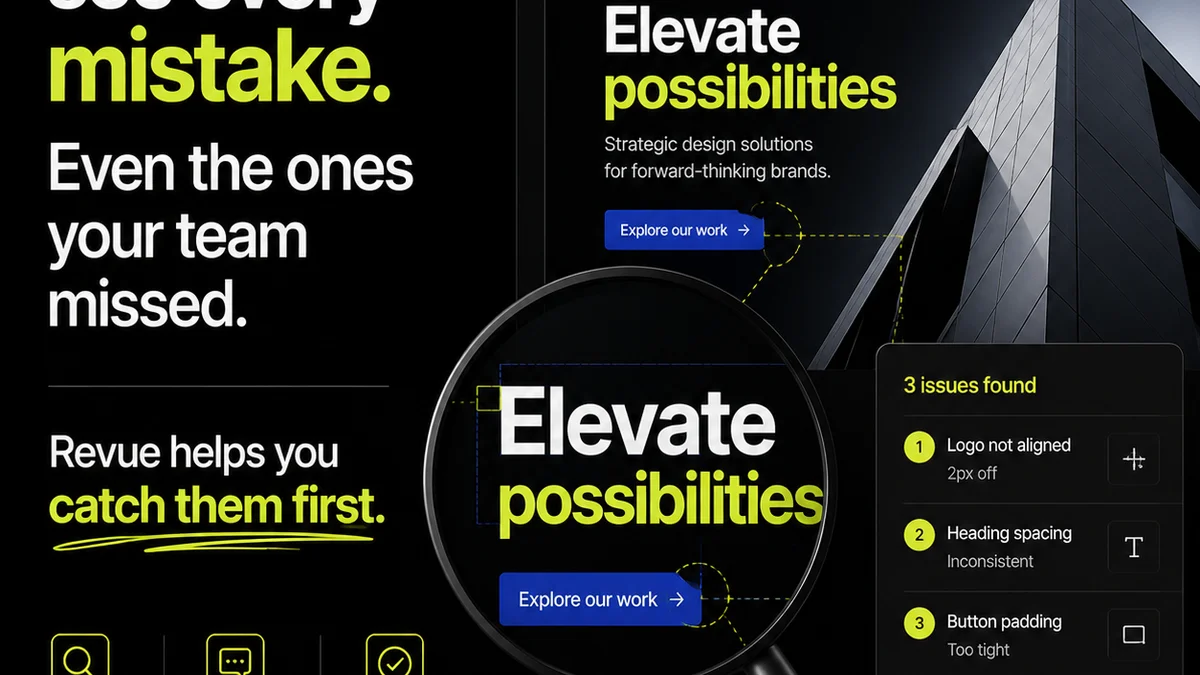
This is where Revue comes in. We integrate with your existing creative process to centralize client feedback. Instead of scattered comments across emails, Slack, and various platforms, all feedback lives in one place, directly linked to the creative asset.
Our platform provides clear revision and approval workflows. You can see who has reviewed what, what feedback needs addressing, and when a final sign-off has been given. This visibility reduces confusion and speeds up the approval cycle.
Revue helps you manage the quality check process too, ensuring that all client feedback has been actioned before final delivery. It turns the often-messy business of client collaboration into a streamlined, trackable operation, complementing the creative power of Adobe.
Final Thought
Agencies often focus on having the latest Adobe creative software. They invest heavily in Photoshop, Illustrator, and Premiere Pro. That’s necessary.
But the real competitive advantage lies in how those tools are integrated into a cohesive workflow. It’s about the surrounding ecosystem of collaboration, asset management, and approval tools.
Are you just buying the Adobe apps, or are you investing in the Adobe ecosystem to truly optimize your agency’s operations?
Frequently asked questions
What are the core Adobe Creative Cloud apps for agencies?
The core Adobe Creative Cloud apps for agencies typically include Photoshop (image editing), Illustrator (vector graphics), InDesign (layout design), Premiere Pro (video editing), After Effects (motion graphics), and potentially Adobe XD (UI/UX design) or Dreamweaver (web design).
How can Adobe tools improve client feedback and approvals?
Tools like Frame.io (for video) and Adobe Acrobat Pro allow for time-stamped, specific comments directly on creative assets. Adobe Sign streamlines the formal approval process for documents. Creative Cloud Libraries ensure clients see brand-consistent assets.
Is Adobe Workfront necessary for all agencies?
Adobe Workfront is an enterprise-level work management solution. It's most beneficial for larger agencies managing complex projects, multiple teams, and needing robust resource allocation, task tracking, and reporting capabilities. Smaller agencies might find Creative Cloud Libraries and other integrated tools sufficient.
What is the role of Digital Asset Management (DAM) in an agency using Adobe?
A DAM system, like Adobe Experience Manager Assets or even Creative Cloud Libraries for smaller needs, ensures all creative assets (logos, images, videos) are organized, searchable, and accessible. This prevents duplication, ensures brand consistency, and saves significant time searching for files.