Everyone’s talking about AI in creative. It’s going to speed things up. It’s going to automate the boring bits. It’s going to revolutionize everything.
None of that is wrong. But it’s incomplete.
The real challenge isn't just *using* AI in creative production. It's managing the output, ensuring quality, and getting client buy-in. That means rethinking your entire creative approval workflow.
The Hard Truth About AI and Creative Approvals
The assumption is that AI tools will simplify approvals because the output is more polished or generated faster. The hard truth is that AI can actually complicate approvals if you’re not prepared. More output means more decisions. Different types of AI output require different evaluation criteria. And clients might be confused about what they’re actually approving.
Your existing approval process, built for human-generated work, might break under the strain of AI-assisted or AI-generated assets. This isn't about the tech itself; it's about how you operationalize it.
1. Define What’s AI-Assisted vs. AI-Generated
This distinction is crucial for managing expectations and accountability. Not all AI in creative is the same.
AI-Assisted Work
This is where AI tools augment human creativity. Think generative fill in Photoshop, AI-powered editing suggestions, or AI-driven layout tools. The human creative is still very much in control, using AI as a sophisticated assistant.
- Pros: Faster iteration, enhanced capabilities, human oversight remains strong.
- Cons: Requires skilled operators, potential for subtle AI artifacts.
AI-Generated Work
This is content created primarily by AI with minimal human input beyond prompts and parameters. Examples include AI-generated imagery from text prompts, AI-written copy, or AI-composed music.
- Pros: Rapid prototyping, exploration of novel concepts, cost-efficiency for certain assets.
- Cons: Less control over nuances, ethical considerations (training data, originality), potential for generic output.
Clearly labeling the level of AI involvement sets the stage for a more accurate and efficient review process. It helps stakeholders understand the nature of the work and the potential areas that require closer scrutiny.
2. Establish New Quality Standards for AI Output
You can't approve AI-generated or AI-assisted work using the same checklist you’d use for purely human-created assets. AI introduces new potential pitfalls and requires a fresh perspective on quality.
Technical Quality
AI can sometimes produce technically flawed assets that a human eye might miss initially.
- Artifacts: Look for strange visual glitches, unnatural textures, or phantom elements, especially in AI-generated imagery.
- Consistency: Ensure elements generated across different AI prompts or sessions maintain visual consistency (e.g., character design, color palettes).
- Resolution and Format: Verify that AI-generated assets meet technical specifications for their intended use.
Creative Quality
Beyond technical correctness, does the AI output meet the creative brief?
- Originality & Uniqueness: Does it feel fresh, or does it look like a generic AI template?
- Brand Alignment: Does the tone, style, and message align with the client's brand guidelines?
- Prompt Interpretation: Was the AI’s interpretation of the prompt accurate and effective?
Ethical Considerations
This is a growing area of concern for clients and agencies.
- Data Provenance: Where did the AI get its training data? Are there copyright or licensing issues?
- Bias: Does the output reflect or amplify societal biases?
- Authenticity: Is the AI output presented transparently, or is it trying to pass as purely human?
Document these new standards. Make them accessible to your team and share them with clients. This proactive approach prevents subjective debates later.
3. Refine Your Client Briefing and Feedback Process
AI doesn't change the fundamental need for a clear brief, but it adds layers of complexity to how you communicate and gather feedback.
AI-Specific Briefing Points
When briefing for AI-involved projects, add specific questions:
- What is the desired level of AI involvement (assisted vs. generated)?
- Are there specific AI tools you want used or avoided?
- What are the tolerance levels for AI artifacts or stylistic quirks?
- Are there any ethical or legal restrictions on AI usage for this project?
Managing Client Expectations
Clients may have misconceptions about AI. Educate them:
- Explain the difference between AI-assisted and AI-generated work.
- Show examples of what AI can and cannot do reliably.
- Discuss the iterative nature of prompt engineering and AI output refinement.
Structured Feedback Loops
When reviewing AI output, feedback needs to be precise. Instead of “I don’t like it,” clients need to provide input that helps refine the AI.
- Specific Instructions: “Make the background less busy,” “Change the lighting to be warmer,” “Generate three alternative taglines using a more playful tone.”
- Iterative Prompting: Understand that feedback often translates into new or modified prompts for the AI.
A well-defined feedback process, especially for AI-driven projects, minimizes ambiguity and ensures the client’s vision is realized, even when AI is a significant part of the creation.
4. Implement Robust Version Control and Audit Trails
With AI, the number of iterations and variations can explode. Keeping track of what changed, why, and who approved it is more critical than ever.
Tracking AI Iterations
Every prompt, every parameter change, and every generated output is a version. You need a system to manage this.
- Prompt History: Document the exact prompts used to generate specific assets.
- Parameter Logs: Record settings like style, aspect ratio, negative prompts, and seed numbers.
- Output Variations: Save multiple variations of AI outputs for comparison and selection.
Approval Sign-offs
When an asset is approved, it needs a clear timestamp and record of who signed off.
- Clear Approval Status: Mark assets as Approved, Rejected, or Needs Revision.
- Decision Maker: Record the name and role of the person giving approval.
- Date and Time: Essential for auditability and project timelines.
A disorganized trail of AI-generated assets can lead to confusion, wasted effort, and disputes. A clear audit trail protects both your agency and your client.
5. Train Your Team on AI Tools and Ethics
Your team is the bridge between AI capabilities and client satisfaction. They need the right skills and understanding.
Technical Proficiency
Team members need to be adept at using AI tools effectively.
- Prompt Engineering: Learning how to craft precise and effective prompts is a new core skill.
- Tool Integration: Understanding how different AI tools work together and with existing software (e.g., Photoshop, Figma).
- Output Evaluation: Developing a critical eye for AI-generated content.
Ethical Awareness
Understanding the implications of AI is non-negotiable.
- Copyright and Licensing: Staying updated on the evolving legal landscape.
- Bias Mitigation: Recognizing and actively working to reduce bias in AI outputs.
- Transparency: Knowing when and how to disclose the use of AI.
Invest in training. This isn't a one-off; AI technology and best practices evolve rapidly. Continuous learning is key.
Where Revue Fits In
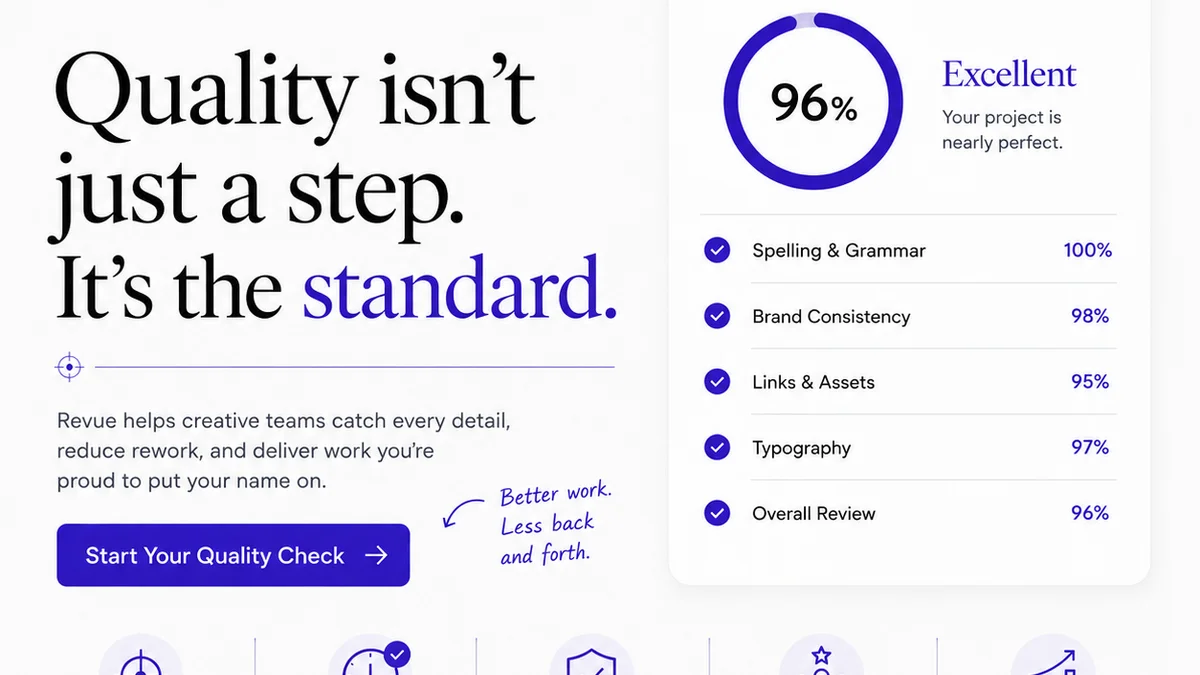
Managing AI-driven creative projects requires a centralized hub for feedback and approvals. This is where Revue excels.
Revue provides a single source of truth for all creative assets, whether they’re human-designed, AI-assisted, or AI-generated. You can upload multiple AI variations, gather precise, contextual feedback directly on the assets, and track revisions all in one place.
This clarity is essential when dealing with the potentially vast number of outputs AI can produce. Instead of sifting through emails or disparate chat threads, your team and clients can review, comment, and approve assets efficiently.
With Revue, you maintain visibility over the entire approval lifecycle, ensuring that AI-enhanced creativity doesn’t lead to chaotic workflows. You can track who approved what, when, and ensure that the final approved asset aligns perfectly with the brief, even when AI played a significant role in its creation.
Final Thought
AI is not a magic wand that eliminates the need for human judgment or robust project management. It’s a powerful tool that requires thoughtful integration.
The agencies that will thrive are those that adapt their workflows, establish clear standards, and prioritize transparency. How will you ensure your creative approval process keeps pace with the accelerating power of AI?
Frequently asked questions
How do I ensure AI-generated creative aligns with my client's brand?
Start with a detailed brief that includes brand guidelines, tone of voice, and visual style. When reviewing AI output, evaluate it against these criteria. Refine prompts based on feedback to steer the AI closer to the brand's identity. Documenting brand-specific parameters or using style-reference images within AI tools can also help maintain consistency.
What are the key differences between AI-assisted and AI-generated creative in terms of approval?
AI-assisted creative involves human oversight and significant creative input, with AI acting as a tool. Approvals focus on the final human-directed outcome. AI-generated creative relies more heavily on AI, often from initial prompts. Approvals for AI-generated work require scrutiny of prompt interpretation, potential AI artifacts, originality, and ethical considerations, in addition to creative quality.
How can I manage client expectations regarding AI-generated content?
Educate clients on the capabilities and limitations of AI. Explain the iterative process of prompt engineering and refinement. Clearly define what level of AI involvement is expected for their project. Show examples of AI output and discuss quality standards upfront to avoid misunderstandings during the approval phase.
What ethical considerations should I be aware of when using AI for creative approvals?
Key ethical considerations include copyright and licensing of AI-generated assets (as training data and output), potential biases embedded in AI models that can manifest in the creative, and the importance of transparency with clients about AI usage. Ensure your agency has clear policies on these issues.