Everyone’s talking about AI design QA software. It’s the next big thing, promising to catch errors faster and free up your team. That’s the surface-level pitch.
None of that is wrong. But it’s incomplete.
The hard truth is that not all AI QA tools deliver on that promise. Many are glorified spell-checkers for visuals, or they require so much setup you’d be faster doing it manually. For agencies and in-house teams drowning in feedback and revisions, simply adopting *any* AI tool isn’t enough. You need the *right* AI tool.
1. Beyond Pixel-Perfect: The Real QA Bottlenecks
Most AI design QA tools focus on the obvious: alignment, spacing, color contrast, basic typos. These are table stakes. They’re important, sure, but they rarely represent the biggest pain points in a creative workflow.
What truly grinds creative production to a halt are:
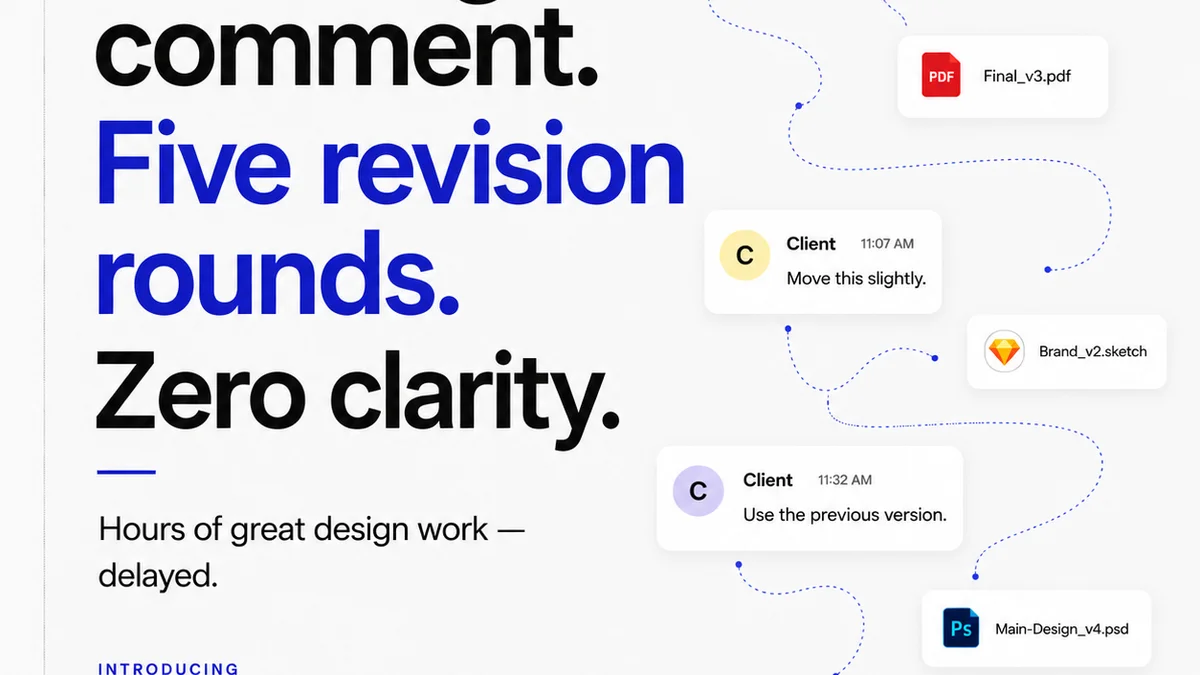
- Ambiguous client feedback that leads to endless, unfocused revisions.
- Lack of clarity on what stage a project is in, and what approvals are still needed.
- Inconsistent communication across different stakeholders and platforms.
- The sheer volume of assets that need checking, from banner ads to full campaign sites.
- Ensuring brand consistency across dozens, sometimes hundreds, of deliverables.
A tool that only checks for pixel-perfect spacing misses the forest for the trees. It doesn't address the root causes of inefficiency and error.
2. Understanding AI’s Capabilities (and Limitations)
When evaluating AI design QA software, you need to understand what AI can *actually* do for your workflow, beyond basic visual checks.
AI for Visual Consistency
Good AI tools can analyze visual elements against brand guidelines. This includes:
- Font usage and hierarchy adherence.
- Color palette compliance.
- Logo placement and clear space requirements.
- Image aspect ratios and cropping standards.
This is where AI starts to shine. It can automate tedious checks that are prone to human error, especially at scale.
AI for Content Accuracy
Beyond visuals, AI can check for:
- Grammar and spelling errors.
- Broken links.
- Placeholder text (like “lorem ipsum”).
- JSON data validation for dynamic content.
This is a step up from basic spell-checking, integrating with content management systems or design files to ensure data integrity.
AI for Accessibility Compliance
This is a critical area. AI can help identify potential accessibility issues, such as:
- Insufficient color contrast ratios (though manual verification is still crucial).
- Missing alt text for images.
- Potential issues with focus order for keyboard navigation (this is more advanced).
Remember, AI is a powerful assistant, not a replacement for human judgment, especially in subjective areas or complex accessibility scenarios. The Web Content Accessibility Guidelines (WCAG) are still the ultimate standard.
What AI *Can’t* Do (Yet)
Don’t expect AI to:
- Understand nuanced brand voice or tone.
- Judge the effectiveness of a creative concept or messaging.
- Replace the need for expert human review for complex UI/UX decisions.
- Accurately interpret subjective feedback like “make it pop more.”
Focus on tools that augment human review, not replace it entirely.
3. Integration: The Key to Workflow Harmony
The most powerful AI design QA software isn’t a standalone product. It’s integrated into your existing workflow.
Consider how the tool connects with:
- Design tools: Figma, Adobe XD, Sketch plugins are essential for real-time checks.
- Project management tools: Jira, Asana, Trello integration helps flag issues within task contexts.
- Communication platforms: Slack or Microsoft Teams can deliver alerts and summaries.
- Asset management systems: Ensuring consistency across your entire asset library.
If the AI QA tool requires you to export files, upload them, and then manually cross-reference results, you’re creating more work, not less. True efficiency comes from seamless integration where checks happen automatically as part of the design and review process.
4. Customization and Configurability
Every agency has its own brand guidelines, processes, and client requirements. A one-size-fits-all AI QA tool will inevitably fall short.
Look for software that allows you to:
- Define custom brand guidelines (colors, fonts, spacing rules).
- Set up project-specific checks.
- Configure alert thresholds and reporting formats.
- Train the AI on your specific assets and patterns (if applicable).
The more customizable the tool, the better it will adapt to your unique operational needs, rather than forcing you to adapt to its limitations.
5. Scalability and Performance
As your agency grows, so does the volume of creative work. Your AI QA solution needs to keep pace.
Ask yourself:
- Can the tool handle large design files or complex websites without slowing down?
- How quickly does it process checks, especially across multiple projects or large teams?
- Does its performance degrade with increased usage or project complexity?
A tool that works well for a small team on a few projects might become a bottleneck as your agency scales. Look for solutions built for enterprise-level performance.
6. Reporting and Analytics
Beyond just flagging errors, good AI QA software provides actionable insights.
The best tools offer:
- Clear, categorized reports of all issues found.
- Trend analysis to identify recurring problems across projects or clients.
- Data on which types of errors are most common.
- Metrics on time saved or error reduction compared to manual QA.
This data is invaluable for process improvement, training, and demonstrating the value of your QA efforts to clients.
Where Revue Fits In
AI design QA software excels at automating the detection of technical and visual errors. It’s a powerful layer of automated quality control.
But creative workflows involve more than just spotting misplaced pixels or typos. They require clear communication, structured feedback, and transparent revision tracking.
This is where Revue comes in. While AI can flag that a link is broken, Revue ensures that the *right person* sees that flag and knows exactly what needs fixing, and why. It centralizes client feedback, making sure subjective comments and objective issues are captured in one place, linked to specific versions and assets.
Revue provides visibility into the entire revision and approval process. You can see exactly who has reviewed what, what feedback has been given, and what approvals are pending. This eliminates the ambiguity that AI alone cannot solve.
By integrating automated AI checks with a robust system for managing human feedback and approvals, you create a truly comprehensive quality assurance process. AI handles the repetitive, rule-based checks, while Revue manages the critical human element of communication and decision-making.
7. The Human Element: Never Underestimate It
AI can automate checks, but it cannot replace the critical thinking, creative judgment, and contextual understanding of a skilled human.
The best AI QA tools are those that empower your team, not those that aim to replace them.
They should:
- Free up your designers and QA specialists from tedious, repetitive tasks.
- Allow them to focus on higher-level creative strategy and problem-solving.
- Provide clear, actionable data that helps them make better decisions.
Think of AI as your ultimate junior QA analyst. It’s tireless, consistent, and fast. But it needs a senior reviewer to interpret its findings, handle edge cases, and ensure the final output meets strategic objectives.
Final Thought
AI design QA software is not a magic bullet. It’s a tool. And like any tool, its effectiveness depends on understanding its strengths, its weaknesses, and how it fits into your broader operational strategy.
Are you looking for a tool to simply catch more typos, or one that fundamentally improves how your team collaborates, iterates, and delivers quality creative work?
Frequently asked questions
What is AI design QA software?
AI design QA software uses artificial intelligence to automate the process of checking creative work for errors. This can include visual inconsistencies, content errors, broken links, and accessibility issues, aiming to improve efficiency and accuracy in the quality assurance process.
Can AI replace human QA testers?
No, AI design QA software is best viewed as an assistant to human testers. While it can automate many repetitive checks, it cannot replicate human judgment, understanding of brand nuance, creative strategy, or complex problem-solving. The human element remains crucial for final review and strategic decision-making.
What are the key features to look for in AI design QA software?
Key features include robust AI capabilities beyond basic checks (e.g., visual consistency, content accuracy, accessibility), seamless integration with design and project management tools, high levels of customization for brand guidelines, scalability to handle increasing workloads, and comprehensive reporting for actionable insights.
How does AI design QA software integrate with existing workflows?
Effective AI design QA software integrates directly into design tools (like Figma or Adobe XD), project management platforms (like Jira or Asana), and communication channels (like Slack). This allows for automated checks and alerts without disrupting the natural flow of work.
What are the limitations of AI in design quality assurance?
AI currently struggles with understanding subjective feedback ('make it pop'), interpreting nuanced brand voice, judging creative concept effectiveness, and making complex UI/UX decisions. Its strength lies in rule-based, objective checks, not subjective creative evaluation.