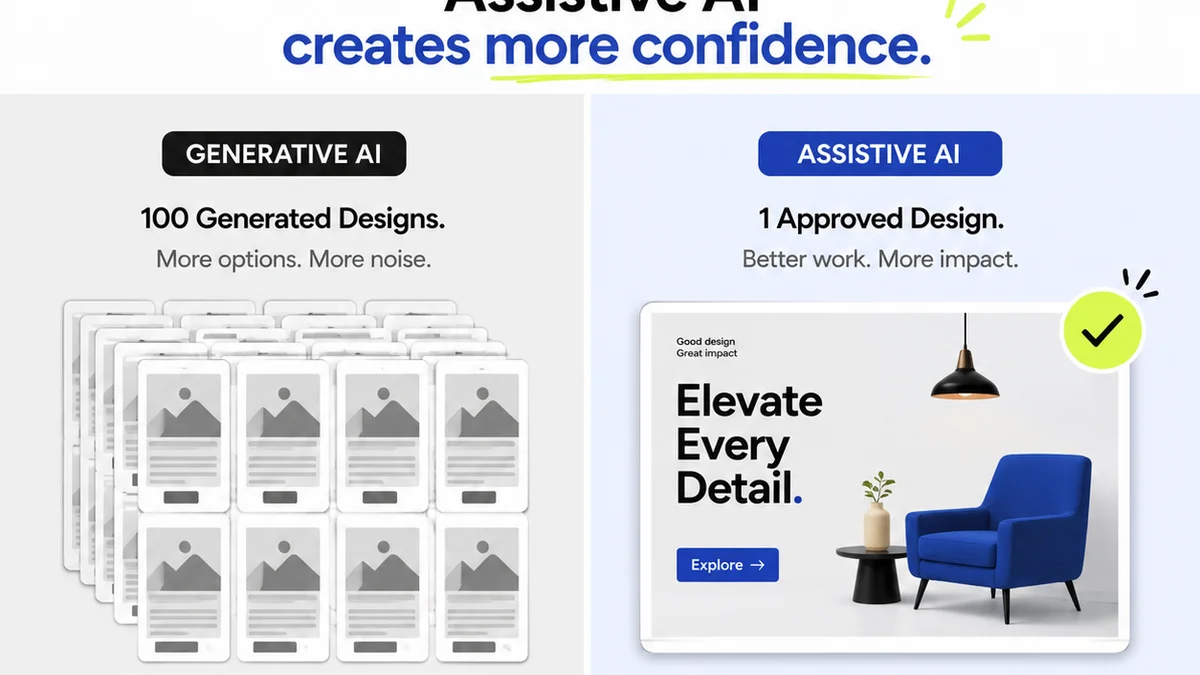
Everyone’s talking about AI in creative workflows. You see the headlines: AI will automate everything, boost creativity, and make your team obsolete. Or, at least, make them incredibly efficient.
None of that is wrong. But it’s incomplete.
The hard truth is that AI tools aren't magic wands. They're tools. And like any tool, their effectiveness depends entirely on how well they integrate into your existing processes and how strategically you deploy them. Simply layering AI onto a broken workflow won't fix it.
The real value comes from understanding what problem you're trying to solve and then finding AI software that genuinely addresses it, rather than chasing shiny new objects. Let's break down what to look for when evaluating AI workflow software for your creative team.
1. Problem-First, Not Feature-First
The biggest mistake teams make is getting seduced by AI features. They see a generative art tool or a transcription service and think, “We need that!” without asking:
- What specific bottleneck is this AI solving?
- How much time will it *actually* save us, considering onboarding and integration?
- Will this tool create *more* work downstream (e.g., more revisions because the AI output isn't quite right)?
The most effective AI integrations start with a clear pain point. Are you drowning in client feedback? Is your team spending too much time on repetitive tasks like image resizing or initial drafts? Identifying the problem is step one.
Then, you look for AI solutions that directly address that problem. Don’t buy an AI image generator because it's cool; buy it if you need to rapidly prototype visual concepts for clients and your current process is too slow.
Defining Your Core Challenge
Before you even look at software, map out your current creative process. Where are the friction points? Where does work get stuck? Where is the most manual effort required?
Common culprits include:
- Onboarding new clients and projects
- Gathering and consolidating feedback
- Managing multiple revision rounds
- Quality assurance and final checks
- Content creation (copywriting, image generation, basic video editing)
- Administrative tasks (scheduling, note-taking)
Once you have a prioritized list, you can start evaluating AI tools based on their ability to solve these specific issues.
2. Integration, Not Isolation
The best AI tools don't operate in a vacuum. They play nicely with the software your team already uses.
Think about your current tech stack:
- Design tools (Figma, Adobe Creative Suite)
- Project management software (Asana, Monday.com, Jira)
- Communication platforms (Slack, Teams)
- Cloud storage (Google Drive, Dropbox)
If an AI tool requires you to constantly export and import files, or manually copy-paste information, its efficiency gains will evaporate quickly. Seamless integration means the AI assists within your existing flow, not forces you into a new one.
Look for:
- Native integrations: Does the AI tool connect directly to your primary design or PM software?
- API access: Can you build custom connections if needed?
- File compatibility: Does it support the formats you commonly use?
An AI assistant that lives inside your design file or project board is far more powerful than one that requires a separate login and workflow.
The
Frequently asked questions
What is the primary benefit of AI workflow software for creative teams?
The primary benefit is automating repetitive tasks, speeding up content generation, and streamlining feedback processes, allowing creative professionals to focus more on strategic thinking and high-level creative work.
How can creative teams ensure AI tools integrate smoothly into their existing workflow?
Look for AI software with native integrations to your existing design, project management, and communication tools. API access is also crucial for custom connections. Avoid tools that require constant manual data transfer.
Should creative teams prioritize generative AI features or problem-solving AI?
Prioritize AI that solves specific, identified problems within your workflow. While generative AI can be powerful, its value is maximized when it addresses a clear bottleneck, rather than being adopted just for its novelty.
How do I evaluate the ROI of AI workflow software?
Calculate potential time savings by identifying tasks AI can automate. Factor in the cost of the software, onboarding time, and any potential decrease in errors or revision cycles. Compare these against the software's price.