Everyone talks about asset lifecycle management software as the ultimate solution for organizing creative files. They say it’s about storage, version control, and finding things fast. None of that is wrong. But it’s incomplete.
The real value of asset lifecycle management (ALM) software for creative agencies isn't just about housing files; it's about streamlining the entire creative process from concept to final delivery and beyond. It’s about visibility, collaboration, and mitigating the chaos that plagues so many production workflows.
1. Beyond Storage: The Workflow Hub
Many ALM solutions are glorified digital filing cabinets. They’re built for IT departments managing terabytes of data, not for the dynamic, iterative world of creative production. You need more than just a place to dump files. You need a system that understands how creative work actually happens.
Think about your current process. Where do files live? Who has access? How are approvals managed? How do you track revisions?
If the answers are scattered across emails, Slack channels, shared drives, and personal hard drives, you’re already in trouble. True asset lifecycle management software acts as the central nervous system for your creative operations.
The Core Problem: Disconnected Processes
Creative agencies wrestle with unique challenges:
- Fragmented feedback loops
- Lost or outdated versions
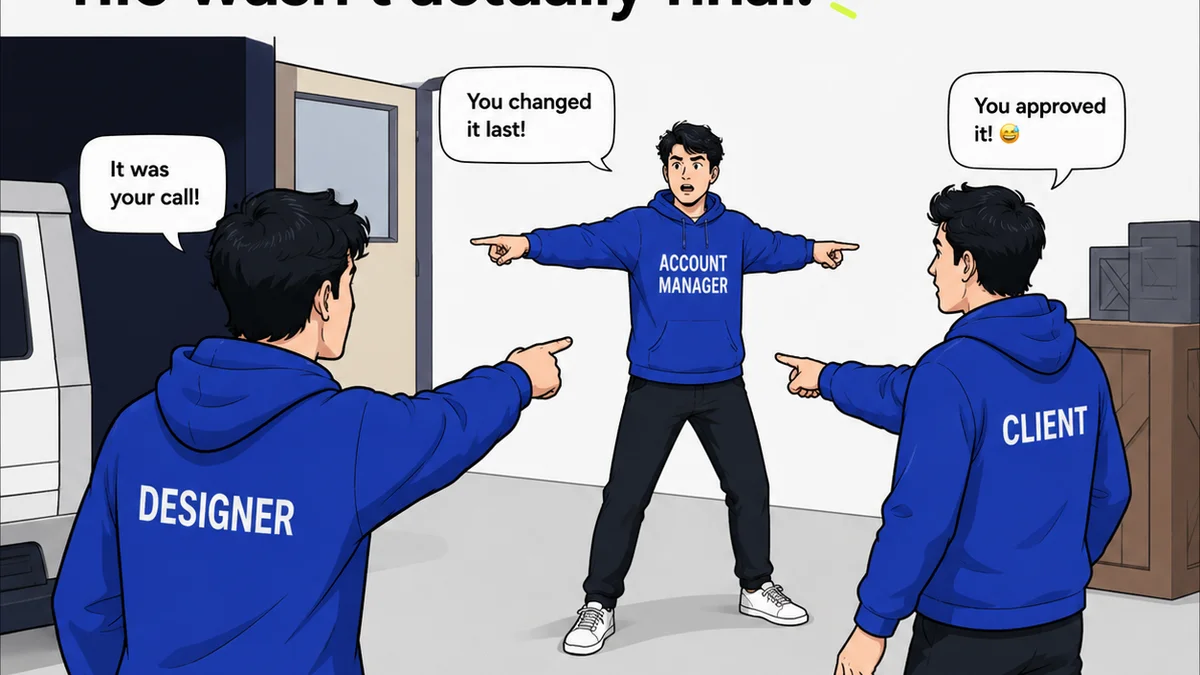
- Ambiguous approval statuses
- Difficulty tracking project history
- Wasted time searching for assets
- Compliance and rights management headaches
A robust ALM solution addresses these directly, integrating seamlessly into your existing tools and workflows, not disrupting them.
2. Version Control That Actually Works
Version control is a buzzword in ALM, but most systems offer a clunky, manual approach. Uploading a new version, renaming files with dates and initials – it’s error-prone and creates more confusion than clarity.
What you need is intelligent versioning. This means:
- Automatic tracking of every iteration.
- Clear visual indicators of the latest approved version.
- The ability to easily revert to previous versions if necessary.
- Context around each version – who made the change, when, and why.
This isn’t just about preventing mistakes; it’s about maintaining a clear, auditable history of the creative work. It’s crucial for client discussions and internal retrospectives.
3. Seamless Collaboration and Feedback
Creative feedback is notoriously difficult to manage. Emails get lost, comments are buried in documents, and misunderstandings are rampant. Your ALM tool should be the single source of truth for all client and internal feedback.
Look for features that enable:
- On-canvas annotation: Direct comments on images, videos, and designs.
- Centralized comment threads: All feedback organized by version and asset.
- Clear status indicators: Easily see what’s pending review, approved, or rejected.
- Automated notifications: Keep stakeholders informed without manual chasing.
This transforms feedback from a chaotic back-and-forth into a structured, actionable process. It speeds up revisions and reduces the back-and-forth that drains creative energy.
4. Rights Management and Compliance
This is where many ALM solutions fall short, especially those not built with creative industries in mind. Do you know who owns the rights to that stock photo? When does that music license expire? Are you compliant with usage agreements?
Your ALM software should help you track:
- Usage rights for stock imagery, fonts, and music.
- Client approvals and sign-offs on specific deliverables.
- Expiration dates for licenses and contracts.
- Internal usage policies for branded assets.
Mismanaging rights can lead to costly legal battles and reputational damage. A good ALM system acts as your compliance watchdog.
5. Integration with Your Existing Stack
The best ALM software doesn't operate in a vacuum. It connects to the tools you already use daily. Think about your design software, project management tools, and communication platforms.
Key integrations to consider:
- Design tools: Adobe Creative Cloud, Figma, Sketch.
- Project management: Asana, Monday.com, Jira.
- Communication: Slack, Microsoft Teams.
- Cloud storage: Google Drive, Dropbox (as a sync layer, not the primary system).
Seamless integration means less manual work, fewer context switches, and a smoother overall workflow. Your ALM should enhance your existing ecosystem, not replace it entirely.
6. Scalability and Security
As your agency grows, so will your asset library and team size. Your ALM solution needs to scale with you without performance degradation.
Consider:
- Storage capacity: Can it handle your projected growth?
- User permissions: Granular control over who can access and modify assets.
- Security protocols: Robust measures to protect your valuable intellectual property.
- Uptime and reliability: Ensure the system is always available when you need it.
Your creative assets are your agency’s most valuable intellectual property. Protecting them should be paramount.
Where Revue Fits In
While dedicated ALM software handles the deep storage and complex rights management, managing the *flow* of creative work requires a different approach. That's where Revue comes in.
Revue isn't an ALM system in the traditional sense. Instead, it excels at centralizing the feedback and approval process for creative assets. It provides unparalleled visibility into revision cycles, ensuring that every stakeholder is on the same page.
Think of it this way:
- ALM software is your secure, organized archive and rights manager.
- Revue is your high-visibility control tower for client feedback and approvals.
Revue streamlines the iterative process by providing a single, clear platform for comments, markups, and sign-offs. This directly addresses the
Frequently asked questions
What is the difference between DAM and ALM software?
Digital Asset Management (DAM) primarily focuses on organizing, storing, and retrieving rich media assets. Asset Lifecycle Management (ALM) is broader, encompassing the entire journey of an asset from creation to disposal, including rights management, versioning, and workflow integration. For creative agencies, ALM often implies a stronger focus on the production and approval workflow.
Can I use a cloud storage solution like Dropbox or Google Drive instead of ALM software?
While cloud storage is useful for file sharing and basic backup, it lacks the robust features of ALM software. Key missing elements include intelligent version control, centralized annotation and feedback tools, granular rights management, and workflow automation. Relying solely on cloud storage often leads to the very disorganization ALM aims to solve.
How does ALM software help with client approvals?
ALM software streamlines client approvals by providing a centralized platform for feedback, markups, and version tracking. This ensures all stakeholders are commenting on the latest version and that approvals are clearly documented, reducing ambiguity and speeding up the sign-off process.
What are the security benefits of using ALM software?
ALM software typically offers advanced security features such as role-based access control, encryption, audit trails, and secure storage. This protects your valuable creative assets and intellectual property from unauthorized access, data loss, and potential breaches, which is critical for agencies.