Everyone knows marketing teams need to manage their digital assets. It seems obvious. You need logos, brand guidelines, final campaign visuals, and all the source files. Keeping them organized prevents chaos.
None of that is wrong. But it’s incomplete. The real truth is, effective asset management isn't just about storage; it's about workflow efficiency and brand consistency at scale.
1. The Hard Truth: Asset Management is a Workflow Problem
Think about your current process. Where do files get lost? Who has the latest version? How long does it take to find a specific image or video for a new campaign, social post, or client presentation?
This isn't a storage issue. It's a workflow breakdown.
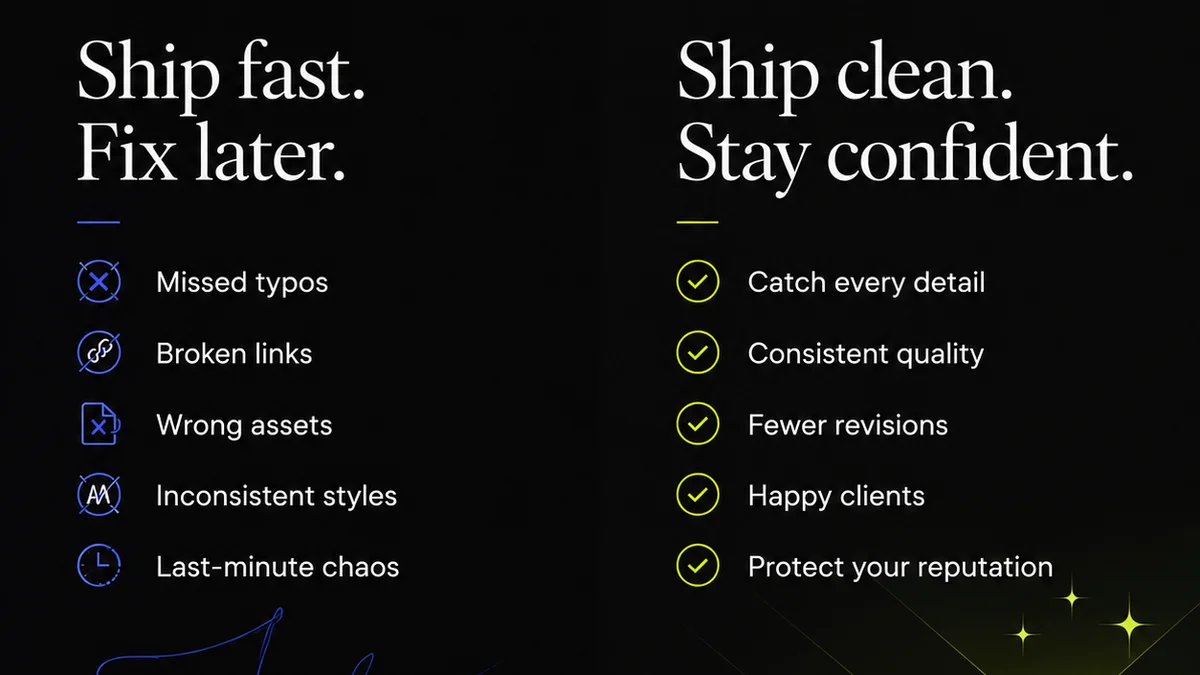
Poor asset management leads to:
- Wasted hours searching for files.
- Inconsistent branding due to outdated assets.
- Redundant work creating assets that already exist.
- Missed deadlines because the right files aren't accessible.
- Increased risk of using incorrect or unapproved materials.
The goal isn't just to *have* assets; it's to make them work for you, fast.
2. Define Your Asset Ecosystem
Before you can organize, you need to know what you're organizing. What types of assets do you have? Where do they live now?
Identify Asset Types
List everything. Your digital assets likely include:
- Logos (vector, raster, different color variations)
- Brand guidelines (PDFs, style guides)
- Marketing collateral (brochures, flyers, presentations)
- Campaign visuals (images, banners, ad creatives)
- Video content (finished videos, raw footage, motion graphics)
- Social media assets (templates, approved posts)
- Website assets (icons, hero images, graphics)
- Product photography and lifestyle shots
- Internal documentation (templates, forms)
Audit Your Current Storage
Where are these files currently stored? Be honest.
- Local hard drives?
- Shared network drives?
- Cloud storage (Google Drive, Dropbox, OneDrive)?
- Individual team member's cloud accounts?
- Email attachments?
- Project management tools?
This audit reveals the fragmentation. It shows where the bottlenecks are and where the risk of version control issues lies.
Establish a Centralized Repository
You need one source of truth. This is where a Digital Asset Management (DAM) system shines, but even a well-structured shared drive can be a start. The key is a single, accessible location.
3. Implement a Clear Naming Convention
A random string of characters or dates is useless. A consistent naming convention makes files searchable and understandable at a glance.
Here’s a simple, effective structure:
[Client/Project Name]_[Asset Type]_[Description]_[Version]_[Date]
Examples:
AcmeCorp_Logo_Primary_Vector_v3_20231027SpringCampaign_HeroImage_ProductShot_v1_20231026ClientX_Brochure_Q4_Final_20231025
Be strict. Enforce it. Train your team.
4. Develop a Robust Folder Structure
Like naming conventions, folder structure is about intuitive navigation. Avoid deep, complex hierarchies that require dozens of clicks.
Consider a structure based on:
- Client/Brand: If you serve multiple clients.
- Project: For specific campaigns or initiatives.
- Asset Type: Logos, images, videos, etc.
- Year/Season/Campaign: For temporal organization.
Example structure:
/Clients/AcmeCorp/Logos/Primary/Vector/
/Clients/AcmeCorp/Campaigns/Spring2024/Images/
/Internal/BrandGuidelines/Current/
Keep it logical. Make it easy for anyone to find what they need without asking.
5. Tagging and Metadata: The Power of Search
This is where true asset management power lies. Naming and folders help, but metadata makes assets truly discoverable.
What is Metadata?
Metadata is data about data. For assets, it includes:
- Keywords (e.g.,
Frequently asked questions
What is the most important aspect of asset management for marketing teams?
The most important aspect is treating asset management as a workflow problem, not just a storage problem. This means focusing on how easily and quickly your team can find, use, and manage assets to improve efficiency and consistency.
How can a naming convention improve asset management?
A consistent naming convention makes files searchable and understandable at a glance. It reduces confusion and saves time by providing immediate context about the asset's content, version, and purpose.
What is metadata in the context of digital assets?
Metadata is data about your digital assets, such as keywords, descriptions, usage rights, and creation dates. It enables powerful search capabilities, allowing users to find specific assets quickly based on criteria beyond just file names or folder locations.
How does Revue help with asset management?
Revue helps centralize client feedback, manage revisions and approvals, and run quality checks on creative work. By streamlining these core workflow processes, it indirectly supports better asset management by ensuring everyone is working with approved, up-to-date creative assets and provides a clear audit trail for their lifecycle.