Many legal professionals believe that managing digital assets—contracts, briefs, client communications, evidence files—is simply a matter of good folder organization on a shared drive. That sounds sensible. It’s tidy. It’s familiar.
None of that is wrong. But it’s incomplete.
The hard truth is that truly effective legal asset management goes far beyond basic file structure. It’s about control, security, accessibility, and auditability. It’s about building a system that actively supports your practice, not just a passive repository.
1. The Hidden Costs of Disorganization
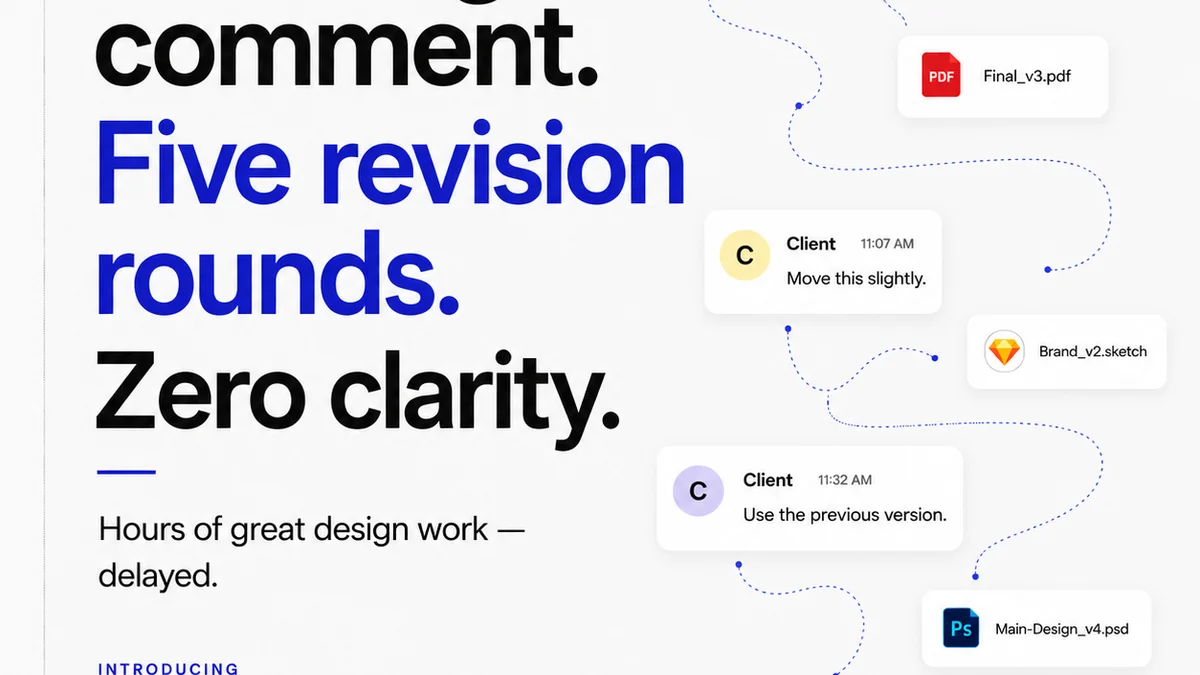
You think you know where everything is. But how much time do your associates really spend searching? How often are outdated versions of documents circulated? What’s the risk of a critical piece of evidence being misplaced or mishandled?
These aren't theoretical problems. They are daily drains on productivity and potential sources of significant legal peril.
- Lost billable hours spent searching for files.
- Wasted time redrafting documents due to version control issues.
- Increased risk of compliance violations.
- Potential for critical errors due to using incorrect information.
- Damage to client trust from slow or inaccurate responses.
These aren't minor inconveniences; they are operational failures that can have severe financial and reputational consequences.
2. Defining Your Core Asset Management Needs
Before you can build a system, you need to understand what you need it to do. For a legal team, this means moving beyond simple storage. Think about the entire lifecycle of a legal document or piece of evidence.
2.1. Security and Access Control
This is non-negotiable. Sensitive client data demands the highest levels of security. Your asset management system must:
- Implement granular user permissions. Who can view, edit, delete, or share specific files or folders?
- Provide robust audit trails. Every action taken on a file must be logged.
- Ensure data encryption, both in transit and at rest.
- Comply with relevant data privacy regulations (e.g., GDPR, CCPA).
2.2. Version Control and Auditability
Mistakes happen when multiple versions of a document float around. A proper system ensures:
- Automatic version tracking for all documents.
- Clear indication of the current, approved version.
- Ability to revert to previous versions if necessary.
- A complete history of changes and who made them.
This provides an unassailable record, critical for dispute resolution and compliance.
2.3. Searchability and Retrieval
Fast, accurate retrieval is paramount. Your system should offer:
- Powerful search functionality, including full-text search within documents.
- Metadata tagging for easy categorization and filtering (e.g., case name, client, document type, date).
- Logical folder structures that mirror your practice areas or case management approach.
Imagine finding every contract related to a specific client from the last five years in seconds. That's the goal.
2.4. Collaboration and Workflow Integration
Legal work is collaborative. Your system needs to support this:
- Facilitate secure sharing of documents internally and externally (with controlled permissions).
- Integrate with existing legal practice management software where possible.
- Support review and approval workflows, ensuring all necessary parties sign off.
This smooths out bottlenecks and keeps projects moving.
3. Key Components of a Legal Asset Management System
Building this system doesn't necessarily mean buying a massive, expensive enterprise solution from day one. It often means assembling the right tools and processes.
3.1. A Centralized Cloud Storage Solution
Forget scattered local drives and personal cloud accounts. You need a single, secure, cloud-based repository. Options range from dedicated document management systems (DMS) to secure cloud storage platforms with advanced features. Look for:
- Scalability to accommodate growing data volumes.
- Reliability and uptime guarantees.
- Strong security certifications.
3.2. Document Management Software (DMS)
A dedicated DMS is often the core of a legal asset management strategy. These platforms are built with legal workflows in mind and typically include:
- Advanced metadata and tagging capabilities.
- Automated document scanning and OCR (Optical Character Recognition).
- Built-in version control and audit trails.
- Workflow automation for reviews and approvals.
Many DMS solutions integrate with other legal tech tools.
3.3. Metadata Strategy
This is the unsung hero of asset management. A well-defined metadata strategy allows for powerful searching and organization. Define standard tags for:
- Case/Matter Number
- Client Name
- Document Type (e.g., Contract, Pleading, Email, Evidence)
- Date Created/Modified
- Status (e.g., Draft, Final, Archived)
- Responsible Attorney/Team Member
Consistency is key here. Train your team on the tagging conventions.
3.4. Access Control Policies
Document your policies clearly:
- Who has access to what types of files?
- Under what circumstances can files be shared externally?
- How are new users onboarded and offboarded with respect to file access?
- What is the process for revoking access?
Regularly review and update these policies.
3.5. Training and Adoption
The best system is useless if your team doesn't use it correctly. Invest in:
- Comprehensive training on the chosen tools and processes.
- Clear documentation of procedures.
- Ongoing support and Q&A sessions.
- Leadership buy-in and consistent reinforcement of the importance of the system.
Adoption is often the biggest hurdle. Make it easy and essential.
4. Where Revue Fits In
While Revue isn't a legal DMS, it plays a crucial role in managing creative assets that legal teams often interact with or produce. Think marketing materials, pitch decks, client-facing presentations, or even visual evidence.
Revue excels at centralizing feedback on these visual assets. Instead of sifting through endless email chains or disparate chat messages, all stakeholder comments live in one place, directly on the asset itself.
- Centralized Feedback: Consolidate all client and internal comments, markups, and approvals in a single, verifiable record.
- Revision Visibility: Track the evolution of creative assets through clear revision history, ensuring everyone is working from the latest approved version.
- Quality Checks: Streamline the final approval process, reducing the chance of errors or missed details before a final asset is passed to legal for integration or review.
For legal teams needing to manage visual or client-facing creative deliverables, Revue provides a layer of organized communication and approval tracking that complements a broader asset management strategy.
5. The Future of Legal Asset Management
The trend is towards smarter, more integrated systems. Expect to see increased use of AI for automated tagging, risk analysis, and even document summarization within asset management platforms.
The goal is not just to store files, but to make them intelligent and actionable.
Consider how emerging technologies can enhance your current processes. What if your asset management system could flag potential conflicts or compliance issues automatically?
Final Thought
Is your legal asset management system a passive filing cabinet, or an active engine driving efficiency and reducing risk? The difference is strategic. It’s the difference between simply storing documents and truly mastering them.
Frequently asked questions
What is the most important aspect of legal asset management?
Security and access control are paramount due to the sensitive nature of legal data. Robust audit trails and compliance with data privacy regulations are also critical.
Can a small law firm benefit from a dedicated asset management system?
Absolutely. Even small firms face risks from disorganization. A well-structured system, even if it starts with cloud storage and strong processes, can save significant time and prevent costly errors.
How does metadata improve legal asset management?
Metadata allows for powerful searching, filtering, and categorization of documents. A consistent tagging strategy makes it easy to retrieve specific files based on case, client, document type, and more, saving valuable time.
What is the difference between cloud storage and a Document Management System (DMS)?
Cloud storage (like Dropbox or Google Drive) provides a place to store files. A DMS is a specialized software designed for managing documents, offering features like version control, audit trails, metadata, and workflow automation, which are crucial for legal practices.