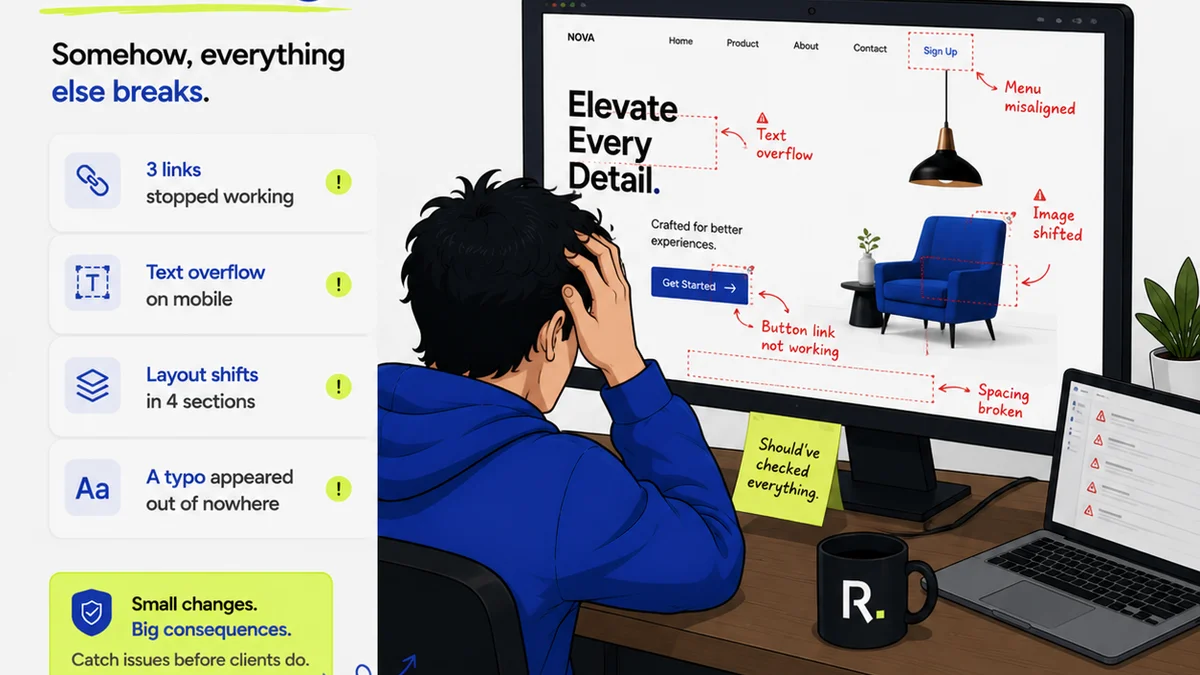
Everyone thinks asset version control is about naming files correctly. Like 'project_v1', 'project_v2', 'project_final'.
None of that is wrong. But it’s incomplete.
The hard truth? True asset version control isn’t about file names. It’s about workflow. It’s about clarity. It’s about eliminating the chaos that kills creative velocity.
For US creative teams, where speed and client satisfaction are paramount, this distinction is critical. You’re not just managing files; you’re managing projects, clients, and your team’s sanity.
1. The Illusion of 'Control' with Basic File Management
Most teams start with simple folder structures and naming conventions. It feels like control. It feels organized.
Then the emails start:
- “Which version did Sarah send?”
- “Did you use the logo from the last review or the one from Tuesday?”
- “I thought we agreed on the blue background, not green.”
- “This isn't the approved version. Where did this come from?”
This is the breakdown. File names don’t track decisions. They don’t show who approved what, or why changes were made.
The Cost of Ambiguity
Wasted time is the obvious culprit. But the real damage is deeper:
- Eroded client trust.
- Missed deadlines.
- Frustrated creatives working on the wrong iterations.
- Duplicated effort.
- The nagging fear that the wrong file will ship.
This isn’t just inconvenient; it’s a direct hit to your bottom line and your agency’s reputation.
2. Core Features of Effective Asset Version Control
Moving beyond file names requires tools built for creative workflows. Look for these essentials:
Centralized Storage and Access
Everything lives in one place. No more hunting across local drives, cloud folders, or disparate tools. This is the bedrock.
Version History and Rollback
This is more than just saving old files. It’s a clear, chronological record of every iteration. You need to see who made what change, when, and ideally, why.
Crucially, you need the ability to easily revert to a previous stable version if something goes sideways.
Clear Revision Tracking
Who reviewed? What feedback was given? What decisions were made? This needs to be explicit and tied to specific versions.
This eliminates the “he said, she said” debates that plague creative reviews.
Approval Workflows
Formalizing the approval process is non-negotiable. This means clear stages, designated approvers, and a visible status for each asset.
An asset isn't
Frequently asked questions
What's the difference between file versioning and asset version control?
File versioning, like basic naming conventions, focuses on tracking file changes. Asset version control is a broader system that tracks the entire lifecycle of a creative asset, including revisions, feedback, approvals, and usage rights, within a structured workflow.
Do I need a dedicated DAM for version control?
Not necessarily. Many project management and creative collaboration tools offer robust version control features. A full Digital Asset Management (DAM) system is ideal for larger organizations with extensive asset libraries and complex distribution needs, but for many creative teams, integrated solutions suffice.
How does version control help with client feedback?
It centralizes feedback, links it directly to specific asset versions, and tracks decisions. This prevents confusion, ensures everyone is working from the same understanding, and provides an audit trail, making the review process smoother and less prone to errors.
Can asset version control tools integrate with design software?
Yes, many modern tools offer integrations with popular design software like Adobe Creative Cloud, Figma, and Sketch. These integrations streamline workflows by allowing you to save, update, and access assets directly from your design environment.