Everyone wants the best design approval software. They search for features: version control, annotation tools, client dashboards. They want the shiny object that promises to fix everything.
None of that is wrong. But it’s incomplete.
The hard truth? The best design approval software isn't about the software itself. It's about the process it enables. It’s about how seamlessly it integrates into your agency’s or team's daily grind. It’s about reducing friction, not just adding another tool to the stack.
1. Beyond Feature Checklists: The True Bottlenecks
You’ve seen the comparisons. Feature A vs. Feature B. Cloud storage vs. local. Real-time collaboration vs. asynchronous comments. It’s easy to get lost in the weeds.
But what’s really slowing you down? It’s rarely the absence of a specific button.
It’s the:
- Endless email chains where feedback gets buried.
- Misinterpreted comments leading to wasted revisions.
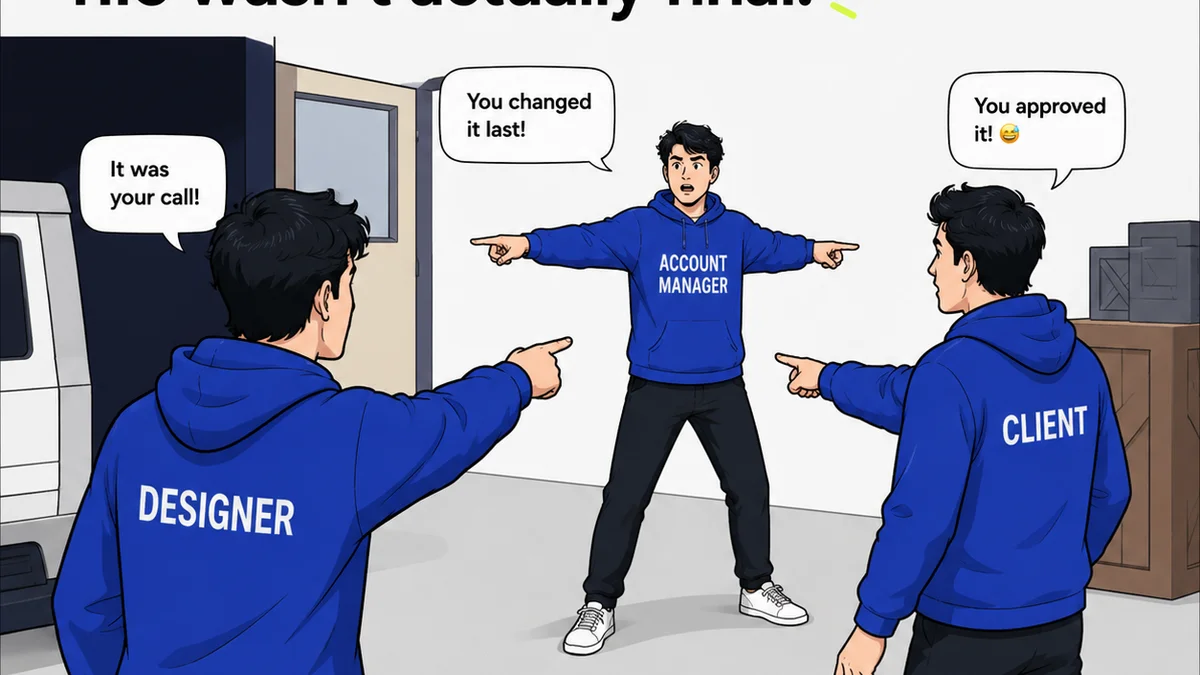
- Clients approving the wrong version because they didn't see the latest.
- Lack of a clear audit trail for who said what, when.
- Team members guessing what’s truly approved versus what’s still in flux.
These aren't software problems; they are workflow problems. The best tools solve these by fundamentally improving your process.
The Illusion of Choice
The market is flooded. Every platform claims to be the “all-in-one solution.” They offer more features than you’ll ever use, often at a premium price.
This complexity is the enemy of adoption. If it’s not intuitive, your team won’t use it. If clients find it clunky, they’ll revert to email.
Focus on simplicity and clarity. Can someone onboard in minutes? Can a client provide feedback without a tutorial?
2. Centralization: The Single Source of Truth
The biggest win for any design approval software is creating a single source of truth. No more hunting across Slack, email, and random cloud drives for the latest asset and its feedback.
This means:
- All project assets live in one place.
- All feedback, comments, and revisions are attached directly to the asset.
- A clear, chronological history of changes and approvals is maintained.
When everything is centralized, you eliminate ambiguity. Everyone is looking at the same version, with the same context.
Version Control That Actually Works
Basic versioning is table stakes. What’s crucial is how it’s presented and managed.
Is it easy to see the difference between V1 and V2? Can you revert to a previous version if needed? Is there a clear indicator of the *final approved* version?
This isn’t just for internal teams. Clients need to see this too. They need to feel confident they are signing off on the correct iteration.
3. Communication Clarity: Bridging the Gap
Design feedback is notoriously subjective. “Make it pop” means different things to different people. The best tools facilitate clear, actionable communication.
This involves:
- Contextual commenting: Pin comments directly to specific areas of an image or design.
- Clear annotation tools: Shapes, highlights, and text notes that leave no room for interpretation.
- Status indicators: Clearly mark comments as resolved, pending, or needing further discussion.
Think about the last time a project went sideways due to miscommunication. Was it a lack of features, or a lack of clear, documented dialogue?
Client-Side Simplicity
Your clients aren't designers. They don't want to learn a complex new system. The approval process should be as frictionless as possible for them.
Look for software that:
- Offers a guest or client view with limited functionality.
- Allows feedback directly on the design without requiring logins for quick approvals.
- Provides simple dashboards to see project status at a glance.
If your client’s first interaction with the software is confusing, you’ve already lost.
4. Workflow Integration: Making It Stick
The best design approval software doesn't live in a vacuum. It integrates with the tools and processes you already use.
Consider:
- Integrations with project management tools (Asana, Monday.com, Jira).
- Connections to creative software (Adobe Creative Cloud, Figma).
- APIs for custom workflows.
When the tool fits seamlessly into your existing ecosystem, adoption rates soar. It becomes a natural part of the workflow, not an add-on chore.
The Human Element
Technology is only part of the solution. The best systems facilitate human connection and collaboration, rather than replacing it.
Does the software encourage constructive dialogue? Does it help build consensus? Or does it create a barrier?
Ultimately, design is a collaborative art. The tools should enhance that collaboration.
Where Revue Fits In
Revue isn't a pixel-pushing tool. It’s the operational backbone for creative teams that need clarity and control.
We understand that the bottleneck isn't usually in the creation phase, but in the feedback, revision, and approval loop. That’s where design approval software needs to shine.
Revue provides:
- Centralized Feedback: All client comments, stakeholder input, and internal critiques live in one place, tied directly to the asset. No more digging through emails.
- Revision & Approval Visibility: Track every change, see who approved what and when. Maintain a clear, auditable history that prevents disputes.
- Quality Control Workflows: Ensure every deliverable meets your agency’s standards before it ever reaches the client for final sign-off.
We’re built to streamline the chaos, making the approval process predictable and transparent. So you can focus on great creative, not managing endless feedback cycles.
Final Thought
The search for the “best” design approval software often leads teams down a rabbit hole of features. But the real value lies not in the tool’s capabilities, but in its ability to simplify your workflow and clarify communication.
Are you looking for more buttons, or a better process?
Frequently asked questions
What is the most important factor when choosing design approval software?
The most important factor is how well the software integrates into and streamlines your existing workflow, leading to clearer communication and fewer bottlenecks. Features are secondary to process improvement.
How can design approval software improve client communication?
By providing a centralized platform for contextual feedback, clear annotation tools, and a visible audit trail of revisions and approvals, it reduces ambiguity and ensures everyone is on the same page.
Is it better to have more features or a simpler tool for design approvals?
Simplicity and ease of use are generally better. Overly complex software with too many features can hinder adoption by both internal teams and clients, leading to a less efficient approval process.
How does version control work in design approval software?
Good design approval software offers clear versioning, allowing users to easily see differences between iterations, revert to previous versions if necessary, and clearly identify the final approved asset.