Everyone’s looking for the best visual feedback software in 2026. They scour reviews, compare feature lists, and demo shiny new platforms. The assumption is that the perfect tool will magically fix chaotic client communication and streamline revisions.
None of that is wrong. But it’s incomplete.
The hard truth? The ‘best’ software is the one that fits seamlessly into a robust, well-defined workflow. Without that, even the most advanced tool becomes just another digital silo.
1. The Illusion of 'All-in-One'
Many platforms promise to be the single source of truth for creative projects. They offer annotation, version control, chat, and project management. It sounds like a dream.
But 'all-in-one' often means 'mediocre at everything'. Trying to force disparate tasks into a single interface can lead to:
- Information overload.
- Confusing notification chains.
- Difficulty finding specific feedback amidst general chatter.
- Clients feeling overwhelmed by complex interfaces.
The goal isn't to find one tool to rule them all. It's to orchestrate the right tools to serve a clear process.
2. Context is King: Why Feedback Gets Lost
Visual feedback software is only as good as the context it provides. Without it, comments become vague requests lost in translation.
The Problem with Vague Annotations
Imagine a client drops a pin on a website mockup and types: “Make this pop more.” What does that even mean?
Is it the color? The typography? The layout? The animation?
Effective feedback requires:
- Clear reference points: Software should make it easy to pinpoint exactly what needs changing.
- Actionable instructions: The feedback must be specific enough for a designer to act on.
- Owner attribution: Who gave the feedback and who is responsible for acting on it?
Version Control Nightmares
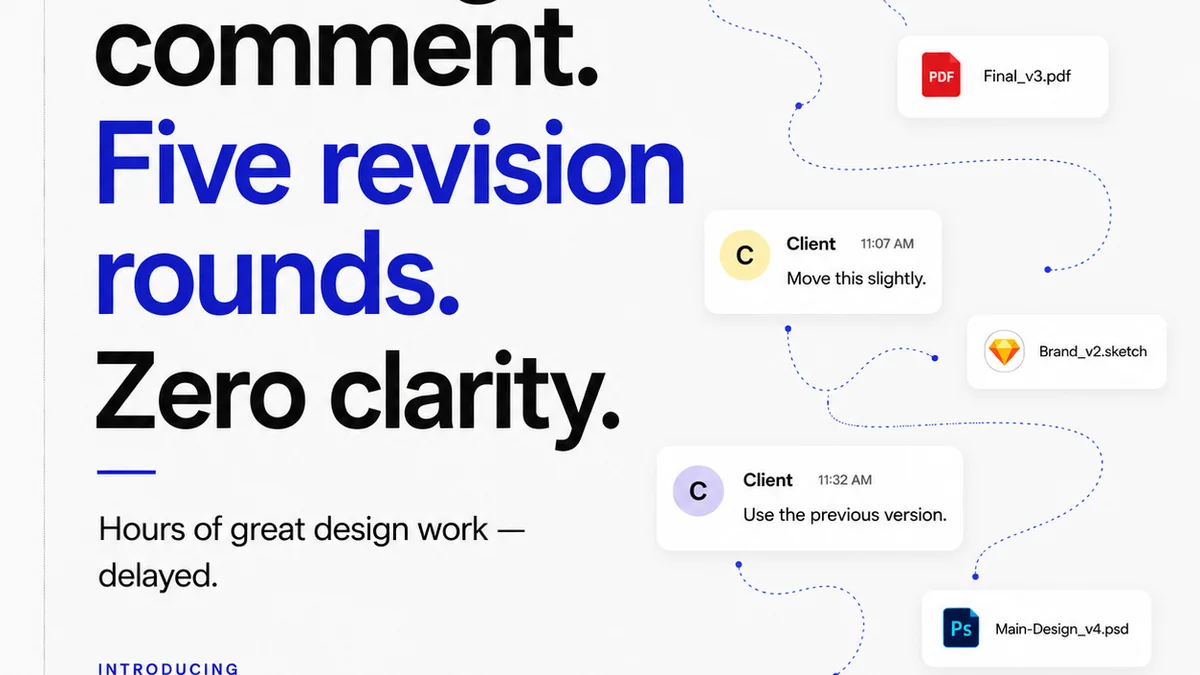
Keeping track of revisions is a core function, yet it’s a constant pain point. Clients often refer to outdated versions, leading to wasted effort and frustration.
Good software helps, but a clear internal process is paramount:
- Standardized naming conventions for versions.
- Clear communication channels for announcing new drafts.
- Defined approval stages for each version.
3. The Human Element: Collaboration, Not Just Communication
Software facilitates communication, but true collaboration requires understanding. Visual feedback tools can sometimes create distance rather than bridge it.
Bridging the Creative Divide
Designers and clients speak different languages. A designer sees a pixel-perfect execution of a brief. A client sees a brand impression. Software needs to translate.
This means:
- Tools that allow for rich media responses (e.g., short video explanations).
- Clear categorization of feedback (e.g., 'minor tweak,' 'major revision,' 'clarification needed').
- A way to discuss feedback, not just receive it.
Managing Client Expectations
Clients often don't understand the implications of their feedback. A simple 'change this color' can have ripple effects on accessibility, brand consistency, or development time.
The best workflows incorporate:
- Educating clients on the design process.
- Providing clear timelines for revisions.
- Using software to set boundaries and manage scope creep.
4. Evaluating Features That Actually Matter
When looking at visual feedback software, cut through the noise. Focus on features that directly support a healthy workflow.
Core Functionality: Annotation and Commenting
This is table stakes. Look for:
- Pinpoint accuracy for annotations.
- Clear visual distinction between different types of comments.
- The ability to resolve comments once addressed.
Revision Management and Version History
Crucial for tracking progress. Key features include:
- Side-by-side comparison of versions.
- Clear visual indicators of what changed between versions.
- Easy rollback capabilities if needed.
Integrations and Accessibility
Your tool shouldn't live in a vacuum. Consider:
- Integrations with your existing project management or design tools.
- Ease of use for clients – a complex interface is a barrier.
- Mobile responsiveness for feedback on the go.
Security and Permissions
Protecting client assets is non-negotiable. Ensure the platform offers:
- Robust user roles and permissions.
- Secure file storage and transfer.
Where Revue Fits In
While visual feedback tools handle the *what* and *where* of comments, managing the *who*, *when*, and *why* falls to a central project hub. That's where Revue excels.
Revue isn't a visual annotation tool. It’s the central nervous system for your creative projects. It ensures that feedback, once captured elsewhere or discussed, is tracked, managed, and approved within a clear, visible workflow.
Think of it this way:
- Centralized Feedback Hub: While clients might leave comments on a Figma file or a PDF proof, Revue can aggregate the *status* of that feedback. Is it acknowledged? In progress? Approved?
- Revision Visibility: Track the lifecycle of each revision. See who signed off on which version, and when. This eliminates the
Frequently asked questions
What are the essential features of visual feedback software?
Essential features include precise annotation tools, clear commenting, robust version control with comparison views, and user role management. The software should also be intuitive for clients to use.
How does visual feedback software improve client collaboration?
It streamlines communication by allowing specific, contextual feedback directly on creative assets. This reduces misinterpretations, speeds up revision cycles, and provides a clear audit trail of approvals.
Can visual feedback software replace traditional communication methods?
It can significantly reduce reliance on email and lengthy meetings for feedback, but it doesn't replace the need for strategic discussions or relationship building. It enhances, rather than replaces, client communication.
What is the difference between visual feedback software and project management tools?
Visual feedback software focuses on the annotation and review of creative assets. Project management tools, like Revue, manage the overall project lifecycle, task assignments, timelines, and approvals, often integrating with or referencing feedback captured elsewhere.