Everyone thinks Canva is the go-to for quick design. And for some things, it is. It’s fast, it’s accessible, and it gets the job done for basic social posts or simple flyers. But if you’re running a serious creative agency or an in-house marketing team, relying solely on Canva for all your visual needs is like using a Swiss Army knife to build a house. It’s not the right tool for the job.
The hard truth? Canva’s ease of use often masks a lack of depth. When you need professional-grade features, granular control, robust collaboration, and seamless integration into complex workflows, you hit a wall.
1. When Simplicity Becomes a Constraint
Canva’s drag-and-drop interface and vast template library are its superpowers. They democratize design, allowing non-designers to create decent-looking assets quickly. This is fantastic for marketing departments needing simple, on-brand graphics for social media, presentations, or internal comms.
But for creative professionals, this same simplicity can be a cage.
Limited Control
Professional design software offers precise control over every element. Think vector editing, advanced typography, color management, and complex layering. Canva’s tools are more basic, abstracting away many of the fine details that professional designers rely on.
Collaboration Bottlenecks
While Canva has collaboration features, they can become unwieldy for larger teams or complex projects. Managing multiple versions, tracking feedback across different stakeholders, and ensuring brand consistency across a wide range of assets becomes a chore.
Scalability Issues
As your agency or team grows, your design needs evolve. You’ll need tools that can handle larger files, more complex projects, and integrations with other professional software. Canva, at its core, is built for simpler, standalone tasks.
2. The Professional Design Suite: Adobe Creative Cloud
When you’re talking about professional creative output, Adobe Creative Cloud is the industry standard. It’s not a single tool, but a suite of powerful applications designed for every aspect of the creative process.
Photoshop: Raster Image Editing
For photo manipulation, digital painting, and complex image compositing, Photoshop remains king. Its deep feature set allows for unparalleled control over pixels, color, and effects.
Illustrator: Vector Graphics Mastery
When you need scalable graphics – logos, icons, illustrations that can be resized infinitely without losing quality – Illustrator is the tool. Its robust vector editing capabilities are essential for branding and print design.
InDesign: Layout and Publishing
For multi-page documents, brochures, reports, and interactive PDFs, InDesign offers sophisticated layout and typesetting tools. It’s built for professional print and digital publishing workflows.
Other Key Apps
- After Effects: For motion graphics and visual effects.
- Premiere Pro: For professional video editing.
- XD: For UI/UX design and prototyping (though Figma is gaining ground here).
The learning curve for Adobe CC is steep. It requires dedicated training and practice. But the depth of functionality is unmatched for professional creative work.
3. Figma: The Collaborative UI/UX Powerhouse
Figma has rapidly become the standard for UI/UX design and collaborative prototyping. Its browser-based nature and real-time collaboration features are revolutionary.
Real-Time Collaboration
Multiple designers can work on the same file simultaneously, seeing each other’s cursors and changes instantly. This drastically speeds up design iterations and feedback loops.
Component-Based Design
Figma’s emphasis on components and design systems allows teams to build consistent interfaces efficiently. Changes to a master component update across all instances, ensuring brand consistency and saving massive amounts of time.
Prototyping and Handoff
It offers robust prototyping capabilities, allowing designers to create interactive user flows. The developer handoff features, including inspect mode, make it easier for developers to access assets and design specifications.
Accessibility
As a web-based tool, Figma is accessible from any device with a browser. This lowers the barrier to entry compared to desktop-installed software.
When Figma Excels
Figma is ideal for digital product design, web design, app development, and any project requiring heavy collaboration and a focus on user interfaces. While it can be used for other types of graphic design, its strengths lie in the digital space.
4. Affinity Suite: The Professional Challenger
For agencies and teams looking for professional-grade tools without the subscription commitment of Adobe CC, the Affinity suite is a compelling alternative.
Affinity Designer
This app aims to bridge the gap between Photoshop and Illustrator, offering both raster and vector editing capabilities in a single application. It’s a powerful tool for graphic design, illustration, and UI work.
Affinity Photo
A direct competitor to Photoshop, Affinity Photo offers a vast array of professional photo editing and manipulation tools. It’s known for its performance and one-time purchase model.
Affinity Publisher
This is Affinity’s answer to InDesign, providing sophisticated tools for page layout, design, and print production. It integrates seamlessly with Designer and Photo.
The Advantage
The primary draw is the one-time purchase model. You buy the software, and it’s yours. This can lead to significant cost savings over time compared to Adobe’s subscription fees. The performance is also highly regarded.
Limitations
While powerful, the Affinity suite doesn’t have the same depth of features as Adobe CC in every single niche. Collaboration tools are less advanced than Figma’s, and the ecosystem of third-party plugins is smaller.
5. Sketch: The Mac-Native UI/UX Pioneer
Before Figma dominated the UI/UX landscape, Sketch was the undisputed leader. It remains a powerful and popular choice, particularly for Mac-based teams.
Focused UI/UX Toolset
Sketch is purpose-built for interface design. Its tools are optimized for creating screens, designing components, and building design systems.
Symbol and Library System
Similar to Figma’s components, Sketch’s Symbols and Libraries allow for reusable design elements, promoting consistency and efficiency.
Plugin Ecosystem
Sketch has a mature and extensive plugin ecosystem that can extend its functionality in countless ways, from data population to accessibility checks.
Mac-Only
The biggest limitation for many is that Sketch is exclusively available on macOS. This can be a barrier for mixed-platform teams or those who prefer browser-based accessibility.
Collaboration
Sketch’s collaboration features have improved, but they are generally considered less seamless and real-time than Figma’s. Cloud features and version history are standard.
6. Where Revue Fits In
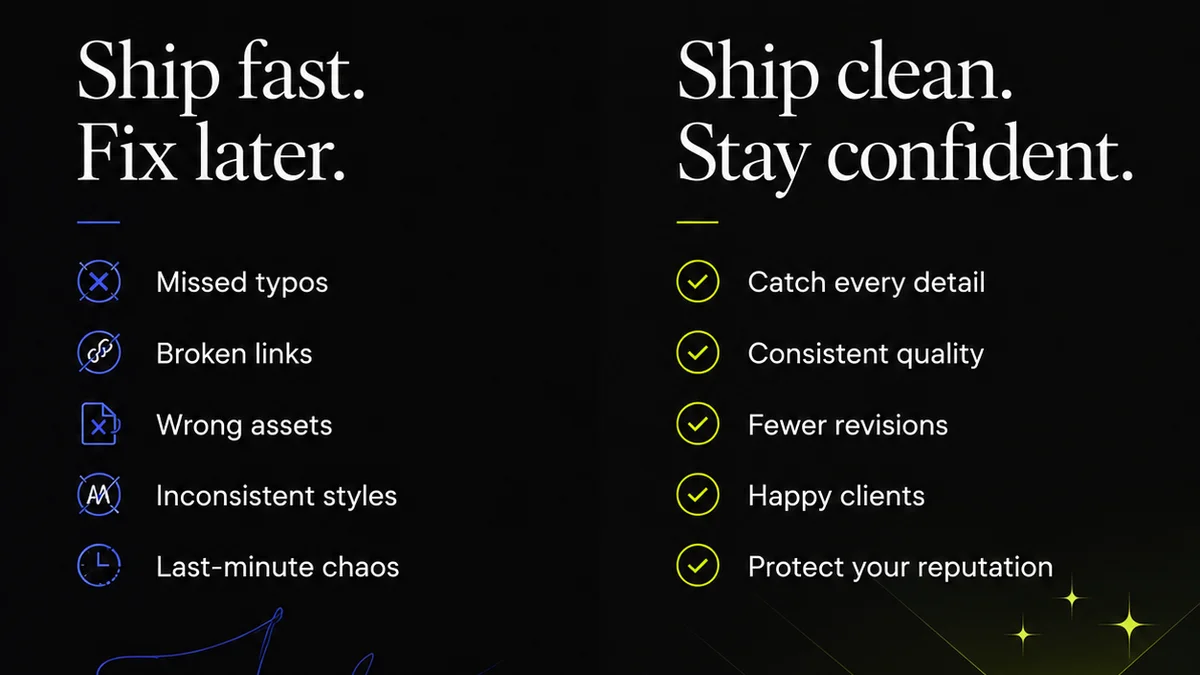
Regardless of the design tools you choose, managing client feedback and approvals is where creative workflows often break down. This is particularly true when moving between different software or when multiple stakeholders are involved.
Canva alternatives offer more professional features, but they don’t inherently solve the chaos of feedback management.
This is where a platform like Revue becomes essential.
- Centralized Feedback: Instead of scattered email chains, Slack messages, or annotation tools, all client feedback lives in one place, linked directly to the specific design asset.
- Revision Visibility: Track every iteration, every comment, and every approval. Understand the history of a project and who signed off on what, when.
- Streamlined Approvals: Define clear approval workflows. Get formal sign-offs on designs, proofs, and final assets, reducing ambiguity and disputes.
- Quality Control: Ensure all creative output meets brand standards and project requirements before final delivery.
Powerful design software gives you the creative control. A tool like Revue gives you the operational control.
Final Thought
The choice of design software isn't just about features; it's about workflow, team structure, and project complexity. Canva serves a purpose, but professional creative teams require tools that offer more power, precision, and collaborative depth.
Are you outgrowing your current design tools? Or is your feedback process the real bottleneck?
Frequently asked questions
Is Canva bad for professional designers?
Canva is not 'bad,' but it is limited for professional designers. Its strength lies in accessibility and ease of use for basic tasks. Professional designers often need more granular control, advanced features, and integration capabilities that Canva doesn't offer.
What is the main advantage of Adobe Creative Cloud?
The main advantage of Adobe Creative Cloud is its comprehensive suite of industry-standard, professional-grade tools for every creative discipline (graphic design, video, web, etc.) offering unparalleled depth and functionality.
Which tool is best for UI/UX design collaboration?
Figma is widely considered the best tool for UI/UX design collaboration due to its real-time, browser-based editing, robust component system, and seamless developer handoff features.
Are there good alternatives to Adobe CC that don't require a subscription?
Yes, the Affinity suite (Designer, Photo, Publisher) offers professional-grade features with a one-time purchase model, making it a cost-effective alternative to Adobe's subscription services.
How does Revue help with design feedback when using advanced tools?
Revue centralizes all client feedback and revision tracking directly on the design assets, regardless of the software used to create them. This eliminates scattered communication and provides clear visibility into approvals and project history.