Everyone thinks Canva is just for social media templates. Easy, fast, done. And for simple projects, that’s mostly true. But when you’re running client campaigns, especially at scale, relying solely on Canva for approvals is like using a pocketknife to build a house.
It’s not enough. Not even close.
The Hard Truth About Canva-Centric Approvals
Canva's built-in sharing and commenting features feel like a shortcut. You can share a link, get feedback, make tweaks. Simple. But this approach breaks down fast. It lacks structure, accountability, and a clear audit trail. This is where dedicated campaign approval software becomes non-negotiable for serious agencies and in-house teams.
The real problem isn't Canva itself, but the workflow *around* it.
1. Centralized Feedback is King
Trying to gather feedback from multiple stakeholders via email threads, Slack messages, or even a shared Canva board is a recipe for chaos. You end up with conflicting notes, missed comments, and endless back-and-forth.
Good approval software acts as a single source of truth. Everything lives in one place.
- Client comments go directly on the asset. No more hunting through emails.
- Version control is automatic. See every iteration clearly.
- Designers get actionable feedback. Context is never lost.
2. Revision Management Needs Clarity
Canva's version history is basic. It shows you *what* changed, but not necessarily *why* or *who* requested it amidst a flurry of comments. This is critical for understanding the evolution of a campaign.
Effective software tracks the entire revision lifecycle.
- Requests are formally logged. Each change is a documented task.
- Status updates are clear. Know if a revision is pending, in progress, or complete.
- Scope creep is visible. Easily identify when feedback goes beyond the original brief.
3. The Approval Bottleneck: Who Signs Off?
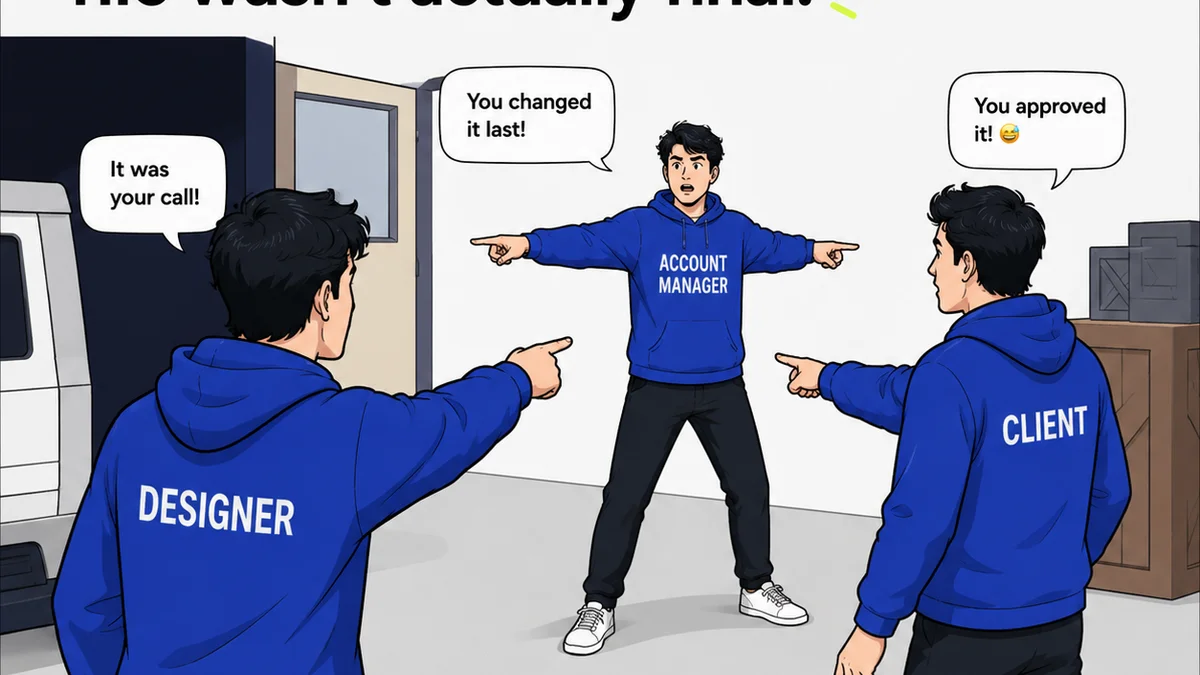
Getting a definitive 'yes' from a client can be surprisingly difficult. Email approvals are easy to dispute. A simple 'looks good' can be misinterpreted. This ambiguity is a major source of project delays and client friction.
Robust approval workflows eliminate guesswork.
- Formal sign-off buttons. A clear, undeniable approval action.
- Multi-stage approvals. Route designs through different stakeholders in sequence.
- Automated notifications. Remind approvers and alert the team when sign-off occurs.
4. Quality Assurance Beyond Aesthetics
Campaigns aren't just about looking good. They need to meet technical specs, brand guidelines, and legal requirements. Canva offers limited tools for this kind of granular quality control.
Your approval process should include checks for:
- Brand consistency. Are logos, colors, and fonts used correctly?
- Technical specifications. Does the output meet file size, resolution, and format requirements?
- Accessibility. For digital assets, are they compliant with standards like WCAG? Check out the Web Content Accessibility Guidelines (WCAG) for more on this.
- Legal compliance. Are disclaimers, disclosures, and required copy present and correct?
This is where structured review checklists become invaluable.
5. Audit Trails and Accountability
When things go wrong, or a client claims they never approved something, you need proof. Email chains are messy. Shared doc comments disappear. A proper approval system provides an irrefutable audit trail.
This protects your agency and builds client trust.
- Every action is logged. Who viewed, commented, revised, and approved.
- Timestamped records. Clear evidence of when actions occurred.
- Reduced disputes. Objective data to resolve disagreements.
6. Scalability for Growing Teams
What works for one client or a small team quickly crumbles under pressure. Managing multiple campaigns, diverse client needs, and tight deadlines requires a system that can grow with you.
Manual processes simply don't scale.
- Streamlined onboarding for new clients.
- Efficient management of multiple projects simultaneously.
- Reduced administrative overhead.
Free up your team to focus on creative work, not chasing feedback.
Where Revue Fits In
Tools like Canva are excellent for creation. But managing the entire campaign lifecycle – from initial brief to final approval – requires more.
Revue provides that essential layer of workflow management. It centralizes client feedback, making it impossible to miss critical comments. It offers clear revision tracking, so everyone knows the status of a design. Most importantly, it facilitates formal, auditable approvals, eliminating ambiguity and protecting your agency.
Think of it as the command center for your creative output, ensuring quality and accountability at every step.
Final Thought
Are you using your creative tools to their full potential, or are they holding your workflow back? The difference between a smooth campaign launch and a chaotic scramble often lies not in the design software, but in the approval process that surrounds it.
Frequently asked questions
Can Canva's built-in features handle campaign approvals?
For very simple projects, Canva's sharing and commenting might suffice. However, for professional campaign management involving multiple stakeholders, complex feedback, and formal sign-offs, its native features lack the structure, auditability, and clarity needed to prevent chaos and ensure accountability.
What is the main benefit of using dedicated approval software with Canva?
The primary benefit is centralized, structured workflow management. Dedicated software ensures all feedback is captured on the asset, revisions are tracked clearly, and approvals are formal and auditable, preventing missed comments, conflicting instructions, and disputes.
How does approval software help with client communication?
It significantly improves client communication by providing a single, clear platform for feedback and approvals. Clients know exactly where to comment, and teams have a transparent record of all interactions, reducing misunderstandings and the need for lengthy email chains.
Is approval software necessary if my team primarily uses Canva?
Yes, especially if you manage client campaigns. While Canva is great for creation, the approval process is a separate, critical workflow. Dedicated software streamlines this, ensuring accountability, version control, and clear sign-offs, which Canva's native tools do not adequately provide for professional use.