Everyone thinks Canva design quality assurance is easy. It’s just templates, right? Drag and drop, swap some text, maybe a photo. Done. That’s the assumption. And none of that is wrong. But it’s incomplete.
The hard truth is that while Canva democratizes design, it also introduces unique QA challenges. Relying solely on visual checks misses critical operational flaws that can derail client projects, damage your agency’s reputation, and waste valuable time.
1. The Real Cost of 'Good Enough' Canva Designs
You've got a deadline. The client needs a social media graphic, a quick flyer, or a presentation deck. A junior designer, or even a non-designer, whips something up in Canva. It *looks* okay. The logo is there, the colors are roughly right, the text is legible. You give it a quick once-over. Looks fine. Ship it.
This is where many agencies fall short on quality assurance. The focus is entirely on the surface-level aesthetic, ignoring the underlying mechanics of the design and its intended use.
Common Blind Spots in Canva QA:
- Incorrectly formatted text (e.g., wrong font weights, inconsistent spacing).
- Low-resolution images or graphics that pixelate when scaled.
- Accessibility issues (e.g., poor color contrast, missing alt text descriptions).
- Inconsistent branding elements (e.g., slightly off-brand colors, incorrect logo usage).
- Technical glitches (e.g., broken links, unclickable buttons in interactive designs).
- Outdated information or calls to action.
These aren't just minor aesthetic quibbles. They are operational failures that can lead to client dissatisfaction, brand damage, and costly rework.
2. Establishing a Canva QA Framework
Effective Canva design QA isn't about catching typos. It's about building a systematic process that ensures consistency, accuracy, and adherence to brand and technical standards, regardless of who created the asset.
This means moving beyond ad-hoc visual checks to a structured approach. Your QA process should be documented and consistently applied to every Canva project.
Key Components of Your Framework:
- Brand Guidelines Adherence: Does the design strictly follow established brand guidelines regarding logos, colors, typography, and imagery?
- Content Accuracy: Is all text factually correct? Are names, dates, prices, and contact information accurate?
- Technical Specifications: Does the design meet the required dimensions, resolution, file format, and color profile for its intended output (web, print, social)?
- Usability & Accessibility: Is the design easy to understand and navigate? Does it meet accessibility standards (e.g., WCAG guidelines for color contrast)?
- Functionality (for interactive elements): Do all links work? Are buttons clickable? Do animations play as intended?
Treating Canva designs with the same rigor as any other creative deliverable is crucial.
3. The Human Element: Skills and Roles in Canva QA
Who performs the Canva design QA? This is often where things break down. Assigning QA to the original creator is a mistake. They're too close to the work.
A fresh pair of eyes, ideally someone with a strong understanding of design principles and the client's brand, is essential. This doesn't necessarily mean a senior art director for every single Canva graphic.
Defining QA Roles:
- Junior QA Specialist/Designer: Capable of checking against a clear checklist for basic brand adherence, content accuracy, and technical specs.
- Senior Designer/Art Director: For complex projects or high-stakes clients, a senior team member should conduct a final review, focusing on strategic alignment and overall creative quality.
- Project Manager: Can be responsible for ensuring the QA process itself is followed and documented, checking for adherence to briefs and timelines.
Empower your team with checklists and clear criteria. This ensures consistency and reduces subjective interpretation.
4. Leveraging Checklists for Scalable Canva QA
A well-defined checklist is your best friend in Canva QA. It standardizes the review process, ensuring no critical element is overlooked, especially when dealing with a high volume of assets.
Your checklist should be tailored to the specific type of asset and client. A social media post requires different checks than a multi-page presentation.
Sample Checklist Items:
- Logo: Correct version? Correct placement? Correct size?
- Colors: Primary brand colors used? Hex codes verified? No accidental overrides?
- Typography: Correct fonts used? Consistent hierarchy? Legible line spacing and character spacing?
- Imagery: High resolution? Relevant to content? Brand-appropriate style?
- Copy: Proofread for typos and grammatical errors? All information accurate? Correct call to action?
- Layout: Balanced composition? Sufficient white space? No elements cut off?
- File Export: Correct dimensions? Correct resolution (e.g., 72dpi for web, 300dpi for print)? Correct file format (JPG, PNG, PDF)?
Make these checklists accessible and easy to use. Integrate them into your project management workflow.
5. Beyond Visuals: File Management and Version Control
QA isn't just about the final output. It extends to how the Canva files themselves are managed. Chaos here leads to errors down the line.
Think about version control. How do you ensure everyone is working on, and delivering, the correct version of a design?
Best Practices for File Management:
- Clear Naming Conventions: Implement a consistent file naming system (e.g., `ClientName_ProjectName_AssetDescription_Version_Date`).
- Centralized Storage: Store all final Canva designs in a single, accessible location (e.g., cloud storage, DAM). Avoid relying on individual designer's local drives.
- Version History: Utilize Canva's built-in version history, but also consider external backups for critical projects.
- Template Management: Regularly audit and update brand templates within Canva to ensure consistency and prevent outdated versions from being used.
Proper file management prevents costly mistakes and speeds up retrieval of assets.
Where Revue Fits In
Managing client feedback and revisions for Canva designs can quickly become unwieldy, especially when relying on email chains or scattered documents. This is where a centralized platform like Revue becomes invaluable.
Revue streamlines the entire process:
- Centralized Feedback: All client comments and stakeholder input on Canva designs are captured in one place, linked directly to the asset. No more hunting through emails.
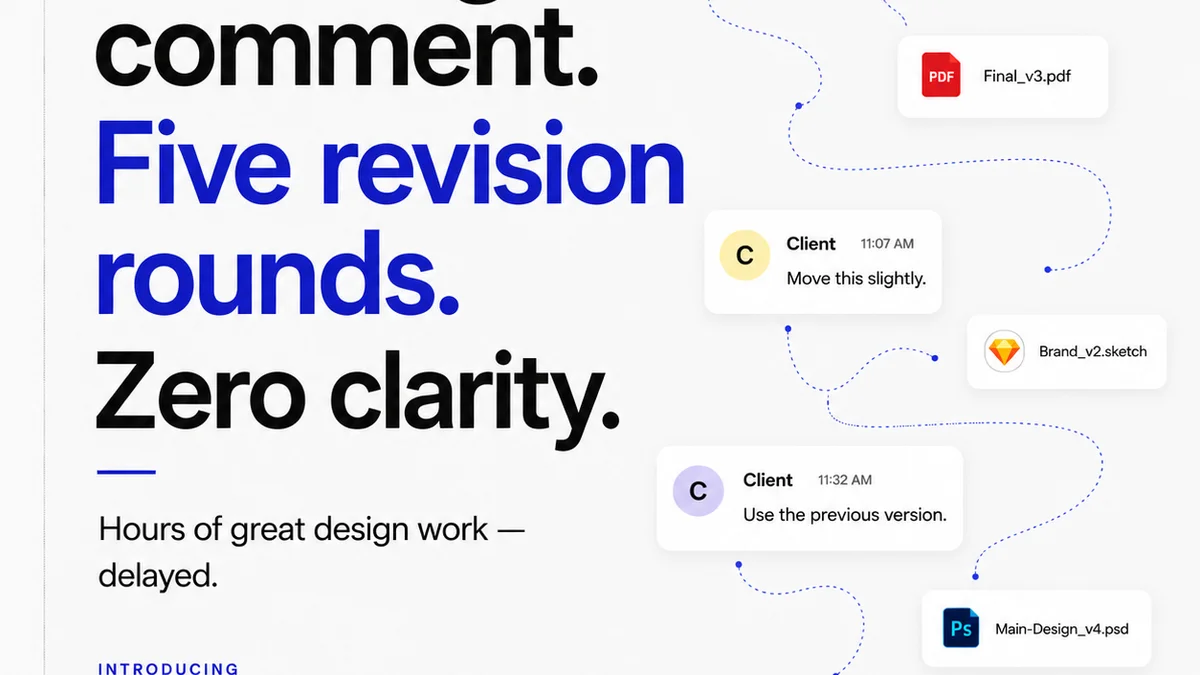
- Revision Visibility: Track every iteration of a Canva design. See exactly what changed between versions and who approved what. This clarity is essential for accountability and prevents scope creep.
- Streamlined Approvals: Formalize the approval process. Ensure all necessary stakeholders sign off before a design is finalized, reducing the risk of post-approval changes.
- Integrated Quality Checks: Use Revue to attach your QA checklists to specific projects or assets. Team members can mark off items, creating an auditable record of quality assurance steps taken.
By bringing structure and visibility to feedback and approvals, Revue ensures that your Canva design QA process is not just a formality, but an integrated part of delivering high-quality creative work efficiently.
Final Thought
Canva is a powerful tool for rapid creative production. But its ease of use shouldn't be mistaken for a lack of complexity in its management. The real challenge isn't mastering the tool; it's mastering the operational workflows that ensure quality, consistency, and efficiency at scale.
Are you treating your Canva designs as disposable assets, or as critical components of your clients' brands that deserve rigorous attention to detail?
Frequently asked questions
What are the biggest risks of poor Canva design QA?
Poor Canva design QA can lead to brand inconsistency, factual errors in content, technical glitches, accessibility issues, and ultimately, client dissatisfaction and costly rework. It erodes trust and damages your agency's reputation.
Who should be responsible for Canva design QA?
Ideally, Canva design QA should be performed by someone other than the original creator to ensure a fresh perspective. This could be a junior designer, a dedicated QA specialist, or a project manager, depending on the complexity and importance of the asset. Senior oversight is also recommended for critical projects.
How can I ensure consistency across many Canva designs?
Use standardized brand templates within Canva, implement a detailed QA checklist tailored to different asset types, and ensure clear brand guidelines are readily available. Centralizing feedback and approvals with a tool like Revue also helps maintain consistency.
Is Canva's built-in version history enough for QA?
Canva's version history is useful for tracking changes made within the tool. However, for robust QA and operational integrity, it's advisable to also have external backups and clear file naming conventions outside of Canva to prevent confusion and ensure you're always working with the definitive, approved version.