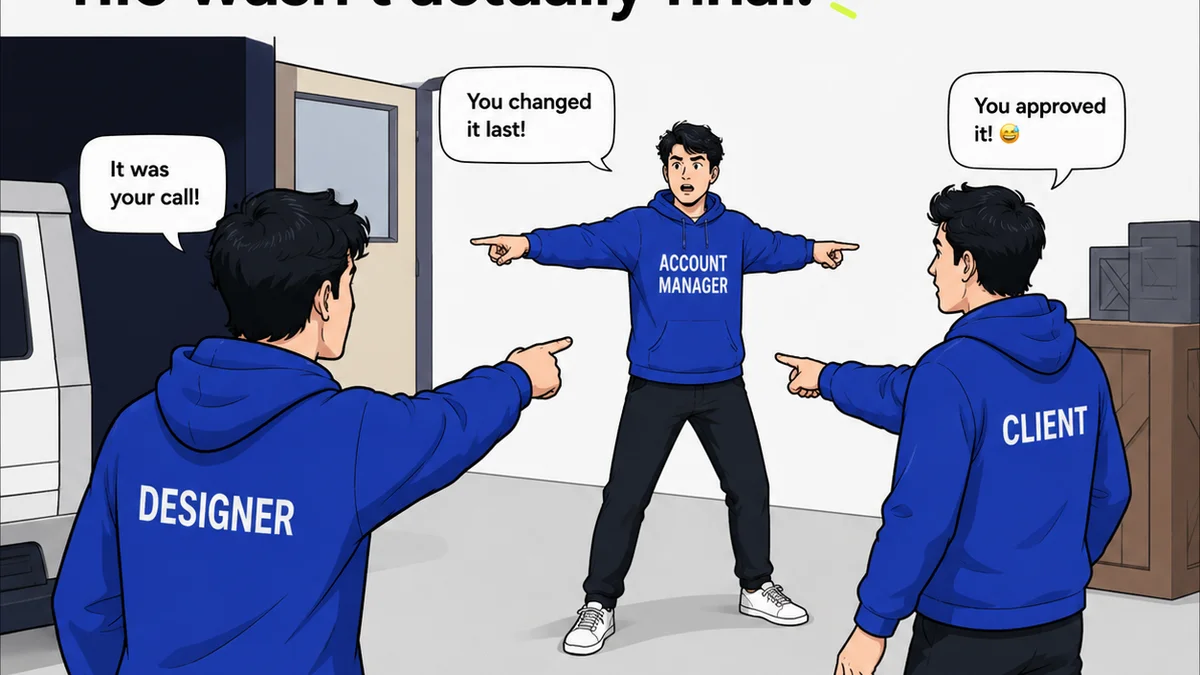
Everyone thinks Canva for Enterprise is about scaling design. More users, more templates, more brand kits. That’s part of it, sure. But it’s not the whole story. For creative agencies and in-house teams drowning in feedback and revisions, that surface-level view misses the operational grit.
The real challenge for enterprise creative teams isn't just *making* more designs. It's managing the chaos of approvals, revisions, and ensuring brand consistency across a sprawling operation. That’s where the decision to invest in a tool like Canva for Enterprise gets complicated.
1. Beyond Basic Brand Controls: Real Governance
Sure, Canva for Enterprise offers brand kits. They’re great for basic logo and color enforcement. But true enterprise governance goes deeper. You need control over *how* assets are used, not just *what* colors are available.
Asset Versioning and Audit Trails
What happens when a client asks for a change to a design approved six months ago? You need to know precisely which version was approved, who approved it, and when. Without this, you’re flying blind, risking outdated assets and endless clarification cycles.
This isn't just about preventing errors. It's about defensibility and accountability. Imagine tracking down the source of a compliance issue or a misrepresentation. A robust audit trail is non-negotiable.
Template Governance and Restrictions
Canva’s strength is its ease of use. But for enterprise, that ease can be a double-edged sword. Unrestricted access to templates can lead to brand dilution, even with a brand kit. You need the ability to:
- Lock down critical template elements that cannot be changed.
- Define specific usage rights for different teams or roles.
- Control which templates are available to whom, based on project scope or department.
- Ensure AI-generated content or user-added elements meet compliance standards before publication.
This level of granular control prevents rogue designs and maintains brand integrity across hundreds or thousands of outputs.
Integrations for Workflow Continuity
No tool exists in a vacuum. For enterprise creative teams, design is just one step. You need seamless integration with the tools you already use for project management, asset storage, and client communication.
Consider the friction when a designer has to:
- Manually export a design from Canva.
- Upload it to a separate DAM (Digital Asset Management) system.
- Download it again to attach to an email for client review.
- Then, manually update the project status in Asana or Jira.
This is wasted time. Enterprise solutions should plug into your existing ecosystem, reducing manual steps and keeping data synchronized. Think integrations with Adobe Creative Cloud, Google Drive, Dropbox, or project management platforms.
2. Scalable Collaboration: From a Few to a Fleet
Collaboration is key. But enterprise-scale collaboration isn’t just about multiple people working on a file. It’s about structured workflows that manage complexity and avoid bottlenecks.
Role-Based Permissions and Workflows
Who can edit? Who can approve? Who just needs to view? Basic user roles are a start, but enterprise needs more nuanced control. Think about:
- Specific approval stages: Legal review, Brand review, Client sign-off.
- Conditional approvals: Requiring specific team members to sign off based on asset type or campaign.
- Delegation: Allowing project leads to assign review tasks to their team members.
This structured approach streamlines the approval process, reducing the back-and-forth that plagues creative operations.
Centralized Feedback and Annotation
Email chains. Slack messages. Sticky notes on a PDF. This is the Wild West of feedback. Enterprise-grade solutions need a centralized hub for all creative feedback.
Imagine a single source of truth where:
- Comments are attached directly to the design element they refer to.
- Feedback is organized by reviewer and status (e.g., 'Needs Action', 'For Information').
- A clear history of feedback and revisions is maintained.
This eliminates confusion, ensures no feedback gets lost, and provides a clear record of decisions.
Version Control That Actually Works
Simple file naming conventions like `_v2_final_reallyfinal.ai` are a relic. Enterprise requires systematic version control. This means:
- Automatic version stamping upon saving or submission for review.
- The ability to easily revert to previous versions if a new direction fails.
- Clear visual indicators of the current 'live' or 'approved' version.
This prevents the dreaded 'which version is this?' conversation and ensures everyone is working from the most up-to-date asset.
3. Security and Compliance: The Enterprise Baseline
This isn’t glamorous, but it's paramount. Creative teams often handle sensitive information, proprietary designs, and client data. Enterprise software must meet stringent security and compliance standards.
Data Security and Privacy
Where is your data stored? Who has access? What are the encryption protocols? For enterprise, these aren't afterthoughts; they're deal-breakers. You need assurances about:
- Data residency and compliance with regulations like GDPR or CCPA.
- Robust access controls and authentication methods (like SAML/SSO).
- Regular security audits and certifications (e.g., SOC 2).
The risk of a data breach involving creative assets or client information is too high to compromise on security.
Intellectual Property Protection
Your designs are valuable IP. Enterprise tools must protect this IP from unauthorized access or download. This includes features like:
- Watermarking options for previews.
- Strict download controls based on user roles.
- Secure sharing mechanisms that don't expose the raw file unnecessarily.
Protecting your creative output is as critical as protecting your financial data.
Where Revue Fits In
While Canva for Enterprise provides the canvas and creation tools, managing the *process* around that creation demands a different kind of solution. This is where Revue excels.
Revue is built to centralize the chaos that often surrounds creative production, especially at scale. It’s not about replacing your design tool; it’s about supercharging the workflow around it.
Imagine:
- All client feedback, regardless of source (email, calls, even other platforms), consolidated in one place.
- Clear visibility into revision history, who requested what, and who approved it.
- Automated quality checks and sign-offs that ensure brand consistency and adherence to project briefs before final delivery.
Revue brings order to the feedback loop, ensuring that even the most complex enterprise creative projects move smoothly from concept to final approval. It tackles the operational friction that design tools alone can’t solve.
Final Thought
When evaluating enterprise design solutions, look beyond the flashy features and sticker price. Ask the hard questions about governance, workflow integration, security, and true collaboration. The tool that empowers your team isn't just the one that helps them design faster; it's the one that helps them manage the entire creative lifecycle with confidence and control. Is your current setup truly built for the complexities of enterprise creative work, or is it just a more expensive version of the same old problems?
Frequently asked questions
What's the difference between Canva Pro and Canva for Enterprise?
Canva for Enterprise builds on Canva Pro by adding advanced features crucial for larger organizations, such as single sign-on (SSO), advanced team management, enhanced brand controls, content reviewer workflows, greater storage, and more robust security and compliance features.
How does Canva for Enterprise help with brand consistency?
It provides centralized brand kits with logos, colors, and fonts. More importantly, it allows for template locking, role-based permissions, and content approval workflows to ensure designs adhere to brand guidelines.
Can Canva for Enterprise integrate with other tools?
Yes, Canva for Enterprise offers integrations with various platforms like Google Drive, Dropbox, and social media scheduling tools. For deeper workflow integration beyond basic asset sharing, consider solutions like Revue that connect the feedback and approval process.
Is Canva for Enterprise suitable for agencies?
Yes, especially for agencies managing multiple clients and large internal teams. Its features for brand management, collaboration, and approval workflows can streamline client work, though agencies often need additional tools for comprehensive project management and feedback consolidation.