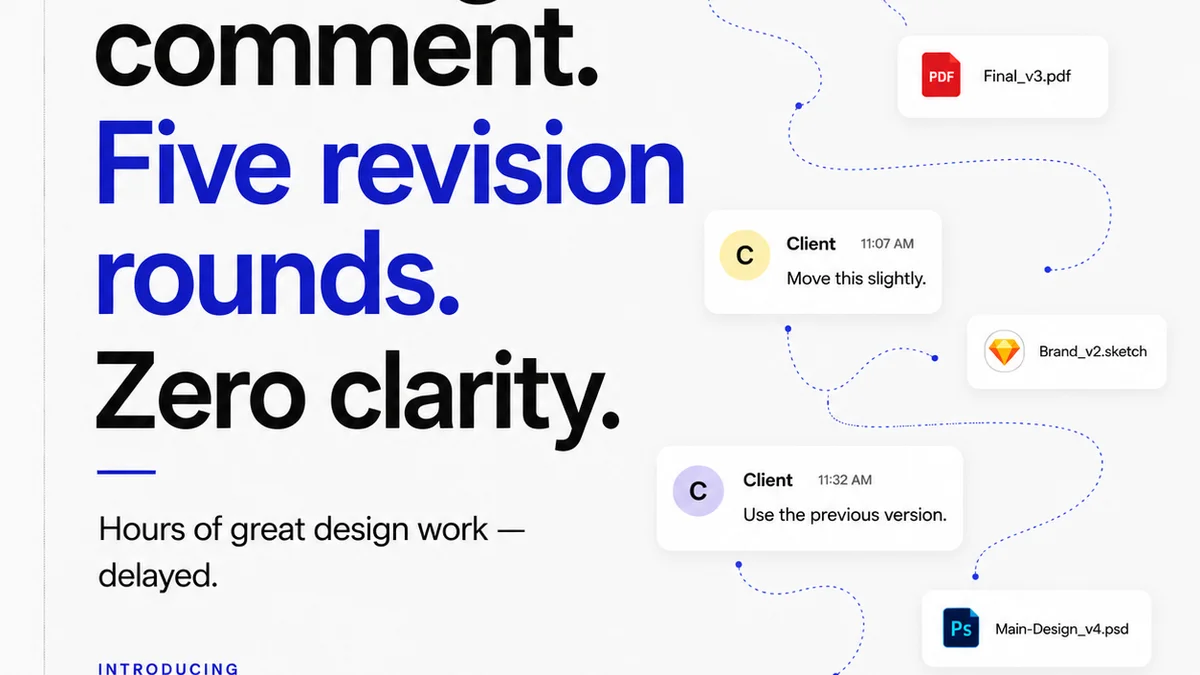
Everyone thinks client proofing software is about getting approvals faster. That’s the sales pitch, anyway. Get feedback in one place, slash revision rounds, and launch on time. Sounds great, right?
None of that is wrong. But it’s incomplete.
The real truth? The best client proofing software isn’t just a digital rubber stamp. It’s the central nervous system for your creative operations. It connects feedback, manages revisions, and ensures quality across every project. If it’s not doing that, you’re still drowning in email and spreadsheets, no matter what tool you’re using.
1. The Myth of the 'All-in-One' Proofing Tool
Many agencies believe a single tool can magically solve all their client feedback woes. They chase features that sound good on paper: video annotation, live chat, AI-powered insights. But often, these tools become just another silo.
The deeper problem isn’t the lack of features. It’s the lack of integration with your core workflow.
The Silo Effect
When proofing is a separate island, here’s what happens:
- Feedback gets copied and pasted into project management tools.
- Revision history gets lost when assets move between platforms.
- Communication fragments across email, Slack, and the proofing tool itself.
- Accountability blurs. Who saw what? When?
This fragmentation kills efficiency. It creates more work, not less.
2. Beyond Basic Annotation: What Proofing Software *Should* Do
True client proofing software needs to be more than a digital whiteboard. It must actively support your team's operational reality. For US creative and marketing teams, this means:
Streamlined Feedback Capture
This is the baseline. Can clients and stakeholders leave clear, contextual feedback directly on the asset? Are comments trackable and actionable?
But it goes deeper. Can you:
- Set up custom review workflows for different client types or project stages?
- Assign specific reviewers with different permission levels?
- Gather feedback in multiple formats (images, video, documents, websites)?
Robust Revision Management
Approvals aren't the end. They're a step. Effective proofing software tracks the entire revision lifecycle.
- Can you easily upload new versions of an asset, keeping the entire history intact?
- Is there a clear visual comparison between versions (a
Frequently asked questions
What are the main drawbacks of relying solely on email for client proofing?
Email is prone to version control issues, lost feedback, fragmented communication, and difficulty tracking approvals. It lacks contextual feedback on assets and creates significant administrative overhead.
How does client proofing software improve revision management?
Good software allows for easy version comparison, tracks all changes and comments across iterations, and maintains a clear history, preventing confusion and ensuring everyone works from the latest approved asset.
What is the 'silo effect' in relation to proofing tools?
The silo effect occurs when a proofing tool operates independently, forcing teams to manually transfer data or feedback to other systems like project management or DAM. This creates inefficiencies and disconnects.
Can client proofing software help with quality assurance?
Yes, by centralizing feedback and ensuring all stakeholders review the correct versions, it helps catch errors before final delivery. Some tools also offer checklists or integrated QA workflows.