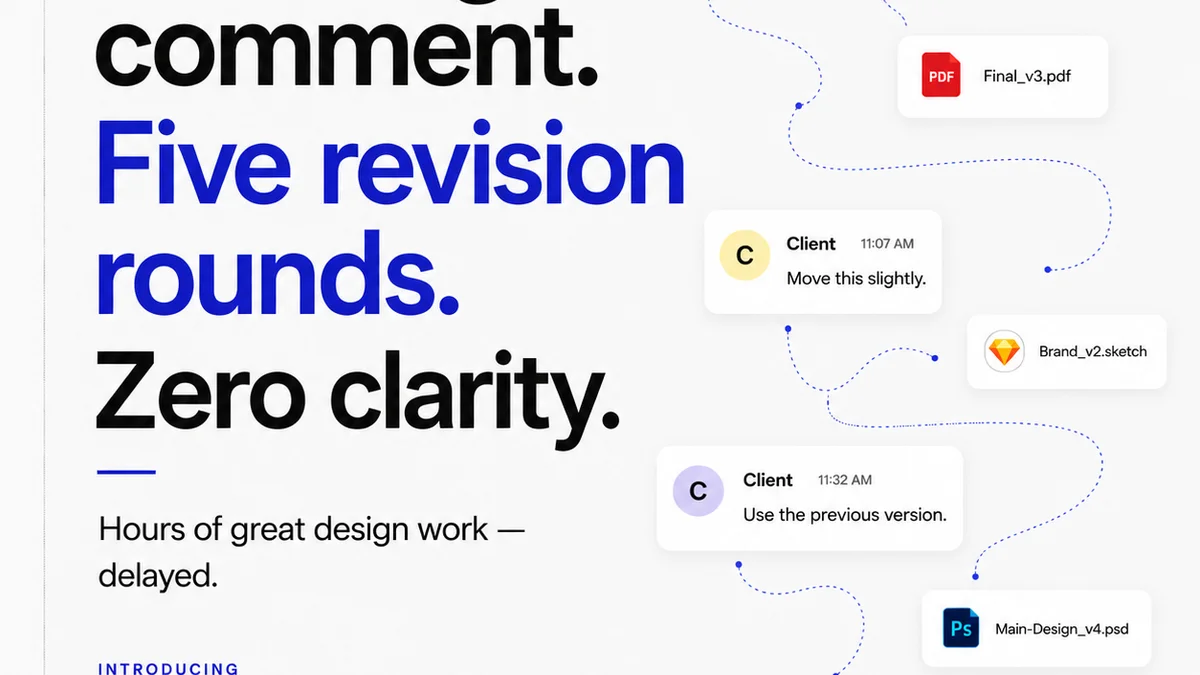
Everyone assumes that if your creative team lives inside Adobe Creative Cloud, then managing client feedback and approvals is just a matter of exporting a PDF or JPG and waiting for comments. None of that is wrong. But it’s incomplete.
The hard truth? Design tools are for *designing*. They aren't built for the complex, iterative dance of client collaboration, revision tracking, and final sign-off. Relying solely on Creative Cloud features for approvals creates bottlenecks, miscommunication, and lost time. Especially for US teams navigating different time zones and fast-paced client demands.
1. The Illusion of Integrated Feedback
Adobe Creative Cloud offers powerful tools like Adobe XD's coediting and basic commenting features, and even Adobe Acrobat for PDF markups. These seem like natural extensions for feedback.
But they often fall short for professional creative agency workflows:
- Scattered Feedback: Comments get lost in email chains, Slack messages, or even directly on design files without a clear audit trail.
- Version Control Nightmares: Which is the *latest* version? Clients often refer to old comps, leading to wasted revisions.
- Lack of Accountability: It’s hard to track who approved what, when, and why. This is a legal and financial minefield.
- Inefficient Communication: Translating subjective client comments into actionable design changes is a skill, but the *system* for receiving those comments should be crystal clear.
The core issue is that these tools are designed for individual or small-team collaboration on the *creation* process, not for the structured, multi-stakeholder *approval* process.
2. Defining the
Frequently asked questions
Can Adobe Creative Cloud handle client approvals on its own?
While Creative Cloud offers some collaboration features, it's not purpose-built for the structured client approval process. Tools like Adobe Acrobat can manage PDF markups, but they often lack robust version control, clear audit trails, and centralized communication needed for agencies. Relying solely on Creative Cloud can lead to scattered feedback and versioning issues.
What are the main challenges of using Creative Cloud for approvals?
Key challenges include scattered feedback across multiple platforms (email, chat, direct file comments), difficulty managing different file versions, lack of clear accountability for approvals, and inefficient communication that can lead to misinterpretations and wasted revisions. These issues slow down the workflow and increase the risk of errors.
How can US teams benefit from specialized approval tools?
Specialized tools help US teams overcome challenges related to time zones and rapid project cycles. They provide a centralized platform for all feedback, ensure everyone is working on the latest version, offer clear audit trails for approvals, and streamline communication. This leads to faster turnaround times, fewer errors, and more satisfied clients.
What is the role of a centralized feedback platform?
A centralized feedback platform acts as a single source of truth for all client comments and revisions. It consolidates feedback from various stakeholders, provides clear version history, facilitates organized discussions around specific design elements, and automates parts of the approval process. This reduces miscommunication and speeds up the review cycle.