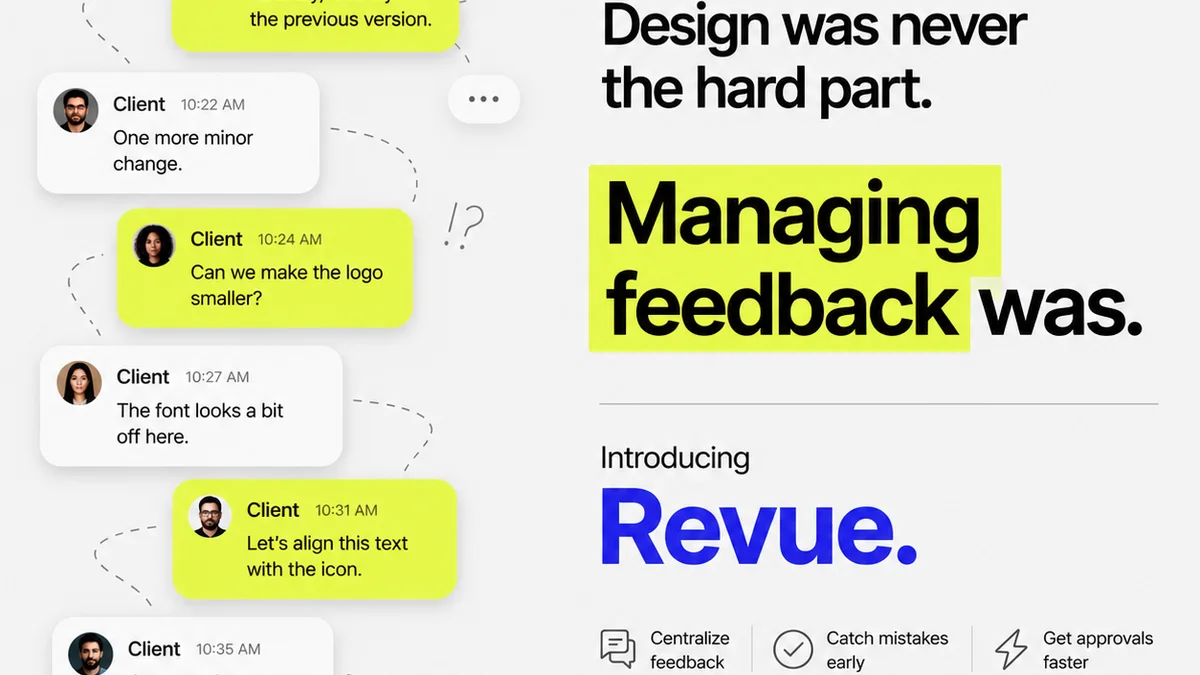
Most agencies think creative feedback software is just about collecting comments. That it’s a digital whiteboard for notes. None of that is wrong. But it’s incomplete.
The hard truth? The real value isn’t in the comments themselves, but in how they’re managed, acted upon, and how they contribute to a more efficient, less stressful creative process.
1. Beyond the Comment Box: Structured Feedback Capture
Sure, you need a place to drop notes. But the best creative feedback tools go deeper. They impose structure on a process that’s inherently messy.
Context is King
Where was the feedback given? Who gave it? When? Was it a broad stroke or a pixel-level suggestion? Without context, feedback becomes noise.
Look for software that:
- Captures feedback directly on the asset (visual or document).
- Records the user and timestamp automatically.
- Allows for different types of annotations (text, drawing, measurements).
- Distinguishes between general comments and actionable tasks.
Version Control Clarity
How many times has a client approved a version, only to send feedback on an older one? It’s a classic agency headache.
Your feedback software should integrate seamlessly with your versioning. This means:
- Clear labeling of active vs. historical versions.
- The ability to compare versions side-by-side.
- Feedback tied to a specific version, not just the latest iteration.
2. The Revision and Approval Black Hole
This is where many creative projects go off the rails. Feedback gets lost, revisions are misunderstood, and approvals become a guessing game.
Streamlining Revisions
Effective creative feedback software doesn’t just collect feedback; it facilitates the revision process.
This means features like:
- Assigning feedback to specific team members.
- Tracking the status of each revision (to do, in progress, done).
- A clear audit trail of who did what, and when.
Definitive Approvals
Approvals shouldn't be a verbal
Frequently asked questions
What is the most important feature in creative feedback software?
Beyond basic annotation, the most crucial features are structured feedback capture, clear version control, and streamlined revision and approval workflows. This ensures feedback is actionable and prevents costly misunderstandings.
How can creative feedback software improve client communication?
By centralizing all feedback and revisions in one place, creative feedback software provides a single source of truth. This reduces back-and-forth, clarifies expectations, and offers a transparent audit trail for both the agency and the client.
Is creative feedback software only for visual assets?
No. While excellent for images, videos, and web designs, robust creative feedback software can also handle document reviews, PDFs, and other file types, making it versatile for various agency projects.
How does creative feedback software help with quality control?
By providing a structured way to review and approve work against specific brief requirements, and by maintaining a clear history of all changes and sign-offs, the software acts as a powerful quality assurance tool, reducing errors and ensuring client satisfaction.