Everyone says creative operations automation is the key to unlocking agency growth. And they’re not wrong. But that’s like saying a hammer is the key to building a house. It’s essential, but it’s only one tool in a much larger toolbox.
The real truth? Automation isn’t about replacing people or processes. It’s about augmenting them. It’s about removing the friction points that drain your team’s energy and your client’s patience. For US creative teams, this means identifying the right technology stack to handle the grunt work, so your talent can focus on what they do best: creating brilliant work.
1. The Myth of the All-in-One Solution
The temptation is to find one magical piece of software that does it all. Project management, proofing, asset management, client communication, time tracking… you name it.
This sounds efficient. It sounds simple. It sounds like a dream.
But it’s a fantasy. No single tool excels at every single aspect of creative operations. Trying to force a jack-of-all-trades into every niche role leads to workarounds, frustration, and ultimately, more manual effort.
The Hard Truth: Best-in-Class Integration Wins
The most effective creative operations automation isn't about one tool. It's about a strategically integrated ecosystem. Think of it like a high-performance engine: each part is specialized, but they work in perfect harmony.
For US teams, this means selecting best-in-class tools for specific functions and ensuring they talk to each other. This avoids data silos and ensures seamless transitions between stages of the creative process.
2. Core Pillars of Creative Operations Automation
To build that integrated ecosystem, focus on these core areas where automation yields the biggest returns:
a. Project Management & Workflow Orchestration
This is the engine room. It’s where requests come in, tasks are assigned, deadlines are set, and progress is tracked.
Common Pain Points:
- Missed deadlines due to unclear task ownership.
- Scope creep that goes unnoticed until it’s too late.
- Lack of visibility into team capacity and bottlenecks.
- Manual status updates that eat up valuable time.
Automation Opportunities:
- Automated task assignment based on role or availability.
- Automated progress tracking and nudges for overdue items.
- Automated client onboarding and brief intake forms.
- Integration with communication tools for instant notifications.
Tools like Asana, Monday.com, and Wrike offer robust workflow capabilities. However, the key is configuring them to match your specific creative agency’s process, not the other way around.
b. Client Feedback & Approvals
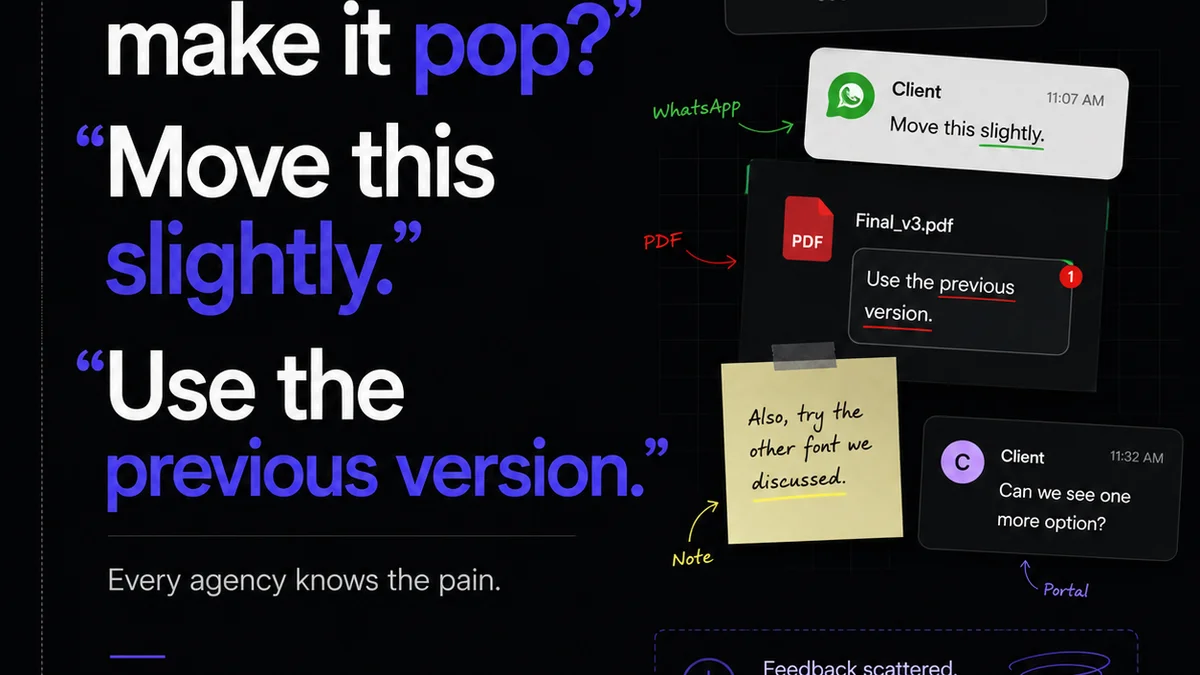
This is where most projects derail. Unclear feedback, endless revision rounds, and difficulty tracking who signed off on what are agency killers.
Common Pain Points:
- Conflicting feedback from multiple stakeholders.
Frequently asked questions
What are the biggest benefits of creative operations automation for US agencies?
Agencies benefit from increased efficiency, reduced errors, faster turnaround times, improved client satisfaction, and better resource allocation. Automation frees up creative talent to focus on high-value tasks rather than administrative overhead.
Can automation tools replace human creativity or strategic thinking?
No. Automation tools are designed to handle repetitive, process-driven tasks. They augment human capabilities by removing friction, allowing creative professionals to focus more on strategic thinking, problem-solving, and generating innovative ideas.
How do I choose the right automation tools for my agency?
Start by mapping your current workflows and identifying key pain points. Then, research tools that specialize in those areas and prioritize integration capabilities. Consider your team's size, budget, and specific needs. Often, a combination of best-in-class tools is more effective than a single, all-encompassing platform.
What is the role of client feedback in creative operations automation?
Managing client feedback effectively is crucial. Automation tools can streamline the collection, organization, and tracking of feedback, ensuring clarity, reducing miscommunication, and speeding up the approval process. This prevents costly revisions and delays.