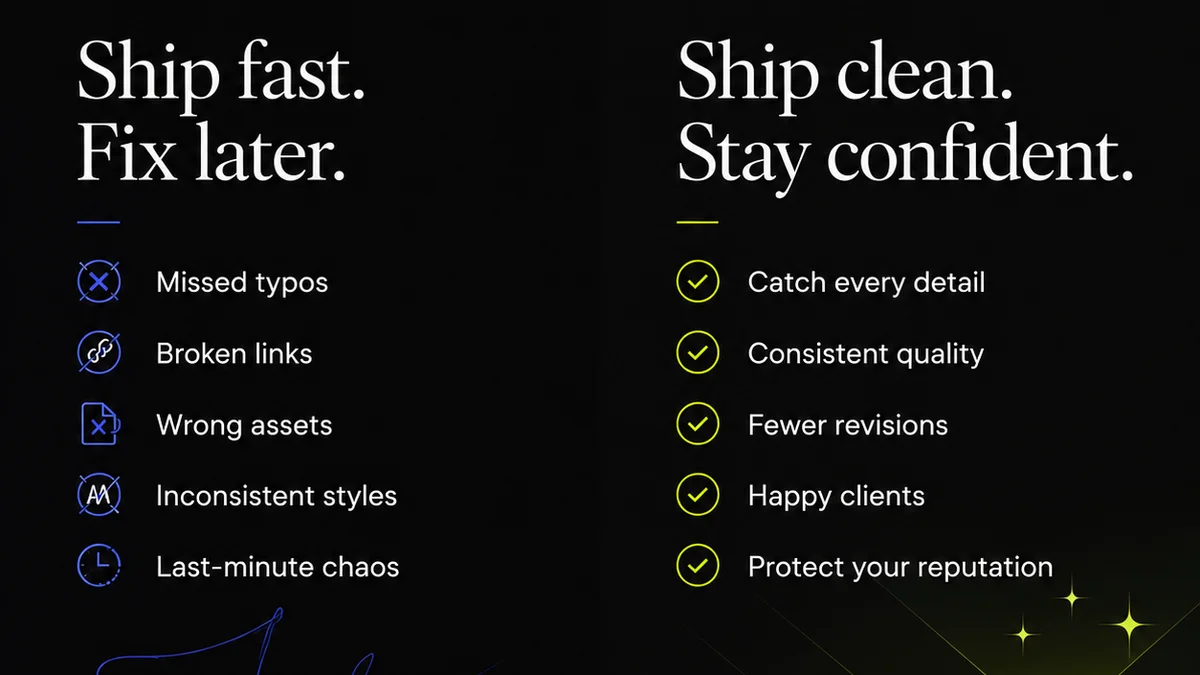
Everyone agrees that good creative operations software is key to an efficient in-house team. You need the right tools to manage projects, track progress, and keep clients happy.
None of that is wrong. But it’s incomplete.
The hard truth is that most creative operations software is bought based on features, not workflow realities. You end up with a shiny new system that doesn't actually fix the core problems: miscommunication, endless revision loops, and a lack of visibility into what's *actually* happening.
1. Beyond the Feature List: Understanding Your Workflow Gaps
The temptation is to look at a software's feature list and tick boxes. Does it do task management? Yes. Does it have a proofing tool? Yes. Does it integrate with Slack? Yes.
But this approach misses the point. Software isn't magic. It amplifies your existing processes. If your processes are broken, the software will just make it easier to do the wrong things, faster.
The Real Problem Isn't Missing Features, It's Misaligned Processes
Before you even look at software, you need to understand where your current workflow is breaking down.
- Are briefs consistently vague?
- Is feedback often contradictory or unclear?
- Do designers spend more time chasing down approvals than creating?
- Is it impossible to tell who last reviewed a piece of work?
- Are quality checks an afterthought, leading to last-minute fixes?
These aren't software problems. They are operational problems that software can *help* solve, but only if chosen correctly.
2. Centralized Feedback: The Holy Grail (and How to Get It)
This is where most creative operations software falls short. They offer proofing tools, but often, feedback still gets scattered across emails, Slack threads, and even random Word documents.
The ideal system centralizes *all* client feedback in one place, tied directly to the creative asset being reviewed.
What to Look For in a Feedback Tool:
- Contextual Annotations: Can reviewers add comments directly on the image, video, or document? This eliminates the guesswork of
Frequently asked questions
What are the biggest challenges in creative operations for in-house teams?
Common challenges include unclear briefs, scattered feedback, lengthy revision cycles, lack of visibility into project status, and difficulties in managing multiple stakeholders. Ineffective tools often exacerbate these issues.
How can creative operations software improve team efficiency?
By centralizing feedback, automating revision tracking, providing clear approval workflows, and offering real-time project visibility, creative operations software can significantly reduce time spent on administrative tasks, allowing creative teams to focus on design and strategy.
Is it better to use a general project management tool or specialized creative operations software?
While general PM tools can manage tasks, specialized creative operations software is built to handle the unique needs of creative workflows, such as visual proofing, version control, and specific approval processes, leading to greater efficiency and fewer errors.
What is the role of clear briefs in creative operations?
Clear briefs are foundational. They set expectations, define objectives, and provide necessary context. Creative operations software can help standardize brief creation and ensure all critical information is captured upfront, reducing misunderstandings later in the process.