You’re looking for the best software for creative operations managers. Everyone’s talking about AI, automation, and integrated platforms. It’s easy to get lost in the buzzwords.
None of that is wrong. But it’s incomplete.
The real truth? The best software isn't about a single tool that does everything. It's about how well individual tools connect to streamline your actual, messy creative workflow. Especially for US-based teams juggling time zones and diverse client demands.
1. The Core Problem: Disconnected Workflows Kill Productivity
Creative operations is the engine of agency output. It’s the bridge between brilliant ideas and client delivery. When that bridge is broken, everything grinds to a halt.
Think about it:
- Project briefs lost in email chains.
- Feedback scattered across Slack, Google Docs, and PDF annotations.
- Revision rounds tracked manually in spreadsheets.
- Quality control checks becoming a chaotic last-minute scramble.
- Delays caused by simple miscommunication or missing assets.
This isn't just annoying. It's expensive. It erodes client trust and burns out your talent.
Many ops managers feel pressure to adopt the latest shiny object. But often, the problem isn't a lack of tools, but a lack of integration between the tools you already have.
2. Project Management Software: The Central Nervous System
This is non-negotiable. A robust project management (PM) tool is the bedrock of creative operations. It’s where the work is planned, assigned, and tracked.
Key Features to Look For:
- Customizable workflows (Kanban, Gantt, list views).
- Task dependencies and milestones.
- Resource allocation and capacity planning.
- Time tracking integrated into tasks.
- Reporting and dashboards for project health.
- Integrations with other essential tools (see below).
For US teams, consider tools that handle time zones gracefully and offer strong collaboration features for distributed teams.
Popular Options & Considerations:
- Asana: Flexible, good for task management and team collaboration. Can get complex.
- Monday.com: Highly visual and customizable, strong for workflow automation. Can be pricey.
- Wrike: Robust, enterprise-grade features, good for complex projects. Steeper learning curve.
- ClickUp: Aims to be an all-in-one solution, very feature-rich. Can feel overwhelming.
The “best” PM tool depends entirely on your team’s size, complexity of projects, and existing tech stack. Don't pick based on features alone. Pick based on how it fits your team’s DNA.
3. Communication & Collaboration Hubs: Keeping Everyone Aligned
Email is dead for real-time collaboration. Creative teams need instant messaging and dedicated channels for focused discussions.
This isn't just about replacing hallway chatter. It’s about creating a searchable, organized record of conversations related to specific projects or clients.
What Makes a Good Comms Tool for Ops?
- Dedicated project or client channels.
- Threaded conversations to keep discussions focused.
- File sharing and basic versioning.
- Integrations with your PM tool and other apps.
- Screen sharing and video call capabilities.
Leading Choices:
- Slack: The de facto standard for many agencies. Powerful integrations. Can become noisy if not managed.
- Microsoft Teams: Great if your agency is already in the Microsoft ecosystem. Integrates deeply with Office 365.
The key is consistency. Get everyone using one platform for day-to-day comms. This reduces context switching and keeps information accessible.
4. Digital Asset Management (DAM): Taming the Content Beast
Creative assets are the lifeblood of campaigns. Without a DAM, finding the right logo, image, or video becomes a daily treasure hunt.
A DAM centralizes, organizes, and makes your digital assets searchable. It’s crucial for brand consistency and efficient content reuse.
Essential DAM Capabilities:
- Robust metadata and tagging for advanced search.
- Version control to ensure everyone uses the latest asset.
- Access controls and permissions to protect sensitive files.
- Integration with creative tools (Adobe Creative Cloud, Figma) and distribution channels.
- Usage rights management.
For US teams, a cloud-based DAM is essential for global access and collaboration, especially if working with international clients or remote teams.
Why It Matters for Ops Managers:
- Reduces time spent searching for files.
- Ensures brand consistency across all outputs.
- Streamlines handoffs to marketing, sales, or external partners.
- Prevents the use of outdated or incorrect assets.
5. Client Feedback & Approval Software: The Bottleneck Buster
This is where creative projects often get stuck. Manual feedback loops are slow, prone to misinterpretation, and difficult to track.
Dedicated client feedback software provides a centralized, visual way to collect and manage stakeholder input.
Benefits for Ops:
- Clear, contextual feedback directly on the creative asset (image, video, PDF, web page).
- Streamlined revision tracking and status updates.
- Reduced back-and-forth via email.
- Faster approvals, leading to quicker project completion.
- A clear audit trail of all feedback and decisions.
This is critical for managing client expectations and keeping projects moving. It transforms a point of friction into a point of clarity.
6. Time Tracking & Billing Software: The Financial Backbone
You can’t manage what you don’t measure. Accurate time tracking is essential for profitability, client billing, and understanding project efficiency.
Integrated time tracking within your PM tool is ideal. If not, a dedicated solution is necessary.
Why Ops Needs This:
- Accurate invoicing and client billing.
- Understanding true project costs and profitability.
- Identifying scope creep early.
- Resource planning based on historical data.
For US agencies, ensure the software complies with relevant labor laws and offers flexible options for different employee types (hourly, salaried).
7. Where Revue Fits In
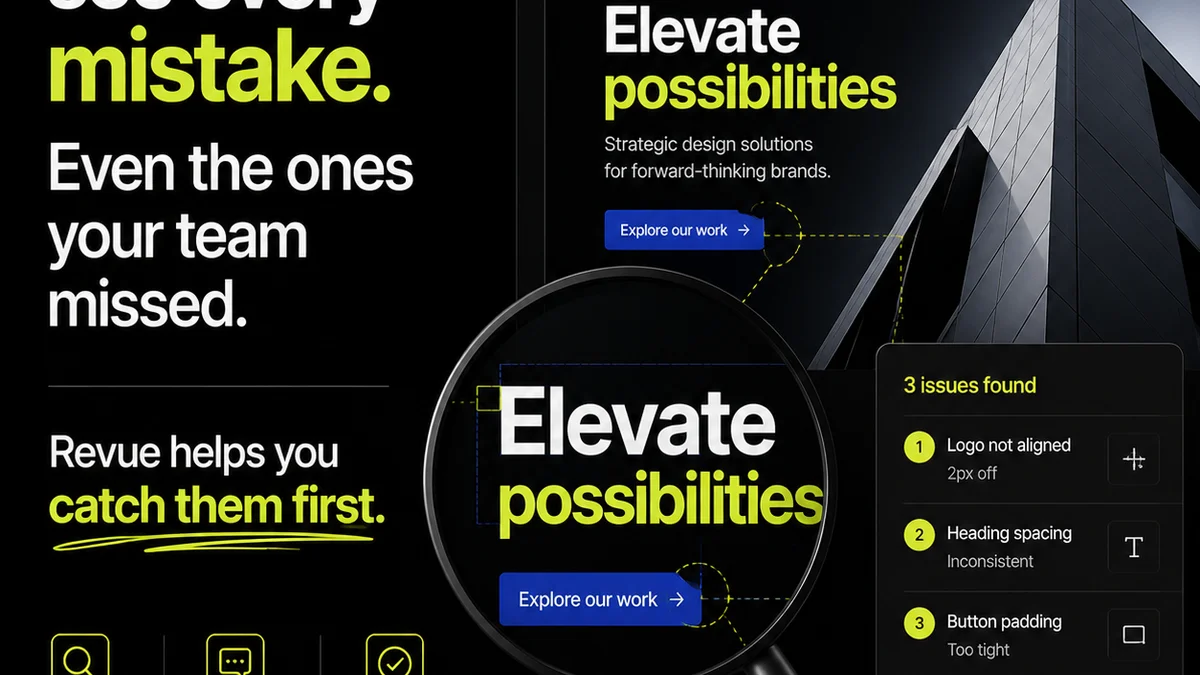
Managing creative feedback, revisions, and approvals is a perpetual challenge for agencies. Too often, critical client input gets lost in email threads or Slack messages.
This is precisely where Revue excels. It provides a dedicated platform to centralize all client feedback, track every revision, and gain clear visibility into the approval process.
Imagine a world where:
- Clients provide precise, contextual comments directly on designs, videos, or websites.
- Every stakeholder’s feedback is logged in one place, with clear version history.
- Your team knows exactly which version is approved and what the next steps are.
- Quality checks are integrated into the review cycle, not an afterthought.
Revue acts as the intelligent layer that connects your creative output to client validation, ensuring clarity and efficiency at every stage. It’s about reducing friction and accelerating the path from concept to client sign-off.
8. The Rise of Integrated Platforms vs. Best-of-Breed
The market is split. You have all-in-one platforms promising to do everything. Then you have specialized,
Frequently asked questions
What is the primary goal of creative operations software?
The primary goal is to streamline workflows, improve collaboration, increase efficiency, and ensure the timely, high-quality delivery of creative projects by centralizing tasks, feedback, and assets.
How important are integrations for creative operations tools?
Integrations are critical. They allow different software solutions to communicate, preventing data silos and manual workarounds. Seamless integration ensures a smoother end-to-end workflow, from project initiation to final delivery.
Should US creative agencies prioritize all-in-one platforms or best-of-breed tools?
It depends on the agency's specific needs and complexity. All-in-one platforms offer simplicity but might lack depth. Best-of-breed tools offer specialized functionality but require careful integration. Many agencies find a hybrid approach works best, combining a core PM tool with specialized solutions for feedback, DAM, etc.
How does software help manage client feedback effectively?
Dedicated client feedback software provides a visual, contextual way to gather and organize input directly on creative assets. This reduces misinterpretations, speeds up revisions, and creates a clear audit trail, preventing feedback from getting lost in emails or chats.