Everyone talks about creative operations workflow software. They say it’s about efficiency. Automation. Streamlining processes. And none of that is wrong. But it’s incomplete.
The real truth? It’s about de-risking your agency. It’s about building a predictable, scalable business that can handle growth without imploding. It’s about giving your creatives space to create, not drown in admin.
Most software talks a big game about features. We’re going to talk about what those features *actually* need to do for your agency’s bottom line. And what they often miss.
1. Centralized Client Feedback: The Single Source of Truth
This is the bedrock. If you’re still relying on email chains, Slack messages, or a dozen different cloud storage links for client feedback, you’re bleeding time and accuracy. Misplaced feedback, missed revisions, conflicting instructions – it’s a recipe for disaster.
Your creative operations workflow software *must* solve this. And that means more than just a place to dump comments.
The Core Problem: Fragmented Communication
Think about it. A client approves a design via email. Then, later, they send a Slack message with a minor tweak. Your designer sees the Slack message but misses the original email approval. Boom. Rework. Lost billable hours. Client frustration.
What to Look For in Feedback Tools:
- Contextual Annotations: The ability to comment directly on images, PDFs, videos, or web pages. No more vague “on the homepage banner, third paragraph.”
- Version Control: Clear tracking of each revision. Who submitted what, when, and what was the previous version?
- Approval Workflows: Formal sign-off points. A clear “Approved” or “Needs Revision” status that’s visible to everyone.
- Client-Side Simplicity: If your clients can’t figure it out, they won’t use it. It needs to be intuitive for them, too.
This isn’t just about organization. It’s about creating an irrefutable audit trail. It’s about reducing scope creep by having clear approval gates.
2. Revision and Approval Management: Beyond a Simple Checkbox
Feedback is one thing. Managing the *process* of revisions and approvals is another. This is where many systems fall short, treating it as a simple task management issue rather than a critical project gate.
A robust creative workflow tool needs to manage the entire lifecycle of a deliverable.
The Danger of Ambiguity:
Who is responsible for the next revision? When is it due? Has the client actually signed off, or are they just “okay” with it? These questions shouldn’t require a detective.
Essential Management Features:
- Task Assignment & Tracking: Clearly assign revision tasks to specific team members with deadlines.
- Status Visibility: A dashboard showing the status of every deliverable at a glance – Draft, In Review, Revisions Needed, Approved, Rejected.
- Automated Notifications: Alerts for new feedback, pending approvals, and overdue tasks.
- Proofing Tools: Beyond comments, tools that facilitate specific types of review (e.g., color checks, text verification).
This level of control is what separates a chaotic agency from a controlled operation. It ensures nothing falls through the cracks and projects move forward predictably.
3. Quality Assurance (QA) Checks: Building In Rigor
This is often the most overlooked aspect of creative operations software. QA isn't just for developers. For creatives, it means ensuring brand consistency, adherence to specs, and error-free delivery.
Think of it as your final defense against embarrassing mistakes.
The Cost of Cutting Corners:
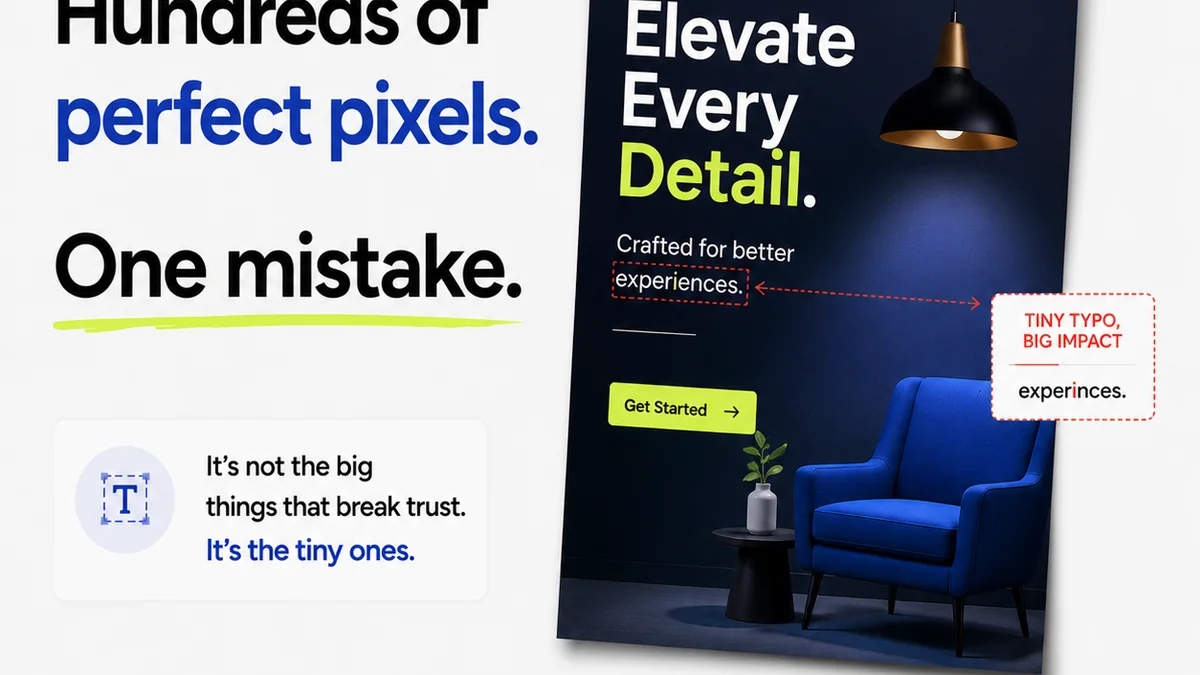
A typo in a major campaign. A logo used incorrectly on a key deliverable. A PDF that doesn’t meet print specs. These aren't just minor errors; they damage your agency's reputation and cost you money to fix.
Integrating QA into Your Workflow:
- Checklist Functionality: Customizable checklists for different types of projects (e.g., website launch, print ad, social campaign).
- Brand Guideline Integration: Ability to reference or even embed brand guidelines for quick checks.
- Pre-flight Checks: Tools to verify file formats, resolution, color profiles, and other technical requirements before delivery.
- Sign-off Stages for QA: Designating specific team members or roles responsible for final QA sign-off.
This proactive approach to quality saves immense time and prevents costly mistakes down the line. It builds client confidence and reduces post-delivery revisions.
4. Project Management Integration: Connecting the Dots
Your creative workflow software can’t live in a silo. It needs to talk to your project management tools, your time tracking, and potentially your finance systems.
The goal is a unified view of project health, not another separate system to manage.
The Silo Effect:
When creative feedback and revision status are separate from project timelines and resource allocation, you get disconnects. Project managers don’t have real-time insight into creative bottlenecks, and creatives are pulled into unrelated project discussions.
What Integration Means:
- Syncing Status Updates: Changes in the creative workflow (e.g., approval) should reflect in your PM tool.
- Resource Visibility: Understanding creative capacity based on actual task progress, not just estimates.
- Time Tracking Linkage: Associating time spent on revisions directly with deliverables.
- Data Flow: Ensuring project data flows smoothly between systems to avoid manual re-entry.
True integration means your entire agency operates from a single, consistent data set. This dramatically improves forecasting and resource planning.
5. User Experience (UX) for Creatives and Clients
This is where many powerful tools fail. If the software is clunky, slow, or confusing, your team won’t use it. And if your clients find it difficult, they’ll revert to email.
The best creative operations software feels invisible.
The Friction Factor:
Constant context switching. Steep learning curves. Unintuitive interfaces. These create resistance, leading to workarounds and a decline in adoption.
Designing for Adoption:
- Intuitive Interface: Clean, modern design that’s easy to navigate.
- Minimal Clicks: Common actions should be quick and accessible.
- Performance: Fast loading times and responsiveness are crucial.
- Mobile Accessibility: Ability to review and approve on the go.
Remember, the goal is to remove friction from your workflow, not add to it. If the tool itself becomes a bottleneck, it defeats the purpose.
Where Revue Fits In
Managing creative feedback and revisions is central to agency operations. You need a system that doesn't just collect comments but actively manages the flow from submission to final approval.
Revue provides a centralized hub for all creative assets and client feedback. Our platform offers:
- Contextual commenting and annotation directly on your creative work.
- Clear version history so you always know which iteration you’re working with.
- Configurable approval workflows that define clear sign-off stages.
- Real-time status tracking visible to your entire team and clients.
- Built-in quality assurance checklists to ensure brand and technical accuracy before delivery.
This streamlines communication, reduces errors, and ensures your team can focus on delivering outstanding creative work, not managing endless email threads.
Final Thought
Creative operations workflow software isn't a magic bullet. It's a tool. A powerful one, if chosen and implemented correctly. But the real value isn't in the features list; it's in the operational discipline it enables.
Are you buying software to automate bad habits, or are you investing in a system that helps you build better ones?
Frequently asked questions
What are the core components of effective creative operations workflow software?
The core components include centralized client feedback and annotation, robust revision and approval management with clear status tracking, integrated quality assurance (QA) checklists, and seamless integration with existing project management tools. User experience for both internal teams and clients is also critical for adoption.
Why is centralized client feedback so important for agencies?
Centralized feedback eliminates fragmented communication across emails, chats, and various platforms. It creates a single source of truth, provides clear version control, and establishes an irrefutable audit trail for approvals, significantly reducing errors, scope creep, and client frustration.
How does creative operations software help with quality assurance (QA)?
It helps by allowing agencies to implement customizable QA checklists for different project types, integrate brand guidelines for quick reference, perform pre-flight checks on technical specifications, and assign specific QA sign-off responsibilities. This proactive approach prevents costly mistakes and reputational damage.
What is the biggest mistake agencies make when choosing workflow software?
The biggest mistake is focusing solely on a long list of features without considering how those features directly address their specific operational pain points, improve team adoption, and integrate with their existing ecosystem. Often, complexity and poor user experience lead to underutilization.