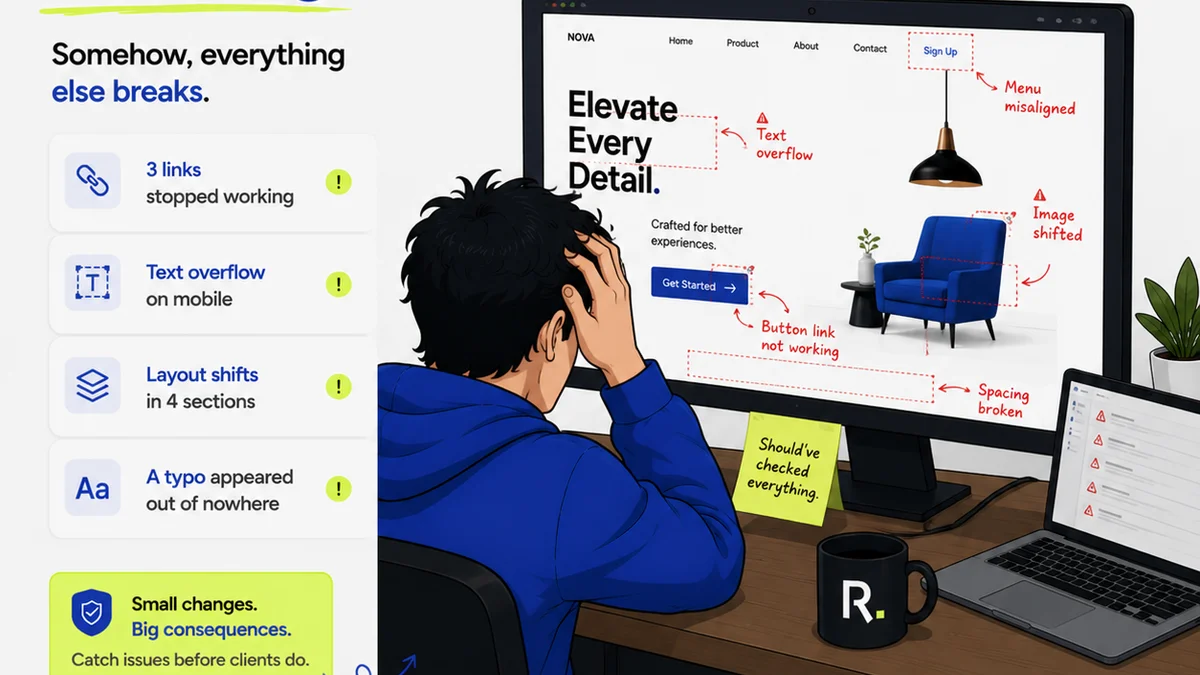
Everyone talks about creative operations workflow tools. They’ll tell you it’s all about efficiency, speed, and getting more done. None of that is wrong. But it’s incomplete.
The real win isn't just doing more; it's doing *better* with less friction. It's about clarity. It's about knowing exactly where a project stands, who needs to do what, and when. It’s about eliminating the guesswork that kills creative momentum.
1. The Foundation: Centralized Project Management
You can’t optimize what you can’t see. Many teams operate in silos, with project details scattered across emails, Slack channels, and spreadsheets. This fragmentation is the enemy of efficient creative operations.
A robust project management tool is the bedrock. It’s where everything lives: briefs, assets, deadlines, tasks, and communication. Without this central source of truth, your other tools become just more places to look for information.
Key Features to Look For:
- Task assignment and tracking
- Deadline management
- Project timelines (Gantt charts, Kanban boards)
- Resource allocation views
- Reporting and analytics
Think of it like air traffic control for your creative projects. It provides visibility and allows for proactive management, not just reactive firefighting.
2. The Accelerator: Asset Management and Version Control
Creative teams live and breathe assets. But managing them can quickly become a nightmare. Who has the latest version? Where is that approved logo? Is this image final?
Dedicated Digital Asset Management (DAM) systems, or robust built-in DAM features within broader platforms, are critical. They ensure everyone is working from the correct files, reducing errors and wasted time.
Why Version Control Matters:
- Eliminates
Frequently asked questions
What are the core benefits of using creative operations workflow tools?
The core benefits include increased efficiency, better communication, centralized feedback, streamlined revisions and approvals, improved asset management, enhanced collaboration, and greater visibility into project progress. This leads to reduced errors, faster turnaround times, and higher quality creative output.
How do creative operations tools help with client feedback?
These tools centralize all client feedback in one place, often directly on the creative asset. This eliminates scattered emails and messages, making it clear which feedback is relevant, who provided it, and what actions are needed. It ensures no feedback gets lost and provides a clear audit trail.
Can creative operations tools improve the revision process?
Yes, significantly. By providing clear feedback, version control, and defined approval workflows, these tools make the revision process structured and efficient. Teams can track changes, compare versions, and manage approvals systematically, reducing confusion and speeding up iterations.
Are creative operations workflow tools only for large agencies?
No, creative operations workflow tools are beneficial for agencies of all sizes, as well as in-house creative teams. Smaller teams can gain significant efficiency and organization, while larger teams can manage complexity and scale their operations more effectively.