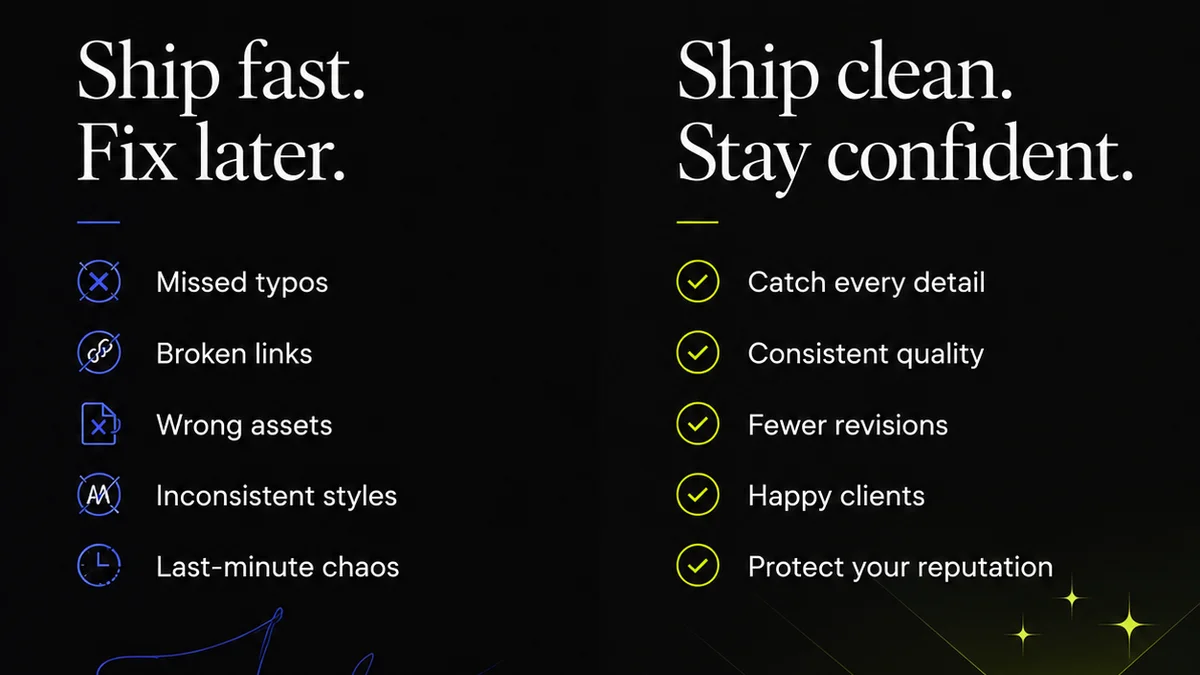
Everyone agrees that quality assurance (QA) is critical for creative agencies. You need to catch errors before they hit the client. That’s the common wisdom. But looking for the “best creative QA software” based on feature checklists alone misses the point entirely. It’s like buying a hammer and expecting it to build a house.
The hard truth? True creative QA isn't about the software's features; it's about the **workflow** it supports. The best tools don't just find bugs; they prevent them by streamlining communication, clarifying feedback, and ensuring everyone is on the same page. In 2026, this means moving beyond simple bug trackers.
1. The Illusion of Feature Parity
Many agencies fall into the trap of comparing QA tools based on a laundry list of features: annotation tools, version control, bug reporting, approval workflows. It’s easy to assume that if two tools have similar features, they’ll deliver similar results. That’s a dangerous assumption.
Features are just the mechanics. How they integrate into your actual creative process is what matters. A tool with a thousand features is useless if your team finds it cumbersome, slows down feedback loops, or creates more confusion than clarity.
The Real Bottlenecks
Consider these common friction points that feature lists rarely address:
- Scattered feedback across email, Slack, and random documents.
- Ambiguous feedback that requires multiple clarification rounds.
- Lack of clear version history, leading to confusion about the latest iteration.
- Disagreements on what constitutes a
Frequently asked questions
What is creative QA software?
Creative QA software helps creative agencies and design teams manage the quality assurance process for their projects. This includes tracking revisions, centralizing feedback, managing approvals, and identifying potential errors before final delivery.
Why is workflow more important than features in QA software?
Features are just tools. The real value comes from how well the software integrates into and improves your existing creative workflow. Software that streamlines communication, clarifies feedback, and speeds up approvals will deliver better results than a tool with many features that are difficult to use or integrate.
How can I choose the right creative QA software for my agency?
Look beyond feature lists. Consider how the software handles feedback centralization, revision tracking, and team collaboration. Does it fit your team's existing processes? Is it intuitive? Does it reduce friction or add to it? Prioritize tools that enhance workflow efficiency and clarity.
Can creative QA software integrate with design tools like Figma or Adobe Creative Cloud?
Many modern creative QA platforms offer integrations with popular design tools. This can streamline the feedback process by allowing comments and annotations directly within the design environment or by automating the transfer of assets for review.