Everyone talks about creative resource management software as the key to unlocking agency efficiency. They say it helps you assign the right people to the right projects, track workloads, and avoid burnout. None of that is wrong. But it’s incomplete.
The hard truth? Most agencies still struggle because they focus on the software itself, not the underlying workflow problems it’s meant to solve. The best creative resource management software isn't just a tool; it's a catalyst for operational discipline.
1. Beyond the Calendar: True Capacity Planning
A common assumption is that resource management software is just a fancy calendar or a Gantt chart. It’s supposed to show who’s busy and who’s free. But that’s just the surface.
Real capacity planning goes deeper. It means understanding not just *if* someone is available, but *how* available they are, considering their skill set, project complexity, and even their energy levels. It’s about forecasting future needs based on realistic utilization rates, not wishful thinking.
Understanding Billable vs. Non-Billable Time
Many agencies track hours, but fail to differentiate between client work and internal tasks. Your best designer might be 100% booked, but if 40% of that is internal meetings and admin, their actual billable capacity is far lower.
- Track time against specific project phases (e.g., discovery, design, revisions).
- Categorize non-billable activities (e.g., training, team meetings, personal development).
- Analyze historical data to set realistic utilization targets for different roles.
Forecasting Project Demands
You can’t manage resources if you can’t predict what you’ll need. This means looking beyond the current quarter.
Effective software helps you forecast resource needs for upcoming projects based on estimated hours, required skill sets, and project timelines. This allows for proactive hiring, training, or even subcontracting.
Skill-Based Resource Allocation
Simply assigning the next available person is a recipe for mediocrity. The best creative resource management software allows you to filter resources by specific skills and experience levels.
Need a motion graphics specialist with experience in motion graphics design for a complex campaign? The system should tell you exactly who fits the bill and their current availability.
2. Project Pipeline Visibility: From Lead to Launch
Resource management is useless without a clear view of your incoming work. If your sales team closes a deal, but that information doesn’t flow into your resource planning, you’re already behind.
Your CRM system should talk to your resource manager. Ideally, they’re part of the same platform or integrate seamlessly.
Real-time Project Status Tracking
Knowing where every project stands is crucial. Is it on track? Are there bottlenecks? Resource management software should provide a dashboard view of all active projects, their progress, and any immediate risks.
This isn't just for project managers. Creative directors and agency owners need this oversight to make strategic decisions.
Forecasting Revenue and Profitability
When you can accurately predict resource allocation, you can also predict revenue. Understanding your team's capacity allows you to forecast how much work you can realistically take on and at what profit margins.
This data is invaluable for financial planning and setting realistic growth targets.
Identifying Bottlenecks
Are your designers consistently overloaded while your copywriters have downtime? Resource management software should highlight these imbalances.
By visualizing workloads across different disciplines, you can identify where processes are breaking down and reallocate tasks or adjust team structures accordingly.
3. Streamlining Workflows: From Brief to Approval
The best creative resource management software doesn’t just assign tasks; it helps define and enforce the processes around them. This is where many agencies fall short.
A defined workflow ensures consistency, reduces errors, and speeds up delivery. Without it, even the best software will struggle to yield optimal results.
Centralized Briefing and Brief Management
A project starts with a brief. If that brief is buried in an email chain or a shared doc, the entire process is off to a shaky start. Good resource management software integrates or supports a centralized system for brief creation and management.
This ensures all necessary information is captured upfront, reducing scope creep and misinterpretations later.
Task Management and Dependencies
Breaking down large projects into manageable tasks is fundamental. The software should allow for clear task assignments, deadlines, and crucially, the ability to define dependencies.
Task A must be completed before Task B can begin. Visualizing these dependencies prevents delays and keeps projects moving smoothly.
Revision and Approval Tracking
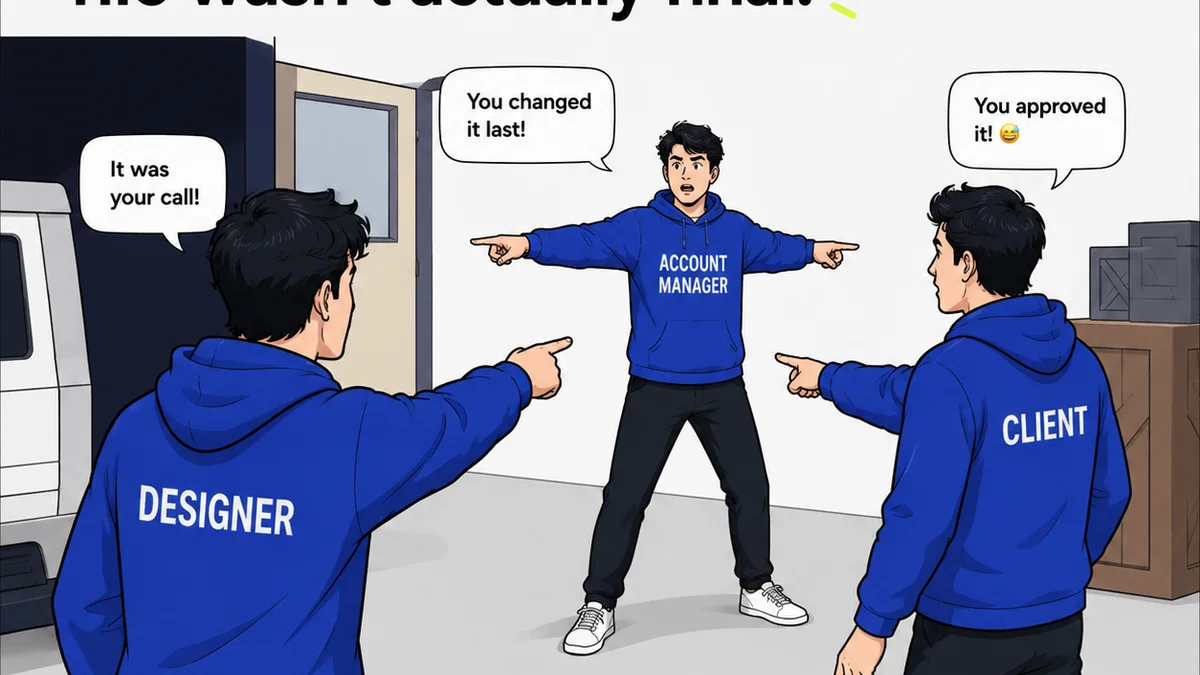
This is often the most chaotic part of creative work. Without a system, feedback gets lost, versions become muddled, and approvals are delayed indefinitely.
Effective resource management tools integrate or provide clear mechanisms for tracking feedback, managing revisions, and obtaining formal approvals. This clarity saves countless hours and avoids disputes.
Quality Assurance Gates
Before a final asset goes to the client, it should pass through a quality check. This might involve technical checks (file formats, resolution) or creative checks (brand consistency, adherence to brief).
Resource management software can incorporate these QA steps as distinct phases within a project workflow, ensuring standards are met.
4. Collaboration and Communication Enhancements
Resource management isn't solely about numbers and schedules; it's about people. Effective software fosters better collaboration.
When your team knows who is working on what, and why, communication becomes more focused and productive.
Clear Ownership and Accountability
When a task is assigned within the system, there’s no ambiguity about who is responsible. This fosters accountability and reduces the likelihood of tasks falling through the cracks.
It also empowers team members by giving them clear ownership of their contributions.
Streamlined Feedback Loops
Instead of endless email threads, feedback can be logged directly against the relevant task or asset within the system. This keeps all communication contextual and easily accessible.
This is particularly important for remote or hybrid teams.
Visibility for Stakeholders
Beyond the creative team, account managers, sales, and even clients (in a controlled way) can benefit from visibility into project progress. This transparency builds trust and manages expectations.
Imagine an account manager being able to quickly check the status of a client deliverable without having to interrupt the creative team.
Where Revue Fits In
While robust creative resource management software handles the heavy lifting of scheduling, capacity planning, and task assignment, certain aspects of the creative workflow require specialized tools. This is where Revue excels.
Revue is built for the critical stage of client feedback and revision management. It centralizes all stakeholder input, making it impossible for feedback to get lost in email chains or Slack messages. This directly supports the
Frequently asked questions
What is the primary benefit of creative resource management software?
The primary benefit is optimizing your team's capacity and project timelines by providing clear visibility into workloads, skill sets, and availability, thereby preventing overbooking and ensuring efficient project delivery.
How does resource management software help with client feedback?
While not its primary function, good resource management software integrates with or supports systems that centralize client feedback, track revisions, and manage approvals, ensuring that feedback is contextual and doesn't disrupt project schedules.
Can resource management software predict future resource needs?
Yes, advanced software uses historical project data and current pipeline information to forecast future resource requirements, helping agencies plan for hiring, training, or subcontracting.
What's the difference between task management and resource management?
Task management focuses on individual tasks and deadlines, while resource management looks at the bigger picture of who is available to do those tasks, considering their skills, workload, and capacity across multiple projects.