Everyone wants the best creative review software. They scour lists, compare feature sets, and chase the latest shiny object. None of that is wrong. But it’s incomplete.
The hard truth? No single tool magically fixes broken creative workflows. The real power isn't in the software itself, but how it facilitates clear communication and efficient decision-making.
1. Beyond Feature Checklists: What 'Best' Really Means
You've seen the lists. They tout real-time collaboration, version control, annotation tools, and AI-powered insights. These are table stakes now.
But 'best' isn't about having the most features. It’s about aligning with your team's specific needs and, more importantly, your clients' communication styles.
Consider these underlying needs:
- Reducing endless email chains.
- Eliminating version confusion.
- Ensuring feedback is actionable, not just opinion.
- Gaining visibility into revision history.
- Streamlining the final approval process.
- Maintaining project momentum.
If a tool doesn't address these core workflow bottlenecks, it's just another layer of complexity.
2. The Feedback Labyrinth: Why Clarity is King
The biggest killer of creative projects? Ambiguous feedback. It’s the swamp where deadlines go to die.
Clients often don't know how to articulate their needs. They resort to vague statements like “make it pop” or “I don’t like it.”
Effective creative review software doesn't just capture feedback; it structures it. It encourages specificity.
The Perils of Unstructured Feedback
- Misinterpretation leading to wasted revisions.
- Subjectivity disguised as objective critique.
- Difficulty in tracking the *why* behind changes.
- Client frustration when their intent isn't captured.
- Team burnout from chasing phantom requirements.
Look for software that can:
- Allow comments directly on design elements.
- Support threaded conversations tied to specific feedback points.
- Enable different user roles (client, reviewer, designer) with distinct permissions.
- Provide a clear audit trail of all feedback and decisions.
This isn't about technology; it's about process. The best tools enforce a better process.
3. Version Control: The Silent Project Killer
How many times has a designer sent over V5, only for the client to reference feedback from V3? It's a common, frustrating scenario.
Lack of clear version control breeds confusion, wastes time, and erodes trust. It's not just about uploading a new file; it's about managing iterations intelligently.
What to look for:
- Automatic version stacking and clear indicators of the latest version.
- The ability to compare different versions side-by-side.
- Easy rollback to previous versions if needed.
- A clear history of which version was approved when.
This ensures everyone is working from the same, most up-to-date asset. It’s fundamental for efficient creative collaboration.
4. Approval Workflows: From Feedback to Sign-off
Feedback is one thing. Approval is another. A clear approval workflow is non-negotiable for project progression.
This means defining who needs to approve what, and when. It’s about formalizing the sign-off process to prevent scope creep and subjective delays.
Key elements of a robust approval system:
- Configurable approval stages (e.g., internal review, client review, final approval).
- Automated notifications to stakeholders when action is required.
- Clear status indicators (Pending, Approved, Rejected, Needs Revision).
- The ability to capture formal sign-offs, often with timestamps and user attribution.
This structured approach transforms feedback from a messy conversation into a decisive action.
5. The Rise of Integrated Workflows
The trend isn't just about standalone review tools. It's about how they integrate into your broader creative stack.
Think about connecting your design tools (like Adobe Creative Cloud or Figma) with your project management and communication platforms.
Seamless integration means:
- Less manual file uploading and downloading.
- Reduced context switching for your team.
- A single source of truth for project assets and feedback.
The goal is to minimize friction. Every click, every transfer, every login is an opportunity for delay.
Where Revue Fits In
Revue isn't just another creative review tool; it's a workflow orchestration platform designed for agencies and in-house teams.
We understand that the 'best' software is the one that integrates seamlessly and brings clarity to chaos.
Revue centralizes client feedback, making it impossible to lose crucial notes in email threads or chat logs. It provides clear visibility into revision history, so you always know what’s been changed and why.
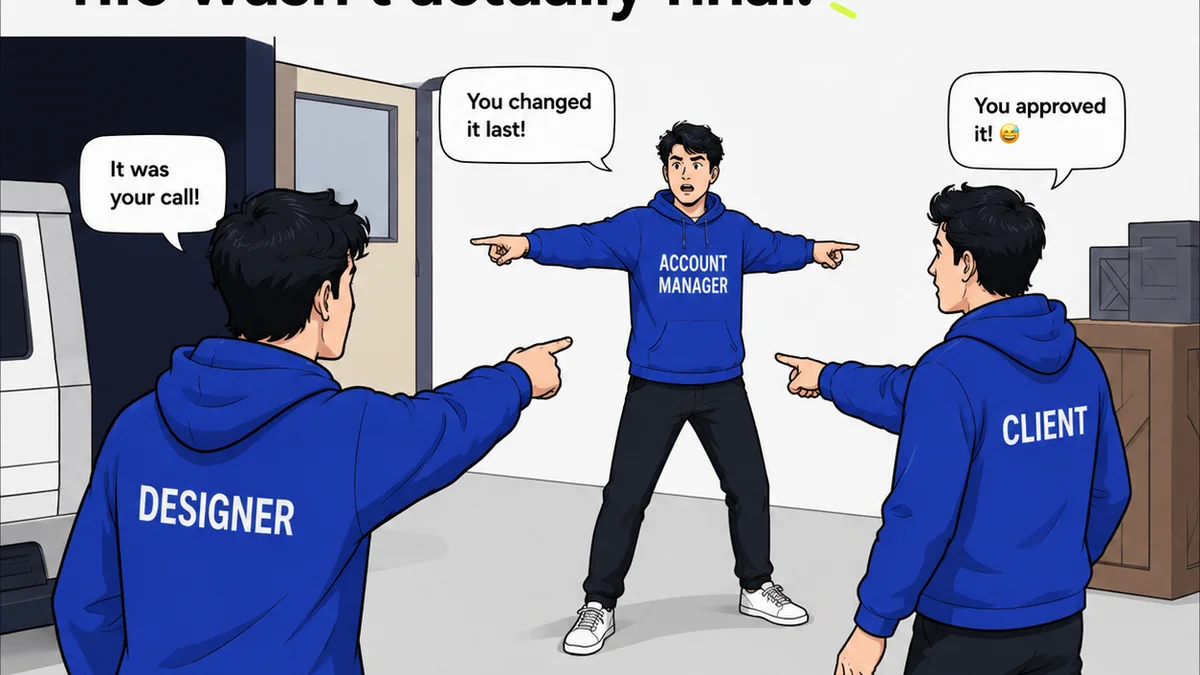
Our streamlined approval workflows ensure that projects move forward decisively, with every sign-off documented. We help you move past the 'he said, she said' and into a state of clear, actionable progress.
It’s about taking control of your feedback loop, not just managing comments.
Final Thought
Stop chasing the 'best' feature list. Start demanding clarity, control, and efficiency in your creative review process. The software that enables this isn't just a tool; it's a strategic advantage.
What’s the single biggest bottleneck in your current creative review process?
Frequently asked questions
What are the essential features of creative review software?
Beyond basic annotation and commenting, look for structured feedback, version control, clear approval workflows, audit trails, and integration capabilities with your existing design tools.
How can creative review software improve client communication?
By centralizing feedback, providing a clear audit trail, and enabling structured approvals, it reduces misinterpretations, minimizes endless email chains, and ensures clients see their feedback is acted upon.
Is AI becoming important in creative review tools?
While AI is emerging for tasks like sentiment analysis or identifying common feedback themes, the core value of creative review software still lies in facilitating clear human communication and structured workflows.
How do I choose the right creative review software for my agency?
Prioritize tools that solve your specific workflow pain points, integrate with your existing stack, and are intuitive for both your team and your clients. Don't get swayed by feature lists alone; focus on process improvement.