Everyone talks about the creative technology stack. They list the flashy design apps, the project management behemoths, the cloud storage solutions. It’s easy to assume that if you’ve got a good set of these tools, you’ve got a good tech stack.
None of that is wrong. But it’s incomplete.
The real truth? Your creative technology stack is less about the individual tools and more about how they connect. It's about workflow. It's about communication. It's about getting work done, efficiently and effectively.
1. The Myth of the All-in-One Solution
Many agencies chase the unicorn: a single platform that handles everything. This rarely exists. And when it does, it’s often a compromise.
You end up with:
- Features you don’t need, driving up cost.
- Missing critical functionality in areas where you need depth.
- A rigid system that stifles creative process.
A truly effective creative technology stack is a curated ecosystem. It’s a series of best-in-class tools, chosen for specific jobs, that integrate seamlessly.
2. Core Pillars of a Creative Tech Stack
Think of your stack in terms of core functions. What absolutely needs to happen for your agency to deliver great work?
A. Design & Creation Tools
This is the obvious part. Your designers need the right software to bring ideas to life.
Consider:
- Vector graphics (e.g., Adobe Illustrator, Affinity Designer)
- Raster graphics (e.g., Adobe Photoshop, Affinity Photo)
- Layout and DTP (e.g., Adobe InDesign, QuarkXPress)
- Prototyping and UI/UX (e.g., Figma, Sketch, Adobe XD)
- Video editing (e.g., Adobe Premiere Pro, Final Cut Pro)
- Motion graphics (e.g., Adobe After Effects)
The key here isn’t just having the software, but ensuring your team is proficient and that file formats are compatible across your workflow.
B. Project Management & Workflow
This is where many stacks fall apart. Design is messy. Projects have deadlines, dependencies, and multiple stakeholders. You need a system to manage it all.
Look for tools that offer:
- Task management
- Timeline visualization (Gantt charts, Kanban boards)
- Resource allocation
- Time tracking
- Customizable workflows
This pillar ensures that creative work moves smoothly from brief to final delivery.
C. Communication & Collaboration
Creative projects are inherently collaborative. Miscommunication is the enemy of good work.
Your stack needs tools for:
- Internal team chat (e.g., Slack, Microsoft Teams)
- Client communication and feedback
- Document sharing and version control
- Real-time co-editing (where applicable)
This isn't just about having a chat app; it's about creating a clear, documented channel for all project-related conversations.
D. Asset Management & Storage
Where do your final files live? How do you find them later? How do you share large assets?
A robust system includes:
- Cloud storage (e.g., Google Drive, Dropbox, OneDrive)
- Digital Asset Management (DAM) systems for larger, more complex needs
- Version history and rollback capabilities
- Secure sharing options
Lost files or outdated versions cost time and money. A strong DAM strategy is non-negotiable.
E. Review & Approval Workflows
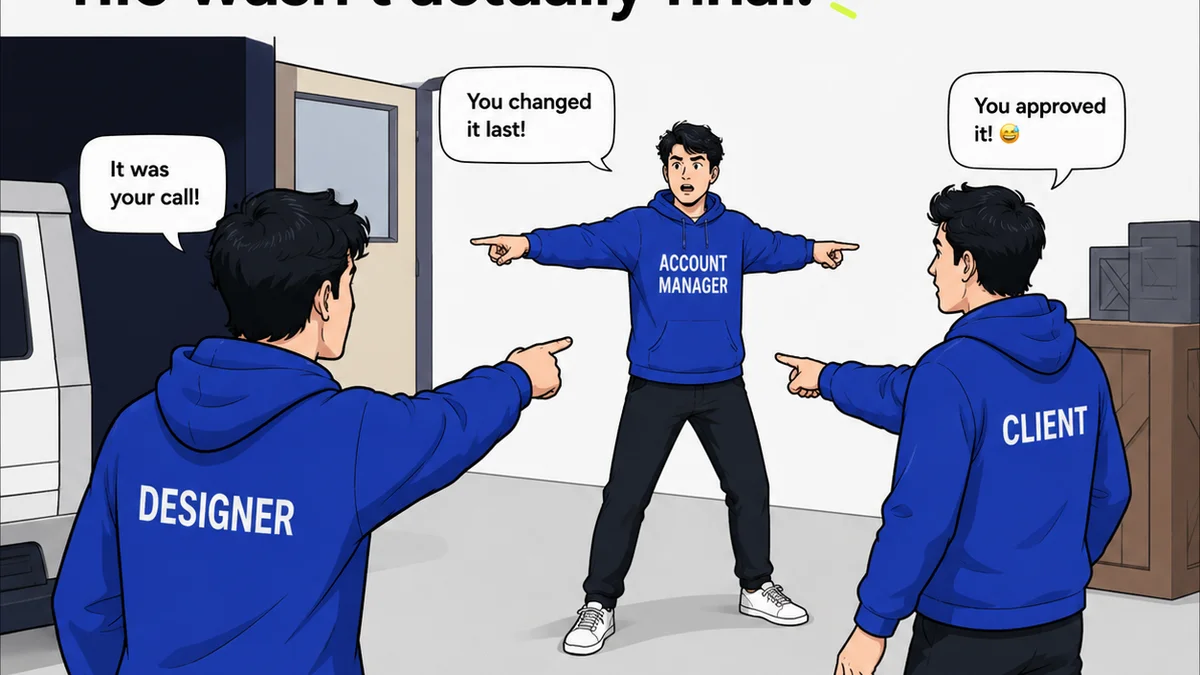
This is a critical bottleneck for many agencies. How do clients provide feedback? How do you track revisions? How do you get sign-off?
Effective tools should enable:
- Centralized feedback collection (annotations on designs, videos, PDFs)
- Clear revision tracking
- Stage-gate approvals
- Audit trails for accountability
This is where many agencies still rely on endless email chains and screenshots, leading to confusion and errors.
F. Quality Assurance & Testing
Before anything goes out the door, it needs to be checked. This applies to design, copy, code, and functionality.
Consider tools for:
- Cross-browser/device testing for web
- Accessibility checks (WCAG guidelines are a good baseline)
- Grammar and spell checking
- Proofreading and final content review
This layer of checks prevents embarrassing mistakes and ensures a professional output.
3. The Importance of Integration
This is the hard truth. A collection of great tools is useless if they don’t talk to each other. Your creative technology stack is only as strong as its integrations.
Consider:
- Can your design tool export to a format easily imported into your review tool?
- Does your project management system sync with your time tracking?
- Can feedback from your review platform trigger a task in your project management system?
- Does your DAM integrate with your creation tools for easy asset access?
APIs and native integrations are your best friends. Zapier and similar tools can bridge gaps, but native integrations are always more robust and reliable.
This seamless flow reduces manual data entry, minimizes errors, and speeds up the entire creative process.
4. Evaluating New Software
When looking at new creative technology stack software, ask these questions:
- Does it solve a specific problem in our workflow?
- How well does it integrate with our existing tools?
- What is the learning curve for our team?
- What is the total cost of ownership (including training, support, and potential integration costs)?
- Does it scale with our agency?
- Does it improve communication, or add another silo?
Don’t buy software for features you *might* use. Buy it to solve problems you *are* having.
5. Where Revue Fits In
Many agencies struggle with the review and approval phase. Feedback gets lost, revisions aren’t tracked, and sign-offs are ambiguous. This is a direct hit to your bottom line and client satisfaction.
Revue is designed to bring clarity and control to this chaotic part of the creative workflow.
It acts as the central hub for client feedback and revisions. Instead of scattered email threads and confusing Slack messages, all feedback is centralized, contextual, and actionable.
- Centralized Feedback: Clients can leave comments directly on designs, videos, and documents. No more hunting for that one email.
- Revision Visibility: See every version, every change, and every piece of feedback linked to that version.
- Streamlined Approvals: Formalize the sign-off process with clear, auditable approvals.
By connecting your creation tools to a robust review and approval system like Revue, you eliminate ambiguity and accelerate project timelines.
Final Thought
Your creative technology stack is not static. It’s an evolving system that needs regular evaluation. Are your tools helping you deliver better work, faster? Or are they creating more friction than they solve?
The most effective stacks aren't the most expensive, or the most feature-rich. They are the ones that are thoughtfully integrated, perfectly aligned with your team's unique workflow, and relentlessly focused on clarity.
Frequently asked questions
What are the core components of a creative technology stack?
A creative technology stack typically includes tools for design/creation, project management/workflow, communication/collaboration, asset management/storage, review/approval, and quality assurance/testing.
Why is integration important in a creative tech stack?
Integration is crucial because it allows different tools to communicate, reducing manual data entry, minimizing errors, and creating a seamless flow of work. A stack of disconnected tools is inefficient.
Should I look for an all-in-one solution for my creative tech stack?
Generally, no. While tempting, all-in-one solutions often lack depth in critical areas or include features you don't need. A curated ecosystem of best-in-class, integrated tools is usually more effective.
How does Revue improve a creative technology stack?
Revue specifically enhances the review and approval component of the tech stack. It centralizes client feedback, tracks revisions clearly, and formalizes approvals, eliminating confusion and speeding up project delivery.