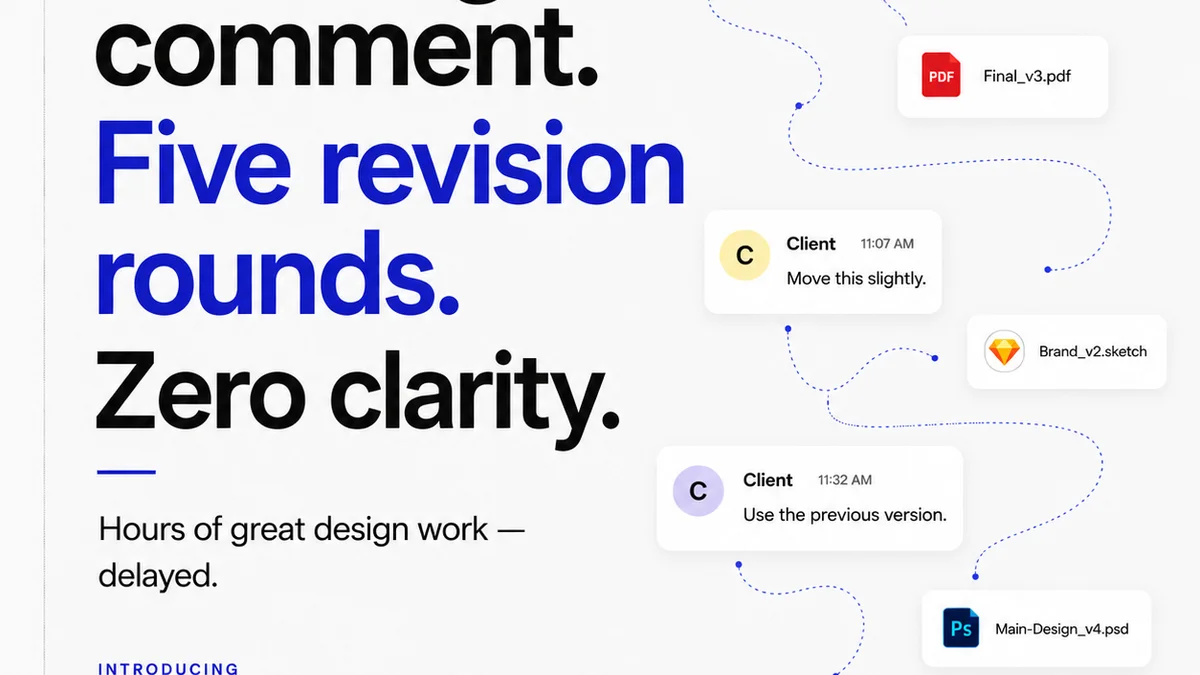
Everyone knows version control is critical for software development. The idea of tracking changes, reverting to previous states, and collaborating without overwriting is fundamental. But many creative teams treat it as an afterthought. A simple file-naming convention. A shared drive. None of that is wrong. But it’s incomplete.
The hard truth? Your creative version control strategy is likely costing you time, money, and sanity. And it's not just about saving files; it's about saving your projects from chaos.
1. The Illusion of 'Good Enough' Naming Conventions
We’ve all been there. `logo_final.ai`, `logo_final_v2.ai`, `logo_final_really_final.ai`, `logo_final_final_THIS_ONE.ai`. It’s a desperate attempt to impose order on a chaotic process. It feels like control. It’s not.
This approach is fragile. It relies on individual discipline, which is notoriously unreliable under pressure. What happens when someone is out sick? When a junior designer makes a mistake? When a client asks for a change to `logo_final_v2.ai` and you can’t remember if `logo_final_really_final.ai` already incorporated that feedback?
The Hidden Costs of Manual Versioning
- Endless searching for the correct file.
- Accidental deletion or overwriting of critical work.
- Inability to easily track the history of specific assets.
- Wasted hours re-doing work that was already completed.
- Frustration and team burnout.
It’s a system designed for human memory, not for the complexity of modern creative projects.
2. Beyond the Folder: Centralized Feedback and Approval
The next layer of version control isn't just about file states; it's about the context around those states. Where did the feedback come from? Who approved what? When?
A shared drive might house the files, but it doesn't house the conversation. This is where creative version control truly breaks down for agencies and in-house teams. You need a single source of truth, not just for the asset, but for its entire lifecycle.
The Feedback Black Hole
- Emails get lost.
- Slack messages are buried.
- Meeting notes are scattered.
- Client phone calls are unrecorded.
When a dispute arises, or you need to understand why a specific design decision was made, you’re left guessing. This lack of clear audit trail is a ticking time bomb.
Who Signed Off on What?
Imagine this: A client approves a design. Weeks later, they claim they never approved that specific version. Without a clear, dated record of approval, you’re in a weak position. The manual approach offers no reliable way to prove who saw what, when, and what they agreed to.
This is more than just inconvenience; it’s a risk to your client relationships and your bottom line.
3. The Revision Lifecycle: Tracking Iterations with Clarity
Every creative project involves iterations. Each iteration is a response to feedback, a step towards the final goal. Effective version control means understanding not just the *what*, but the *why* of each revision.
What was the original brief? What feedback led to this change? What was the outcome of the client review for this specific iteration?
The Iteration Maze
- Did we address all the points from the last review?
- Was this revision a response to internal feedback or client feedback?
- What was the scope creep, and when did it happen?
Without a structured way to track these revisions, you’re essentially flying blind. You can’t accurately estimate future timelines, onboard new team members, or conduct post-mortems effectively.
4. Quality Control: The Unsung Hero of Versioning
Many teams assume quality control happens at the end. A final check before delivery. But true quality control is woven into the version control process itself.
This means ensuring that each
Frequently asked questions
What is creative version control?
Creative version control is a system for managing changes to creative assets throughout their lifecycle. It goes beyond simple file naming to include tracking feedback, revisions, approvals, and the context around each iteration, ensuring clarity and accountability.
Why are file-naming conventions not enough for version control?
File-naming conventions are manual, prone to human error, and lack context. They don't track feedback, approvals, or the reasons behind changes, leading to confusion, lost work, and inefficient workflows.
How does centralized feedback improve version control?
Centralizing feedback in one platform creates a clear, auditable record of client and team input tied to specific asset versions. This eliminates lost communication and provides context for every revision, preventing disputes and misunderstandings.
What is the role of approvals in creative version control?
Clear, dated records of approvals for specific asset versions are crucial. This protects against scope creep claims and disputes, ensuring everyone is aligned on what has been signed off.
Can version control help with quality control?
Yes. By tracking all revisions and feedback, you can ensure that quality checks are performed at each stage, not just at the end. This proactive approach catches issues earlier and streamlines the final delivery process.