Everyone talks about the importance of a smooth design approval workflow. Clients need to sign off, teams need to iterate, and projects need to move forward. It sounds simple enough.
None of that is wrong. But it’s incomplete.
The hard truth is that most design approval workflows are broken. They’re manual, opaque, and frustrating for everyone involved. This isn't just about getting a 'yes' or 'no' faster; it's about building a system that prevents errors, clarifies communication, and builds client trust.
1. The Myth of 'Good Enough' Feedback
Many teams operate under the assumption that as long as feedback is captured, the workflow is functional. Email chains, Slack messages, even handwritten notes on printouts—it all gets logged somewhere, right?
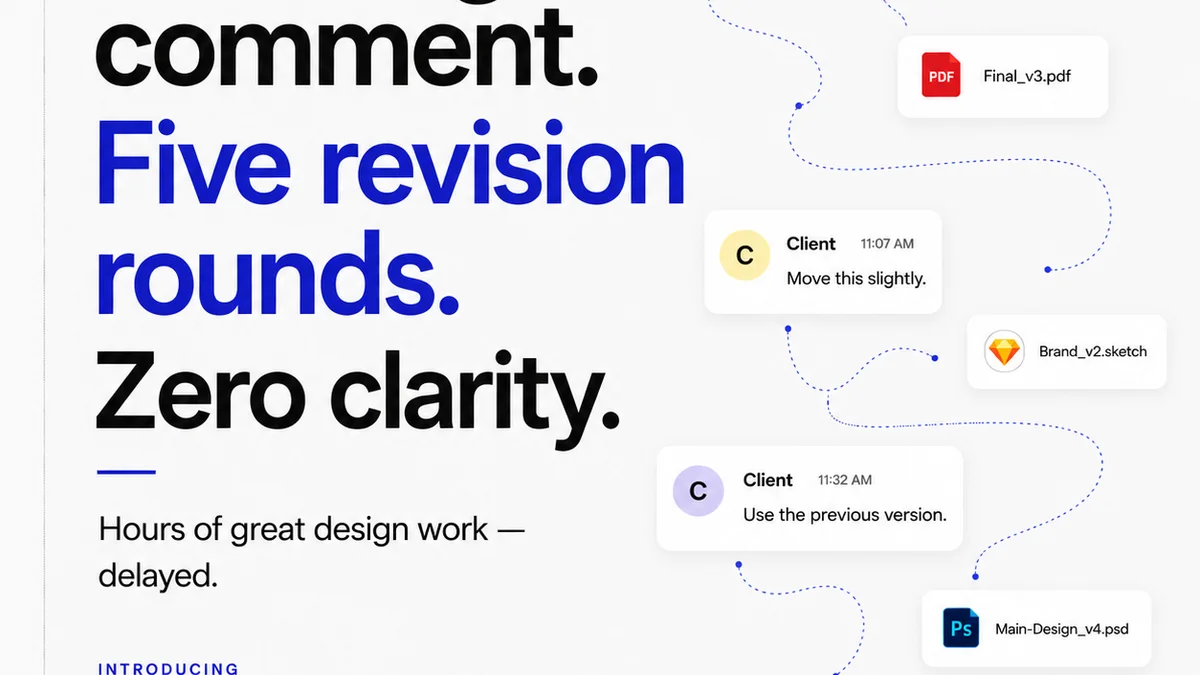
This approach is a recipe for disaster. Feedback gets lost, misinterpreted, or ignored. Decisions are made based on incomplete information. The result? Scope creep, missed deadlines, and unhappy clients.
A truly effective design approval workflow treats feedback not as a byproduct, but as a critical data point. It needs to be:
- Centralized
- Version-controlled
- Actionable
- Traceable
Anything less is just noise.
2. Defining the Stages of Approval
A clear workflow isn't just about the end-of-project sign-off. It's a series of checkpoints. Each stage serves a purpose and requires specific actions.
Internal Reviews
Before client eyes ever see the work, your internal team needs to vet it. This catches obvious errors and ensures alignment with the brief.
- Creative Director Review: Strategic and aesthetic alignment.
- Art Director/Senior Designer Review: Technical execution and quality.
- Project Manager Review: Scope, budget, and timeline adherence.
This internal gatekeeping saves client time and prevents embarrassing mistakes.
Client Presentation & Feedback
This is where many workflows falter. Presenting work in a static PDF or a live meeting without a structured way to capture feedback is inefficient.
Instead, use a platform that allows for contextual comments directly on the design assets. This ensures feedback is tied to specific elements.
Revision Rounds
Clearly define the number of revision rounds included in your contract. Each round should involve:
- Client provides consolidated feedback.
- Design team implements revisions.
- Team reviews revised work internally.
- Present revised work to the client for approval.
This structure prevents endless back-and-forth.
Final Approval
This is the formal sign-off. It should clearly state that the client has approved the work as is, and any further changes will incur additional costs or be managed under a new scope.
3. The Cost of Opaque Workflows
When your design approval process is a black box, clients get anxious. They don't know where their project stands, who is reviewing what, or when they'll see the next iteration.
This lack of transparency breeds distrust. Clients start to feel like they're throwing requests into a void.
Consider the alternative:
- A client can log in and see the current status of their project.
- They can review specific versions of a design and add comments.
- They can see a history of all feedback and revisions.
This visibility is powerful. It empowers clients and reduces their need to constantly chase updates.
4. Standardizing Your Process
Consistency is key. A standardized design approval workflow ensures that every project, regardless of the team member handling it, follows the same best practices.
This involves:
- Using templates for project briefs and feedback forms.
- Establishing clear communication protocols.
- Defining roles and responsibilities for each approval stage.
- Leveraging technology to automate and track progress.
Standardization isn't about rigidity; it's about creating a reliable framework that allows for creativity within defined boundaries.
5. Where Revue Fits In
Managing a complex design approval workflow across multiple clients and projects can quickly become overwhelming. This is where a dedicated tool becomes essential.
Revue provides a centralized platform for all your creative feedback and approvals. Instead of sifting through endless email threads or scattered messages, you get a single source of truth.
Key benefits include:
- Centralized Feedback: All client comments and internal notes live on the asset itself. No more hunting for that one crucial email.
- Version Control: Easily compare different versions of a design, track revisions, and ensure everyone is looking at the latest iteration.
- Clear Approval Tracking: See exactly who has reviewed, approved, or requested changes. This transparency eliminates ambiguity.
- Streamlined Communication: Reduce back-and-forth by having all project communication within the context of the creative work.
Revue helps you move from a chaotic, manual process to an organized, efficient, and professional design approval system. It’s about making the approval process a strength, not a bottleneck.
6. The Human Element in Approvals
Even with the best technology, human interaction is vital. The workflow should support, not replace, good client relationships.
Use the structured workflow to facilitate more productive conversations. When feedback is clear and contextual, discussions become more focused on creative solutions rather than deciphering vague comments.
Remember, clients are entrusting you with their brand. A professional, transparent approval process builds confidence and fosters long-term partnerships.
Final Thought
Is your design approval workflow a source of efficiency and client satisfaction, or a hidden drag on your agency's profitability and reputation? The difference lies not in the tools you use, but in the system you build.
Frequently asked questions
What are the key stages of a design approval workflow?
A typical design approval workflow includes internal reviews (creative director, art director, PM), client presentation and feedback, defined revision rounds, and final sign-off. Each stage ensures quality and alignment before moving forward.
Why is centralized feedback important in design approvals?
Centralized feedback prevents comments from getting lost in email chains or Slack. It ensures all stakeholders are working from the same information, tied directly to the design asset, reducing misinterpretations and rework.
How can a workflow improve client trust?
A transparent and structured workflow builds client trust by showing them the project's progress, allowing them to provide clear feedback, and ensuring timely delivery. Visibility eliminates anxiety and fosters confidence in your process.
What is the role of version control in approvals?
Version control is crucial for tracking changes and ensuring everyone is reviewing the correct iteration of a design. It provides a clear history of revisions, preventing confusion and ensuring that the final approved version is the one intended.