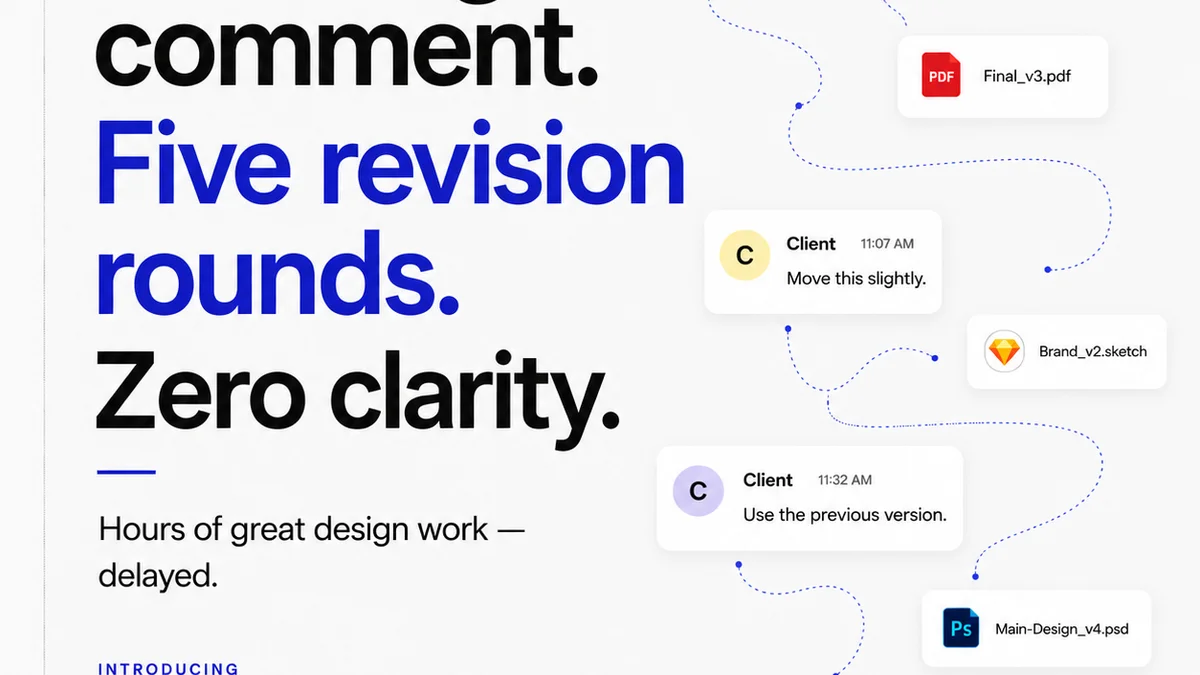
Everyone thinks design change requests are about clear communication. And that’s not wrong. But it’s dangerously incomplete.
The hard truth? Effective change request management is less about polite emails and more about robust process. It’s the difference between a smooth project and a project that bleeds time and profit.
1. The Myth of the 'Simple' Revision
Clients often say, "Just a small tweak." What they mean is they haven’t fully grasped the ripple effect of their request. A "small tweak" can mean redesigning a layout, re-rendering an animation, or even re-thinking the core concept. This disconnect is a primary source of project creep and client frustration.
Your job isn’t just to execute the tweak. It’s to manage the expectation around what that tweak actually entails.
Why 'Simple' Is Rarely Simple
- Impact on overall design coherence.
- Technical feasibility and time investment.
- Unforeseen consequences on other elements.
- Client's evolving understanding of their own needs.
Treat every change request as a potential project scope expansion, until proven otherwise.
2. Standardize Your Intake Process
Ad hoc requests kill efficiency. If feedback arrives via Slack, email, a random phone call, or scribbled notes on a PDF, you’re already behind.
A standardized intake process forces clarity from the start. It ensures you get all the necessary information upfront, reducing back-and-forth.
What a Standard Request Should Include
- Specifics: What element needs changing? Where is it located?
- Reasoning: *Why* is the change needed? What problem does it solve?
- Desired Outcome: What should the final result look like or achieve?
- Context: Does this relate to a specific brief requirement or previous feedback?
This isn’t about making things difficult for clients. It’s about making the process work for everyone.
3. The Power of Visual Annotation
Text-based feedback is often ambiguous. "Make it pop more" is a classic. What does "pop" mean to this specific client, on this specific design?
Visual annotation tools allow clients (or your team) to draw directly on the design, point to specific areas, and leave precise feedback. This eliminates guesswork.
It’s the difference between saying "the logo is too small" and drawing a box around the logo and specifying the exact dimensions or percentage increase.
Benefits of Visual Feedback
- Reduces misinterpretation.
- Speeds up the feedback loop.
- Creates a clear audit trail.
- Lessens the need for lengthy clarification calls.
Tools like Figma have built-in commenting, but dedicated platforms offer more robust workflows.
4. Define Revision Rounds and Scope
Scope creep is the silent killer of agency profitability. Uncontrolled revisions are the engine of scope creep.
Clearly define the number of revision rounds included in your initial proposal. Outline what constitutes a "round" and what falls outside of it.
Anything beyond the agreed-upon rounds should trigger a conversation about additional scope and cost.
Setting Boundaries
- Number of Rounds: "Two rounds of revisions included."
- Definition of a Round: "A round consists of consolidated feedback on a specific deliverable, addressed in one go."
- Out-of-Scope Items: "Requests that fundamentally alter the agreed-upon strategy or introduce new functionality."
- Change Order Process: "Requests outside of scope will be presented with a separate quote and timeline."
This isn’t about nickel-and-diming clients. It’s about professional project management and protecting your team's capacity.
5. Feedback Consolidation is Key
Receiving feedback from multiple stakeholders – client-side marketing, legal, product – can be a nightmare. If each person emails their own notes, your team has to synthesize it all.
Designate a single point of contact on the client side for feedback consolidation. If that’s not possible, your agency must have a process to collate and prioritize all incoming feedback before presenting it to the design team.
This prevents conflicting instructions and ensures the design team works from a single, unified brief.
Consolidation Workflow
- All feedback funnels to one designated person (client or agency).
- This person reviews feedback for clarity and conflicts.
- Consolidated feedback is presented to the design team.
- Any major conflicts are flagged for direct client resolution.
6. Where Revue Fits In
Managing design change requests effectively requires a centralized system. Trying to track feedback across emails, Slack, and random documents is a recipe for disaster.
Revue provides a single source of truth for all client feedback, revisions, and approvals. Instead of scattered comments, you have a clear, documented history.
This visibility helps:
- Centralize feedback: All comments and annotations live in one place, tied to the specific design asset.
- Manage revisions: Track the evolution of a design through multiple versions, with clear approval stages.
- Run quality checks: Ensure all feedback has been addressed before final sign-off, reducing errors and last-minute surprises.
When feedback is organized, your team can focus on creative execution, not detective work.
7. The Review and Approval Handoff
The final sign-off is critical. It’s the moment you confirm everyone is aligned and ready to move forward.
Your process should clearly distinguish between providing feedback and giving final approval. A client might provide feedback, but only a designated approver can give the green light.
Ambiguity here leads to issues downstream. Ensure clear roles and responsibilities for final sign-off.
Approval Best Practices
- Designated Approver: Identify the single person with final authority.
- Clear Sign-off Mechanism: Use a formal approval button or documented confirmation.
- Version Control: Ensure approvals are tied to a specific, final version of the asset.
- Post-Approval Changes: Clearly state that any changes after approval require a new scope and potentially a new quote.
8. Learn from Every Change
Each project, and each set of change requests, is a learning opportunity.
After a project closes, review the change request logs. Were there recurring themes? Did a particular type of feedback cause significant delays? Was the initial brief clear enough?
Use this data to refine your proposals, improve your intake process, and educate future clients.
Continuous improvement is the only way to truly master the art of managing design changes.
Final Thought
Are your design change request processes built to serve the client, or to protect your agency's sanity and profitability? The best systems do both.
Frequently asked questions
What is the best way to receive design feedback?
The best way is through a standardized intake process using visual annotation tools. This ensures clarity, reduces ambiguity, and provides a clear audit trail for all feedback.
How do I prevent scope creep from design changes?
Clearly define the number of revision rounds included in your proposal and what constitutes a 'round.' Establish a formal change order process for requests that fall outside the agreed-upon scope.
What information should be included in a design change request?
A good request should include specifics about the element to change, the reasoning behind it, the desired outcome, and any relevant context from the brief or previous feedback.
How can visual annotation tools help with change requests?
Visual annotation allows clients to point directly to specific areas of a design and provide precise feedback, eliminating guesswork and misinterpretation common with text-only comments.
Why is consolidating feedback important?
Consolidating feedback prevents conflicting instructions from multiple stakeholders and ensures the design team works from a single, unified brief, improving efficiency and reducing errors.