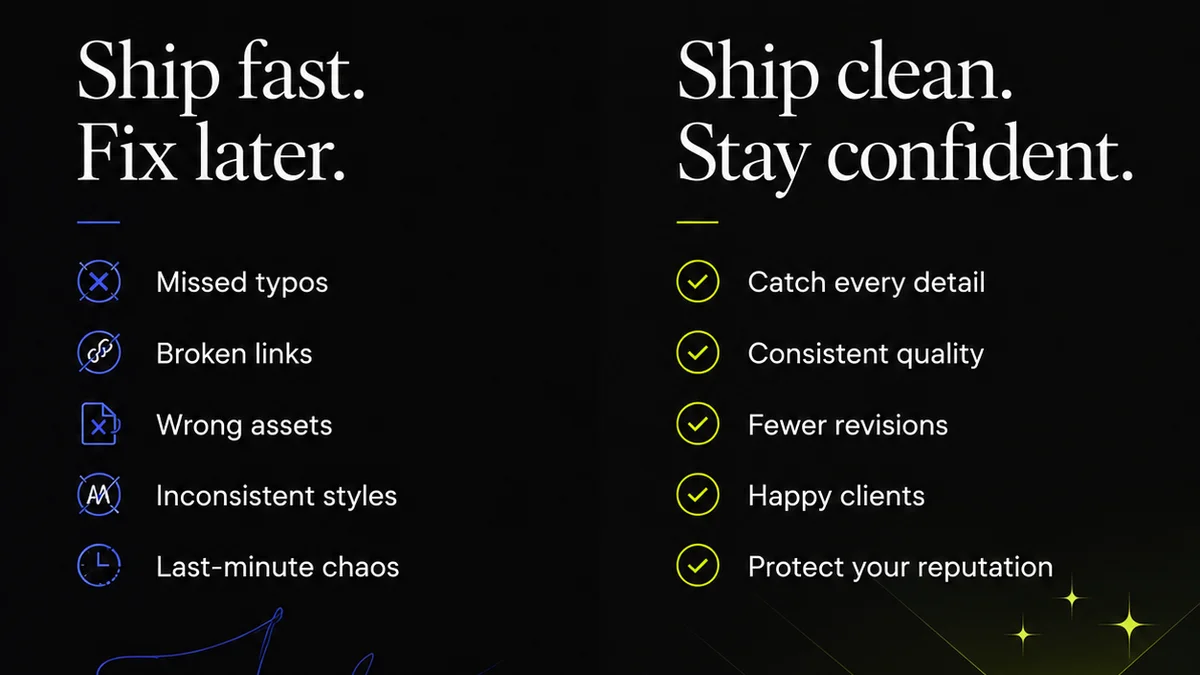
Everyone thinks great design comments are about being polite. That you need to tread lightly. Soften the blow. Sugarcoat the critique.
None of that is wrong. But it’s incomplete.
The hard truth? The best design comments aren't about being nice. They're about being *clear*. They’re about being *actionable*. And most importantly, they’re about respecting everyone’s time.
Vague feedback is a time suck. It leads to endless revision cycles, frustration, and ultimately, weaker creative work. It’s the silent killer of agency productivity.
1. The Problem with 'Feels Off'
The most common piece of feedback I see across creative projects is the dreaded 'this feels off.' Or 'I don't love it.' Or 'Can we make it pop more?'
What does that even mean?
To the client, maybe it means something specific. But to the designer, it’s a black box. It forces them to guess. To experiment blindly. To waste hours trying to divine the client’s unspoken desires.
Why 'Feels Off' Fails
- It lacks specificity.
- It offers no direction.
- It creates ambiguity.
- It breeds rework.
This isn't constructive criticism; it's a confession of confusion. And it’s a burden placed squarely on the creative team to decipher.
The goal of design comments should be to move the project forward. Not to send the team back to square one with a cryptic riddle.
2. From Subjective to Objective
The shift from 'feels off' to 'effective' requires a fundamental change in how we approach feedback. It’s about moving from subjective interpretation to objective observation.
Think about it like a bug report. A developer doesn't just say 'the app is broken.' They say:
- 'When I click the 'submit' button on the login page, the app crashes.'
- 'The image resolution on the product detail page is too low, appearing pixelated on desktop.'
- 'The navigation bar is not sticky on scroll, making it difficult to access on longer pages.'
This level of detail is standard in development. Why do we accept less in design?
Actionable Feedback Frameworks
Use a framework to ensure your comments are concrete.
- The 'What, Why, How' Method:
- What is the specific element you're commenting on?
- Why does it need to change (referencing goals, brand guidelines, user experience)?
- How could it be improved (offering a suggestion or asking a clarifying question)?
Example:
Instead of: 'This button color is wrong.'
Try: 'The call-to-action button color (currently red) doesn't meet WCAG AA contrast ratios against the background, making it hard to read for visually impaired users. Consider using our brand blue (#005A9C) which passes contrast checks and aligns with brand guidelines.'
This is specific. It explains the reasoning. It offers a concrete solution.
3. Context is King
Design comments are most effective when they're grounded in the project's goals and the client's objectives. Without context, feedback is just noise.
A comment like 'make the logo bigger' might seem simple. But is it?
Will a bigger logo disrupt the layout? Does it align with brand hierarchy principles? Does it serve a strategic purpose?
Questions to Ask Before Commenting
- What is the primary goal of this design element?
- Who is the target audience?
- Does this align with the established brand guidelines or style guide?
- Are there any technical constraints or accessibility requirements to consider?
- What was the original brief or strategy for this piece?
When feedback is tied to these larger objectives, it becomes a collaborative problem-solving exercise, not just an opinion.
This requires stakeholders to be informed about the project's strategy. And it requires designers to present their work within that strategic context.
4. Timing and Tone Matter
Even the clearest feedback can be undermined by poor timing or an unhelpful tone.
Bombarding a designer with a dozen minor tweaks late on a Friday afternoon is a recipe for burnout. Likewise, feedback delivered with a condescending or dismissive tone can shut down creativity.
Best Practices for Delivery
- Consolidate Feedback: Gather all comments before sending. Avoid sending multiple, fragmented messages.
- Prioritize: Distinguish between critical issues and minor suggestions.
- Be Respectful: Frame comments constructively. Assume positive intent from the designer.
- Be Timely: Provide feedback promptly to avoid delaying the project.
- Use the Right Channel: For complex issues, a quick call might be more efficient than a long email chain.
The goal is to foster a collaborative environment where feedback is seen as a tool for improvement, not a personal attack.
5. Where Revue Fits In
Managing design feedback effectively is a workflow challenge. It’s easy for comments to get lost in email threads, Slack channels, or scattered documents.
This is where a centralized platform like Revue becomes essential.
Revue provides a single source of truth for all client feedback. Comments are attached directly to the design elements they refer to. This means no more hunting for that one crucial piece of feedback buried in an inbox.
Revision history is clear. Approval statuses are visible. Stakeholders can see exactly what has been addressed and what remains outstanding.
This transparency streamlines the entire feedback loop, ensuring that comments are not just given, but *acted upon* efficiently and effectively. It transforms feedback from a chaotic mess into a manageable process.
Final Thought
Are we truly prioritizing clarity and actionability in our design feedback, or are we just going through the motions of 'giving feedback'?
The difference between a comment that helps and a comment that hinders is often just a matter of intention and structure. By focusing on making feedback specific, objective, and contextual, we can elevate the quality of our work and the health of our creative relationships.
Frequently asked questions
What's the biggest mistake people make with design comments?
The biggest mistake is making comments vague and subjective, like 'this feels off.' This forces designers to guess what the client wants, leading to wasted time and frustration. Effective comments are specific, objective, and actionable.
How can I make my design feedback more actionable?
Use a framework like 'What, Why, How.' Clearly state what element you're commenting on, why it needs to change (referencing goals, brand guidelines, or UX), and suggest how it could be improved or ask a clarifying question.
Why is context important for design feedback?
Context ties feedback back to the project's strategic goals and objectives. Without it, feedback can be arbitrary. Understanding the target audience, brand guidelines, and project brief ensures comments are relevant and purposeful.
How can a tool like Revue help with design feedback?
Revue centralizes all feedback in one place, directly linked to design elements. This eliminates confusion from scattered comments, provides clear revision history, and makes approval tracking visible, streamlining the entire feedback loop.