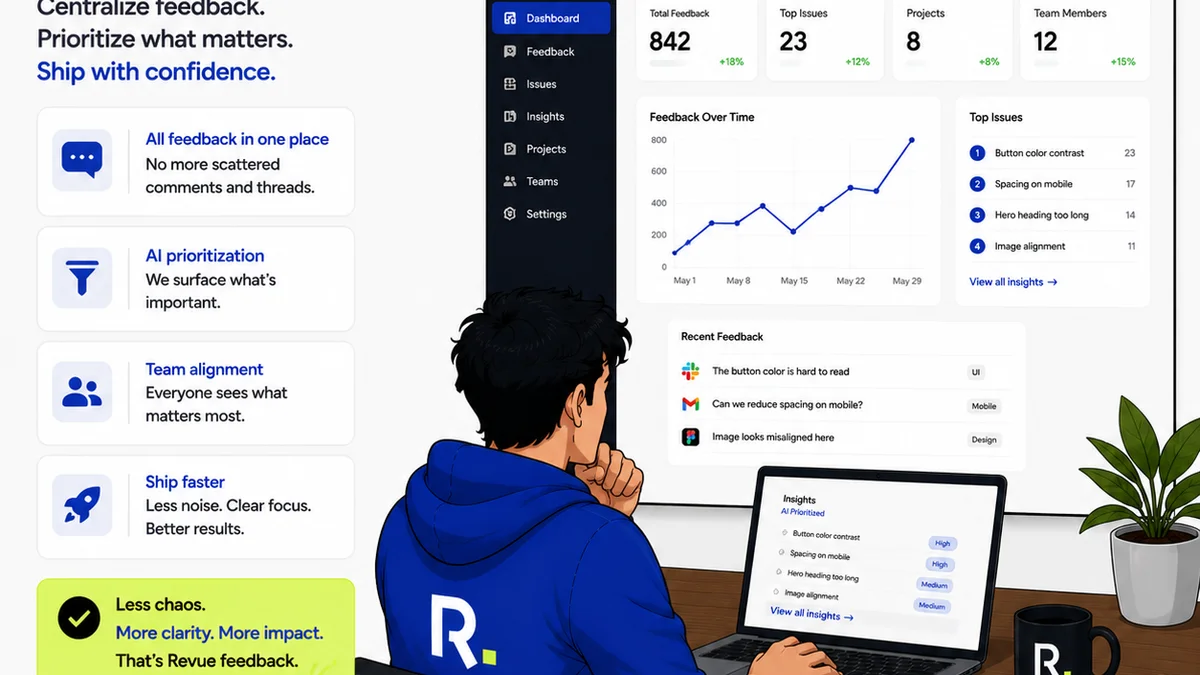
Everyone thinks design Quality Assurance (QA) is about catching typos and misplaced pixels. That it’s the final gatekeeper, the last line of defense before a project ships.
None of that is wrong. But it’s incomplete.
The hard truth is that a truly effective design QA workflow isn't just about finding bugs; it's about preventing them. It’s a proactive system woven into the fabric of your creative process, not an afterthought tacked on at the end.
1. Why Your Current Design QA Process is Probably Failing You
Most teams treat design QA like a dreaded chore. It’s often rushed, inconsistent, and delegated to whoever has a spare moment. This leads to predictable problems.
- Missed deadlines due to last-minute, extensive revisions.
- Client frustration over overlooked errors that should have been caught earlier.
- Damaged agency reputation from shipping subpar work.
- Wasted developer time fixing design issues late in the cycle.
- Team burnout from constant firefighting.
This reactive approach is costly. It drains resources and erodes trust.
You’re not just checking for errors; you’re checking the health of your entire creative output.
2. Shifting from Reactive to Proactive Design QA
The goal isn't to find more bugs. It's to build a system where fewer bugs make it to the QA stage in the first place.
This requires integrating QA principles from the very beginning of a project.
2.1. Define Clear Deliverables and Acceptance Criteria
Before any design work begins, nail down exactly what success looks like. This means:
- Clearly defined project scope.
- Specific requirements for each deliverable (e.g., a set of UI screens, a brand guide).
- Measurable acceptance criteria. What conditions must be met for the work to be considered complete and correct?
This upfront clarity acts as your first line of defense against scope creep and misinterpretation.
2.2. Establish Design System Consistency
A robust design system is your secret weapon for consistent quality. It provides:
- Reusable UI components.
- Defined typography scales.
- A consistent color palette.
- Clear usage guidelines.
When designers work from a shared system, variations and inconsistencies are minimized from the start. This reduces the burden on QA.
Think of it as building with standardized LEGO bricks instead of random bits of plastic.
For inspiration, look at how established systems like Material Design or Apple's HIG enforce consistency.
2.3. Implement Peer Design Reviews
Don't wait for the formal QA phase to get a second pair of eyes on the work. Integrate informal peer reviews early and often.
This could be a quick desk check, a review during a stand-up, or a dedicated session using tools like Figma or InVision.
Benefits:
- Catches obvious errors before they get deep into the workflow.
- Encourages knowledge sharing and best practices.
- Builds team ownership of quality.
This isn't about criticism; it's about collaborative refinement.
3. The Mechanics of an Effective Design QA Process
Once the design is considered
Frequently asked questions
What is the difference between design review and design QA?
Design review is typically an informal, collaborative process where team members provide feedback to improve the design. Design QA (Quality Assurance) is a more formal, systematic process to verify that the design meets all specified requirements, standards, and is free of defects before final delivery or development.
When should design QA start in a project?
Ideally, QA principles should be integrated from the project's inception. However, the formal design QA phase typically begins once a design deliverable is considered complete by the design team and ready for thorough checking against requirements.
How can a design system improve QA?
A design system provides reusable components and clear guidelines, ensuring consistency and reducing the likelihood of errors. This means fewer unique issues for QA to find and a faster validation process.
What are the key elements of a design QA checklist?
A comprehensive checklist should cover: brand consistency, UI element accuracy, typography and spacing, content accuracy (typos, grammar), accessibility standards, responsiveness across devices, and adherence to functional requirements and acceptance criteria.