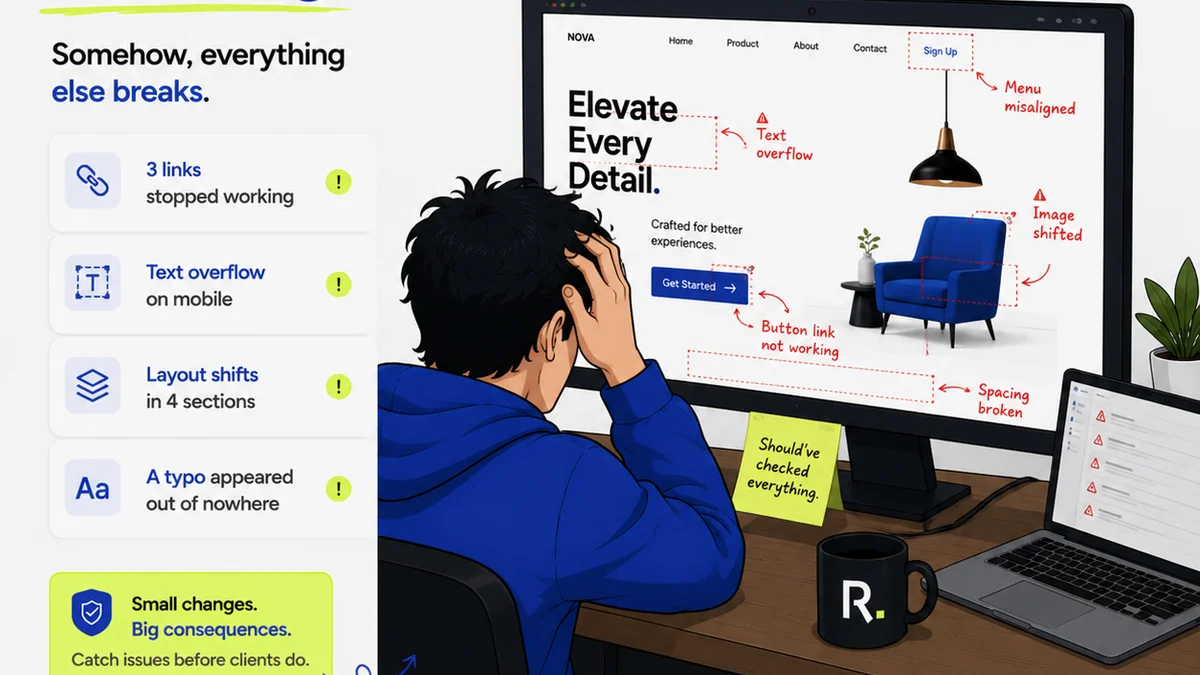
Everyone talks about design QA software. They say it’s about catching typos or misaligned logos. That’s not wrong.
But it’s woefully incomplete.
The real value of design QA workflow software isn’t just finding pixel-level errors. It’s about building a predictable, repeatable process that eliminates client confusion, speeds up revisions, and ultimately protects your agency’s profitability. It’s the difference between reactive firefighting and proactive quality control.
1. Beyond Bug Tracking: Centralizing Creative Feedback
Most teams start thinking about QA when the design is *almost* done. They’re looking for a tool to log the final round of tweaks. This is a mistake.
True design QA starts much earlier. It needs to be woven into the entire creative process, not tacked on at the end.
This means your QA software needs to handle more than just spotting bugs. It needs to be a central hub for all client and internal feedback.
The Problem with Scattered Feedback
Think about a typical project:
- Client emails a PDF with tracked changes.
- Designer gets Slack messages with verbal feedback.
- Account manager sends a screenshot with annotations.
- Internal reviewer leaves comments in a shared drive document.
This is chaos. It’s impossible to track what’s been addressed, what’s been missed, and who said what. Version control becomes a nightmare.
What to Look For
Your design QA workflow software should:
- Aggregate all feedback in one place. No more hunting through inboxes and chat logs.
- Contextualize comments. Feedback should be tied directly to the specific element on the design (e.g., a button, a headline, an image).
- Allow for clear status tracking. Every piece of feedback needs a clear status: Open, In Progress, Resolved, Needs Clarification, Rejected.
- Facilitate version comparison. Easily see what changed between revisions.
This isn’t just about efficiency; it’s about auditability. When a client claims something was approved, you have the record.
2. Streamlining Revisions and Approvals
The approval process is often the biggest bottleneck in creative projects. It’s where scope creep loves to hide and where projects get bogged down for weeks.
Your QA software needs to actively facilitate approvals, not just record them.
The Illusion of
Frequently asked questions
What is the primary goal of design QA workflow software?
Beyond catching minor errors like typos, the primary goal is to establish a predictable, repeatable process for creative quality control. This centralizes feedback, streamlines revisions and approvals, and ultimately protects agency profitability by minimizing confusion and scope creep.
How does design QA software help with client feedback?
Effective software aggregates all client feedback in one centralized, contextualized location. This eliminates the need to sift through emails and chats, ensures feedback is tied to specific design elements, and provides a clear audit trail of communication and decisions.
Can design QA software prevent scope creep?
Yes, by clearly defining the scope of feedback and revisions within the tool and tracking the status of each item. This makes it obvious when new requests fall outside the original scope, prompting discussions about additional time or budget before work proceeds.
What are the key features to look for in design QA workflow software?
Look for features that centralize feedback, allow for contextual annotations, track revision status, enable version comparison, facilitate clear approval workflows, and integrate with your existing tools. The ability to manage both internal and client feedback is crucial.