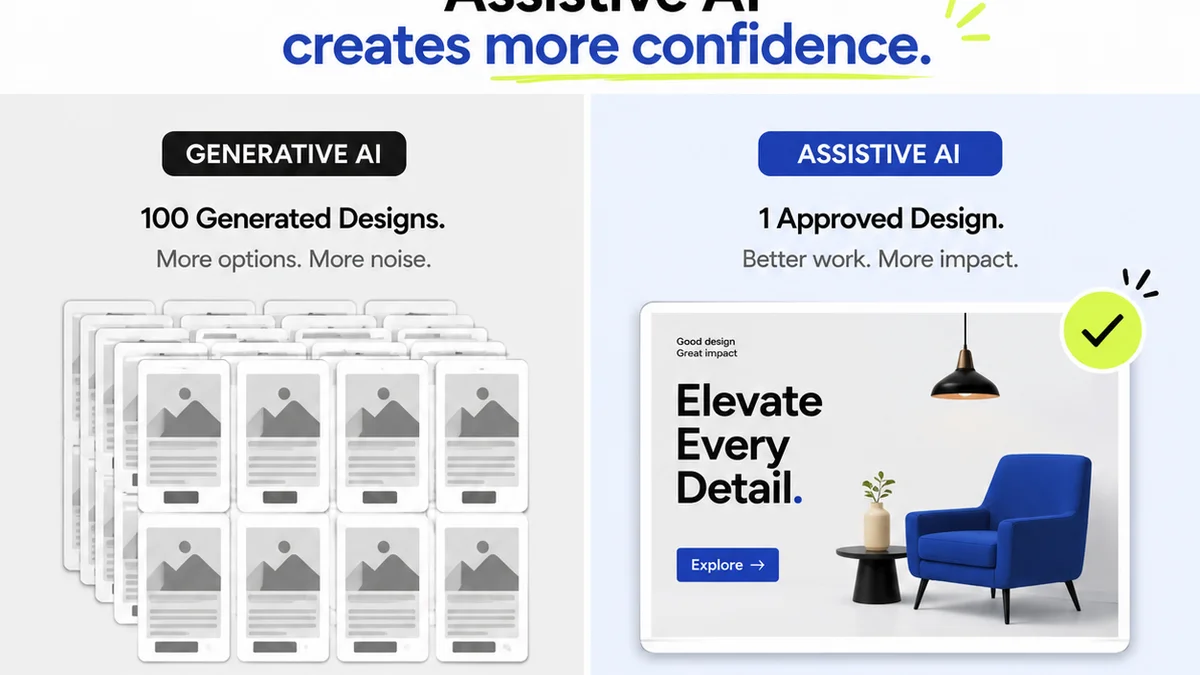
Everyone talks about the importance of design reviews. They’re essential for catching errors, aligning on vision, and ensuring client satisfaction. It’s easy to assume that the best way to handle them is with more eyes on the work, more meetings, and more detailed spreadsheets.
None of that is wrong. But it’s incomplete.
The real bottleneck isn't the number of people involved, but the *process* itself. Manual design review cycles are slow, error-prone, and drain creative energy. They’re a prime candidate for automation.
The Hard Truth: Manual Reviews Are Costing You More Than You Think
Your team’s time is your agency’s most valuable asset. Every hour spent chasing down feedback, deciphering conflicting comments, or manually tracking revisions is an hour not spent on billable creative work.
This inefficiency breeds frustration, delays projects, and can even damage client relationships. It creates a drag on your entire operation.
Design review automation isn't about cutting corners; it's about optimizing a critical workflow. It’s about ensuring feedback is captured, addressed, and approved efficiently, freeing up your team to do what they do best: create great work.
1. Centralize All Feedback and Communication
Scattered feedback is a recipe for disaster. Emails get lost. Slack messages are buried. Comments on shared docs become a jumbled mess.
The first step in automation is bringing everything into one, easily accessible place. This means ditching the ad-hoc methods and adopting a system where all feedback lives and breathes in a single environment.
Why Centralization Matters
- Single Source of Truth: Eliminates confusion about which version or comment is the latest.
- Audit Trail: Provides a clear history of decisions and approvals for accountability.
- Reduced Misinterpretation: Keeps feedback contextualized with the specific design element.
- Faster Turnaround: Team members and clients can access and provide feedback without digging through multiple platforms.
Think of it like this: trying to build a house with blueprints scattered across different sites. It’s chaotic and destined for problems. Centralization brings order.
2. Streamline Version Control
How many times has a stakeholder approved an older version because the latest one was hard to find or clearly marked? Version control issues plague manual review processes.
Automating this means ensuring that every iteration is clearly tracked, dated, and accessible. Stakeholders should always be reviewing the most current, approved-to-date version.
Automated Version Control Benefits
- Clarity for Stakeholders: They always know what they are looking at.
- Reduced Errors: Prevents work being done on outdated assets.
- Historical Context: Easy to revert to previous versions if needed, with full context.
- Efficient Handoffs: Smooth transitions between design, development, and QA.
This isn't just about numbers (v1, v2, v3). It's about a clear lineage of the creative asset.
3. Implement Clear Approval Workflows
Who needs to sign off? In what order? What happens if one person rejects it? Manual approval processes often rely on tribal knowledge or messy email chains.
Automated workflows define these steps explicitly. You can set up sequential or parallel approvals, assign specific roles, and automate notifications.
Key Workflow Automation Points
- Define Roles: Clearly assign who can approve, review, or reject.
- Set Stages: Map out the journey from draft to final approval.
- Automate Notifications: Alert the next approver when it's their turn.
- Conditional Logic: Automatically route back for revision if rejected.
This takes the guesswork out of approvals and ensures nothing slips through the cracks.
4. Leverage Real-Time Annotations and Comments
Long, rambling emails about design changes are inefficient. Specific, in-context feedback is king. Tools that allow direct annotation on the design itself are game-changers.
Automation here means using a system that captures these annotations directly, links them to specific elements, and makes them actionable for the design team.
Benefits of Contextual Feedback
- Precision: Comments are tied directly to the visual element.
- Speed: Faster to leave feedback and faster for designers to understand.
- Reduced Ambiguity: No more guessing what
Frequently asked questions
What is design review automation?
Design review automation involves using tools and processes to streamline the feedback, revision, and approval stages of the creative process. It aims to reduce manual effort, improve clarity, and speed up project timelines by centralizing communication and defining clear workflows.
How can automation improve client feedback?
Automation can improve client feedback by providing a clear, centralized platform for comments, ensuring all feedback is contextualized and tracked. Automated notifications keep clients informed about progress, and clear approval workflows prevent misunderstandings, leading to a smoother and more transparent client experience.
Is design review automation only for large agencies?
No, design review automation benefits agencies of all sizes. Smaller teams can gain significant efficiency by reducing time spent on administrative tasks, while larger agencies can manage complex projects and multiple client streams more effectively.
What are the key components of an automated design review process?
Key components include a centralized feedback platform, robust version control, defined approval workflows, real-time annotation tools, and automated notifications. These elements work together to create a more efficient and less error-prone review cycle.