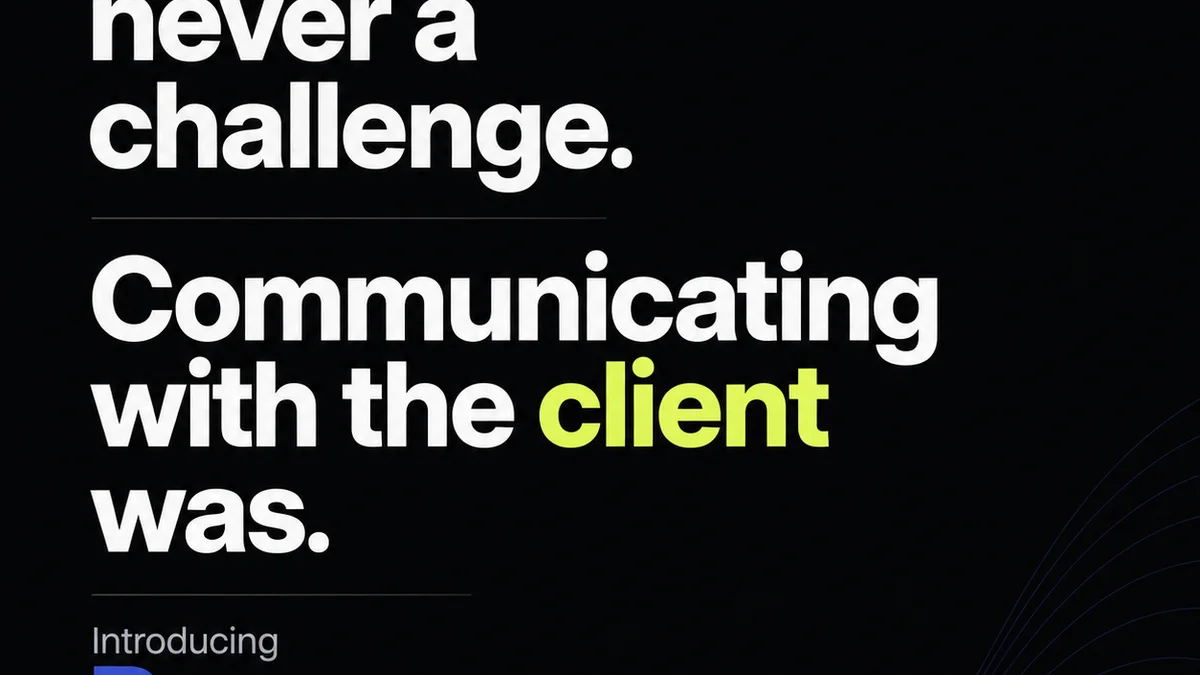
Everyone thinks they know what a design review is. It’s where the client says “looks good” or asks for a few tweaks. Simple, right?
None of that is wrong. But it’s incomplete. It misses the operational reality.
The hard truth is that a poorly managed design review process can sink a project faster than a bad brief. It breeds miscommunication, erodes trust, and wastes everyone’s time. It’s not just about looking at the work; it’s about how you look at it, how you discuss it, and how you act on it.
1. The Real Cost of a Bad Design Review
You’ve seen it. The endless email chains. The vague feedback like “make it pop.” The client who signs off, only to remember a “critical detail” a week later. These aren’t isolated incidents; they’re symptoms of a broken review process.
Each of these moments costs more than just time. It costs:
- Creative momentum.
- Team morale.
- Client confidence.
- Project profitability.
This isn't just about aesthetics. It’s about the operational friction that kills good work and strains relationships.
2. Shifting from Passive to Active Review
Most teams treat design review as a passive event. The work is presented, feedback is gathered (or not), and the cycle repeats. It’s reactive.
An effective design review is active. It’s a structured conversation with clear goals.
The Goals of Active Review
What are we actually trying to achieve in a review session?
- Alignment: Does this meet the brief and business objectives?
- Clarity: Is the feedback specific, actionable, and unambiguous?
- Consensus: Are we all on the same page about next steps?
- Efficiency: Can we make decisions and move forward without unnecessary back-and-forth?
This requires a shift in mindset. It’s not just about presenting a design; it’s about facilitating a decision.
3. Structuring for Success: Pre-Review, During, Post-Review
A great review isn’t a single event; it’s a process. It has phases, each with critical tasks.
Phase 1: Pre-Review Preparation
This is where most projects fail before they even start the review. Don't just send a link.
- Define the Scope: What specific aspects are up for review? What’s already approved?
- Set Clear Objectives: What decisions need to be made? What questions need answering?
- Provide Context: Remind stakeholders of the brief, target audience, and previous decisions.
- Gather Initial Feedback (Optional but Recommended): A quick, focused pre-review with key internal stakeholders can iron out major issues before client eyes are on it.
The goal here is to ensure everyone arrives at the review meeting informed and prepared.
Phase 2: The Review Meeting
This is the core event. Structure is paramount.
- Facilitate, Don’t Just Present: Guide the conversation. Keep it focused on the objectives.
- Document Everything: Use a tool that allows for real-time annotation and feedback capture.
- Ask Probing Questions: Don't accept vague feedback. Dig deeper. “Why?” is your best friend.
- Clarify and Summarize: Before moving on, confirm understanding of each point of feedback and agreed-upon actions.
- Manage Stakeholders: Ensure all voices are heard, but keep the discussion productive and on track.
Avoid the dreaded “design by committee” by clearly defining roles and decision-making authority.
Phase 3: Post-Review Actions
The work isn’t done when the meeting ends. It’s just beginning.
- Distribute Meeting Notes/Feedback Summary: Immediately share a clear, organized document outlining decisions and action items.
- Assign Action Items: Clearly state who is responsible for each task and by when.
- Update Designs: Execute the agreed-upon revisions promptly.
- Confirm Next Steps: Schedule the next review or approval point.
This closes the loop and builds momentum towards completion.
4. Types of Design Feedback and How to Handle Them
Not all feedback is created equal. Understanding the different types helps you manage them effectively.
Actionable Feedback
This is the gold standard. It’s specific, clear, and tells you exactly what needs to change and why.
Example: “The call-to-action button should be a brighter shade of blue to meet WCAG AA contrast requirements and increase click-through rates.”
How to handle: Implement it. This is what you’re paying for.
Vague Feedback
This is the most common and frustrating type. It lacks detail and leaves interpretation open.
Example: “I don’t like this. It needs more impact.”
How to handle: Probe for specifics. Ask clarifying questions. Refer back to the brief. “What specifically about it isn’t working for you? What impact are we trying to achieve here?”
Subjective Feedback
This is often based on personal preference rather than objective criteria.
Example: “I just don’t think this color feels right.”
How to handle: Gently steer the conversation back to the brief and user goals. “That’s a fair feeling. Let’s look at how this color choice supports our objective of [objective] for our target audience of [audience].” If it’s a key stakeholder, sometimes you just have to make the change and document it.
Conflicting Feedback
When different stakeholders provide opposing direction.
Example: Stakeholder A wants it bolder; Stakeholder B wants it more minimalist.
How to handle: Escalate to the project lead or client decision-maker. Facilitate a discussion to prioritize objectives and determine the final direction. This is where clear roles are vital.
Scope Creep Feedback
Requests that go beyond the agreed-upon project scope.
Example: “While we’re here, can you also redesign the logo?”
How to handle: Politely identify that it’s outside the current scope. Offer to create a separate change order or project for the new request. Protect your project timeline and budget.
5. Tools for Streamlining Design Reviews
Relying solely on email and generic file-sharing is a recipe for disaster. The right tools centralize feedback and create a single source of truth.
Consider tools that offer:
- Visual annotation (commenting directly on the design).
- Version control and comparison.
- Clear status tracking (e.g., In Review, Approved, Needs Revision).
- Centralized communication threads per asset.
- Integration with your existing workflow.
This isn’t about adding complexity; it’s about reducing chaos. It ensures everyone is looking at the latest version and that feedback isn't lost in transit.
Where Revue Fits In
This is precisely why we built Revue. Creative agencies and in-house teams struggle with the operational overhead of managing client feedback and revisions.
Revue acts as your central hub for all creative work and client communication. Instead of scattered emails and endless Slack messages, you have one place to:
- Upload and organize all your creative assets.
- Gather precise, contextual feedback directly on designs, mockups, and prototypes.
- Track the entire revision history, seeing exactly what changed and when.
- Manage approvals with clear status indicators, reducing ambiguity.
- Run quality checks against project requirements before final delivery.
It transforms the chaotic, often frustrating design review process into a streamlined, transparent workflow. This means less time chasing feedback and more time creating great work.
6. Establishing a Design Review Cadence
How often should you review? There’s no magic number, but consistency is key.
It depends on the project phase and complexity.
- Early Stage/Concepting: More frequent, less formal reviews. Focus on direction and broad strokes.
- Mid-Stage/Development: Focused reviews on specific features or sections. Ensure alignment on details.
- Late Stage/Pre-Launch: Final checks for polish, consistency, and adherence to requirements.
The goal is to catch issues early and often, preventing major rework later.
7. The Human Element: Soft Skills in Review
Technology can streamline the process, but good design review still hinges on human interaction.
Empathy: Understand the client's perspective and business goals. They aren’t critiquing your talent; they’re trying to achieve an outcome.
Active Listening: Truly hear what’s being said (and what’s not).
Clear Communication: Articulate your design decisions and rationale effectively.
Professionalism: Maintain composure, even when faced with challenging feedback.
These soft skills, combined with a structured process, create a more collaborative and productive review environment.
Final Thought
A design review isn’t just a gate; it’s a gateway. A gateway to better work, stronger client relationships, and a more efficient agency. Are you treating it like one?
Frequently asked questions
What is the most common mistake agencies make in design reviews?
The most common mistake is treating design review as a passive, end-of-process checkbox rather than an active, ongoing part of the creative workflow. This leads to vague feedback, miscommunication, and costly rework.
How can I get more actionable feedback from clients?
Prepare clients by setting clear objectives for each review, providing context from the brief, and specifying exactly what aspects are up for discussion. During the review, ask probing questions to clarify vague statements and steer the conversation towards objective criteria and project goals.
What's the difference between subjective and actionable feedback?
Actionable feedback is specific, clear, and provides a direct path for revision (e.g., 'Increase contrast on the CTA button'). Subjective feedback is based on personal preference and lacks clear direction (e.g., 'I don't like the color'). While subjective feedback needs to be managed, actionable feedback is what drives progress.
How often should design reviews happen?
The frequency depends on the project phase and complexity. Early stages may require more frequent, less formal reviews to establish direction. Later stages need focused reviews for refinement and final checks. Consistency in scheduling is more important than a fixed number.