Everyone thinks design review meetings are just about looking at designs and saying “yes” or “no.” That’s not wrong. But it’s incomplete.
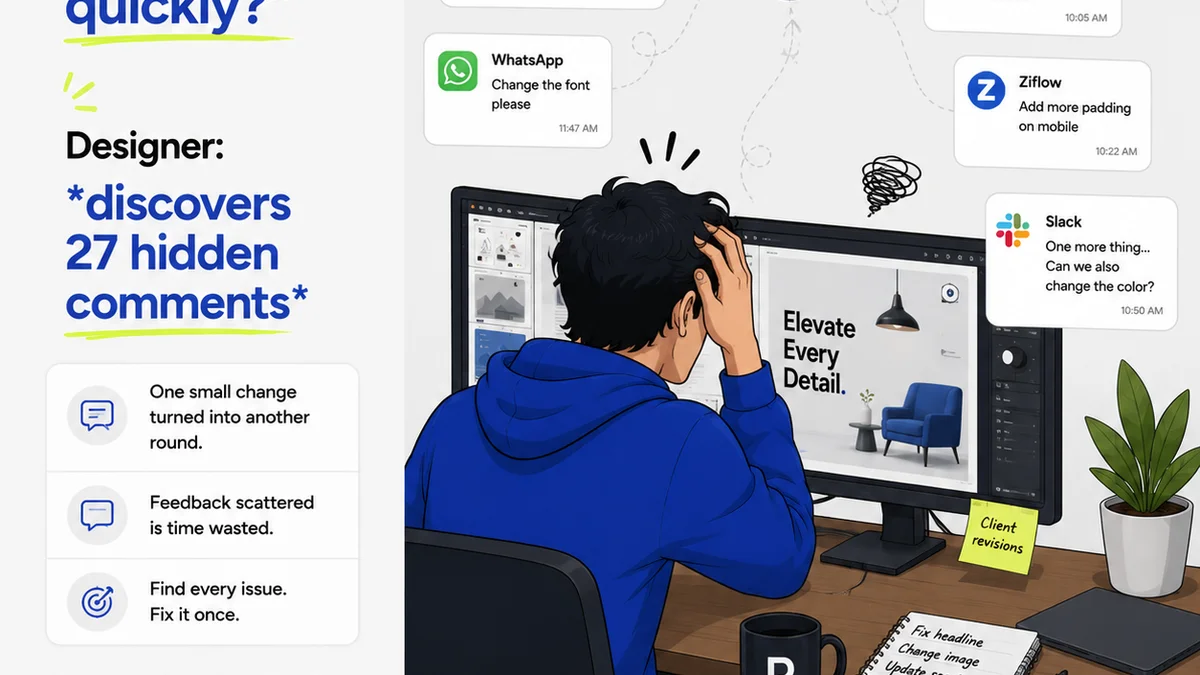
The hard truth? Most design review meetings are a dumpster fire of wasted time, unclear feedback, and stalled projects. It’s not the art that’s the problem; it’s the process.
1. Define the Purpose and the Players
Before anyone even glances at a mockup, you need crystal clarity on what this meeting is for. Is it a first-look concept review? A final sign-off? A deep dive into usability issues?
Every attendee should have a specific role and understand their contribution. Are they the decision-maker? The subject matter expert? The stakeholder with a vested interest?
The Problem: A room full of people who don’t know why they’re there, or what’s expected of them. This leads to:
- Vague, unfocused feedback.
- Endless tangents.
- Decision-by-committee paralysis.
- The wrong people making the wrong calls.
The Fix:
- Assign a clear objective. E.g., “Approve the primary user flow for the checkout process,” or “Identify critical issues before development handoff.”
- Identify essential attendees ONLY. Less is more. If someone doesn’t *need* to be there, they don’t need to be invited.
- Define roles. Who is the final approver? Who provides technical input? Who represents the client’s business goals?
- Communicate this beforehand. Send a brief agenda and state the meeting’s purpose and desired outcome.
2. Prepare and Distribute Materials in Advance
The worst design review meetings are the ones where you’re opening files live, squinting at screens, and hoping everyone has the same version loaded. It’s inefficient and unprofessional.
Great reviews start *before* the meeting room is even occupied (physically or virtually).
The Problem: Attendees showing up unprepared, fumbling with files, or seeing the work for the first time *during* the meeting. This guarantees surface-level feedback and missed opportunities.
The Fix:
- Share designs 24-48 hours prior. Give people time to absorb, digest, and formulate thoughtful comments.
- Provide context. Link to the brief, user stories, or previous decisions. Don’t make people hunt for information.
- Specify what feedback is needed. If you only need feedback on the UI, say so. If you need to know if it meets the UX goals, state that.
- Use a centralized platform. Tools like Revue (ironically, not for this purpose but conceptually similar for feedback) or dedicated design review tools allow assets to be uploaded, commented on, and versioned, ensuring everyone sees the latest iteration in a structured way.
3. Structure the Review for Maximum Impact
Design review isn’t a free-for-all. It’s a structured conversation aimed at improving the work and moving the project forward.
Think of it like a diagnostic session. You’re looking for specific symptoms and prescribing solutions.
The Problem: Unstructured rambling that covers too much ground superficially, or gets stuck on minor details while missing the big picture.
The Fix:
- Start with the big picture. Remind everyone of the project goals and the specific objectives for this review session.
- Review against the brief. Does the design still align with the initial goals and requirements?
- Focus on key areas. Prioritize feedback on critical user flows, core functionality, and strategic alignment before diving into pixel-pushing.
- Timebox discussions. Allocate specific time slots for different sections or features. Stick to the schedule.
- Use a consistent review framework. Consider frameworks like Nielsen Norman Group’s usability heuristics or a custom checklist relevant to your project type.
4. Master the Art of Feedback Delivery
This is where most reviews derail. Feedback is often delivered poorly, leading to defensiveness, confusion, or outright rejection.
The goal isn’t to critique the designer; it’s to improve the design for the user and the business.
The Problem: Vague, subjective, or personal opinions disguised as feedback. This leads to:
- “I don’t like the blue.” (Why? What’s wrong with it?)
- “It feels wrong.” (What feels wrong? How?)
- “Make it pop more.” (What does that even mean?)
- “Can we try it this way?” (Without context or rationale.)
The Fix:
- Be specific and actionable. Instead of “It’s confusing,” say “The button label ‘Submit Order’ is unclear; users might expect ‘Continue to Payment’.”
- Focus on the ‘what’ and ‘why,’ not the ‘who.’ Frame feedback around the design’s impact on the user or business goals, not the designer’s choices.
- Use objective criteria. Refer back to the brief, brand guidelines, accessibility standards (WCAG), or usability principles.
- Distinguish between subjective preference and objective issues. “I personally prefer red” is different from “The contrast ratio for this text fails accessibility standards.”
- Encourage constructive dialogue. Foster an environment where questions are welcomed and explanations are valued.
5. Document and Action Decisions Clearly
A meeting without clear outcomes is just a conversation. A design review without documented decisions is a recipe for rework and missed deadlines.
The output of the meeting should be a clear, concise list of actions, owners, and deadlines.
The Problem: Decisions get lost, forgotten, or misinterpreted. This leads to:
- Designers implementing the wrong changes.
- Stakeholders believing different things were agreed upon.
- The same issues resurfacing in future meetings.
The Fix:
- Assign a dedicated note-taker. This person’s sole job is to capture decisions, action items, and key feedback points.
- Use a standardized template. Capture:
- Decision made (e.g., “Approve CTA button design”).
- Action item (e.g., “Update button color to #007bff”).
- Owner (e.g., “Sarah K.”).
- Due date (e.g., “EOD Friday”).
- Key rationale (briefly, why the decision was made).
- Summarize and confirm at the end. Read out the key decisions and action items before the meeting concludes to ensure alignment.
- Distribute notes immediately. Send out the meeting summary within a few hours so actions can be taken while the discussion is fresh.
Where Revue Fits In
The core challenge in design reviews is managing feedback, revisions, and approvals efficiently. It’s about creating a single source of truth for creative work.
Tools like Revue are built to streamline these exact workflows. Instead of scattered emails, endless Slack threads, or confusing shared docs, you get:
- Centralized Feedback: All comments and discussions happen directly on the creative asset, visible to everyone involved. No more hunting for that one email.
- Clear Revision History: Track every iteration, see what changed, and understand the evolution of the design. This provides crucial context for approvals.
- Streamlined Approvals: Define approval stages and get clear sign-offs, reducing ambiguity and speeding up the go/no-go process.
- Quality Assurance: Ensure that feedback is addressed and changes are implemented correctly before final delivery.
By bringing structure and visibility to the feedback loop, you drastically reduce the friction points that plague traditional design review meetings.
Final Thought
Are your design review meetings a necessary evil, or a strategic advantage? The difference often lies not in the creative talent in the room, but in the rigor of the process guiding the conversation. It’s time to stop managing designs and start managing the review itself.
Frequently asked questions
How often should design review meetings be held?
The frequency depends on the project phase and complexity. It's best to hold them at critical junctures: after initial concepting, before major development sprints, and before final client handoff. Avoid holding them too frequently, which can lead to meeting fatigue, or too infrequently, which can lead to significant rework.
What's the difference between a design critique and a design review?
A design critique is typically more informal and focuses on providing constructive feedback to improve the design itself, often among peers. A design review is usually more formal, focused on evaluating a design against specific project goals, requirements, and strategic objectives, often involving stakeholders and decision-makers for approval.
How do I handle subjective feedback during a design review?
Acknowledge subjective feedback but always push for the 'why.' Ask clarifying questions like 'What specifically about this element doesn't feel right?' or 'How does this choice impact the user experience?' If it's purely personal preference without a clear rationale tied to project goals or user needs, it should be weighted accordingly.
Who should lead a design review meeting?
Ideally, the meeting should be led by someone who understands both the design process and the project's strategic goals, such as a Creative Director, Design Lead, or Project Manager. Their role is to facilitate the discussion, keep it on track, ensure feedback is constructive, and drive towards clear decisions.