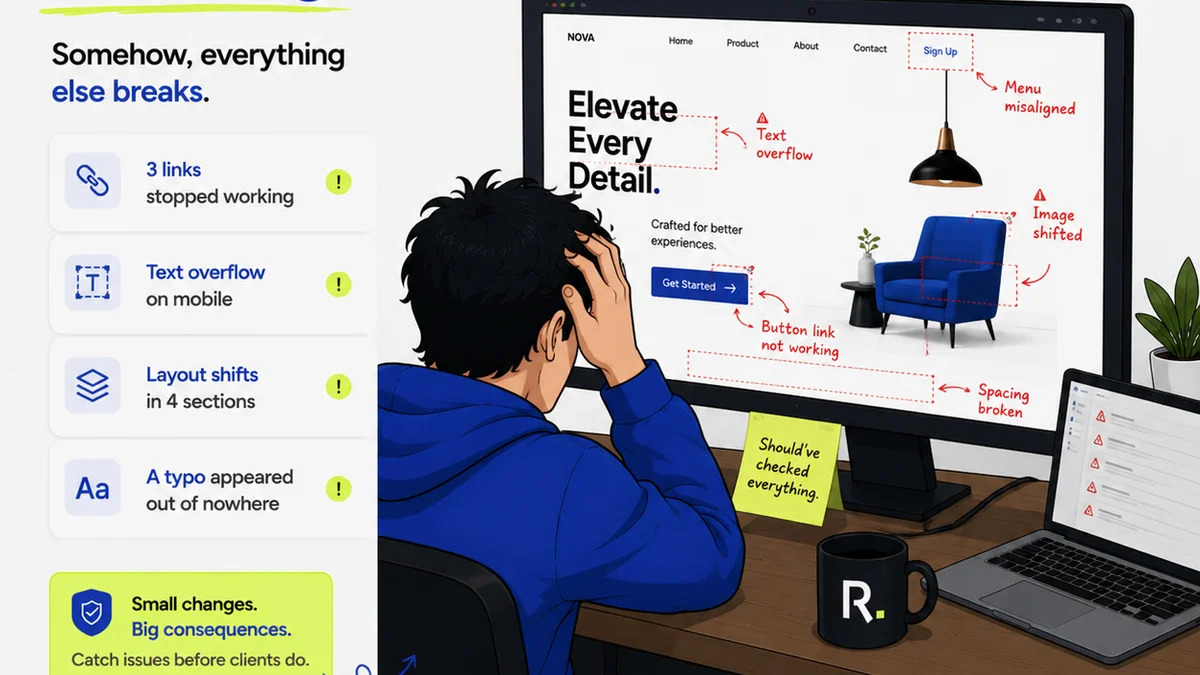
Everyone agrees that design review software is a good idea. You hear it’s about faster approvals, fewer email chains, and keeping clients happy.
None of that is wrong. But it’s incomplete.
The real value of design review software for agencies isn’t just about speed. It’s about clarity. It’s about accountability. It’s about transforming a chaotic, subjective process into a structured, objective one.
1. Beyond Comments: Structured Feedback Capture
The most basic design review software lets people leave comments on a design. That’s table stakes. The real win comes from how that feedback is structured, categorized, and acted upon.
Think about the typical review meeting. Someone says, “I don’t like the blue.” Is that a brand issue? A mood issue? A readability issue? Without context, it’s just noise.
The Problem with Ambiguity
- Vague feedback leads to endless rounds of revisions.
- Subjective comments are hard to objectively address.
- Lack of clarity means designers guess at what the client *really* wants.
- Missed feedback due to buried emails or Slack messages.
Good design review software forces specificity. It allows you to tag feedback by type: a UI bug, a copy edit, a branding concern, a subjective preference. This categorization is crucial for efficient project management.
Actionable Insights, Not Just Opinions
The best tools don’t just collect comments; they turn them into actionable tasks. When a piece of feedback is logged, it should be clear:
- Who provided the feedback?
- When was it provided?
- What is the nature of the feedback (e.g., bug, suggestion, approval)?
- What is the priority or severity?
- Who is assigned to address it?
- What is the status of the revision?
This level of detail moves you from a passive recipient of critique to an active manager of the revision process.
2. Version Control That Actually Works
Design files evolve. Clients often confuse “the latest version” with “the version I last saw.” This is a classic point of friction.
Your design review software needs to be the single source of truth for design assets. Every upload, every revision, every approval should be logged and accessible.
The Chaos of Uncontrolled Versions
- Clients approving outdated mockups.
- Designers working on the wrong file.
- Lost progress due to overwritten assets.
- Difficulty rolling back to previous iterations.
- Confusion about which feedback applies to which version.
Look for software that automatically timestamps and version-numbers each upload. It should be easy to compare versions side-by-side, highlighting changes. This visual comparison is invaluable for both the design team and the client.
Clear Approval Workflows
Approvals shouldn’t be a passive click. They should be an explicit step in a defined workflow.
Your software should support clear approval states: Pending, Approved, Needs Revision. Ideally, you can set up multi-step approvals, ensuring that all necessary stakeholders have signed off before a design moves forward.
This creates a clear audit trail. If a client later claims they never approved something, you have the data to prove otherwise.
3. Collaboration Beyond the Comment Box
Design is a team sport. Feedback and revisions involve multiple people — designers, project managers, account managers, and clients. Your review tool needs to facilitate smooth collaboration among all of them.
Bridging the Communication Gap
- Designers need context for feedback.
- PMs need visibility into revision status.
- Clients need a simple way to provide clear input.
- Internal teams need to track progress without constant meetings.
Features like stakeholder roles, clear notification systems, and the ability to assign tasks directly from feedback are critical. Think about who needs to see what, and when. The software should manage this flow automatically.
Contextual Communication
When a designer makes a change based on feedback, that conversation shouldn’t disappear into an email thread. It should be linked directly to the feedback item and the specific version of the design.
This keeps all communication contextual and historical. Anyone joining the project later can quickly understand the evolution of a design and the rationale behind key decisions.
4. Integration and Workflow Automation
Standalone tools create more work. The best design review software integrates with your existing ecosystem, reducing manual data entry and context switching.
The Pain of Disconnected Tools
- Copy-pasting feedback between systems.
- Manually updating project management tools.
- Losing track of assets moved between platforms.
- Double entry of client approvals.
Consider how the software connects with your project management tools (like Asana, Jira, Monday.com), your creative tools (like Adobe Creative Cloud, Figma), and your communication platforms (like Slack). Native integrations are a massive time-saver.
Automating the Mundane
Workflow automation is where you see the biggest ROI. This includes:
- Automatically notifying the next stakeholder when a review is complete.
- Triggering status updates in your PM tool based on design approval.
- Archiving completed projects with all associated feedback and versions.
This frees up your team to focus on creative work, not administrative overhead.
Where Revue Fits In
Many agencies struggle with the friction points we’ve discussed: scattered feedback, unclear version history, and inefficient approval processes. This is precisely why Revue was built.
Revue provides a centralized platform for all client feedback. You upload your designs, and clients can comment directly on specific elements. Our system automatically tracks versions, so everyone sees the latest iteration and can easily refer back to previous ones.
This structured approach streamlines revisions, provides clear visibility into approval status, and helps ensure quality checks are met before final delivery. It’s about bringing order to creative chaos.
Final Thought
The goal of design review software isn't just to collect comments. It's to elevate the entire creative process.
It’s about reducing subjective friction and increasing objective clarity. It’s about empowering your team and delighting your clients with a process that is as professional and polished as the work itself.
How much is clarity worth to your agency?
Frequently asked questions
What is the primary benefit of design review software for agencies?
The primary benefit is transforming a chaotic, subjective feedback process into a structured, objective one. This leads to greater clarity, accountability, and efficiency in revisions and approvals, rather than just faster turnaround times.
Why is structured feedback capture important?
Structured feedback, categorized by type and priority, turns vague opinions into actionable tasks. This prevents endless revision cycles caused by ambiguity and ensures designers understand exactly what needs to be addressed.
How does version control in design review software help?
Robust version control ensures that everyone is working with and approving the latest design iteration. It provides a clear audit trail, allows for easy comparison of changes, and prevents costly mistakes caused by confusion over outdated files.
What does 'contextual communication' mean in design review software?
Contextual communication means that all discussions, revisions, and approvals are directly linked to the specific feedback item and the relevant design version. This keeps project history organized and accessible, providing clarity for all team members and stakeholders.
Should design review software integrate with other tools?
Yes, integration is crucial. Software that connects with project management, creative, and communication tools reduces manual data entry, minimizes context switching, and automates workflows, leading to significant time savings and fewer errors.