Everyone talks about design review tools. They say you need them to streamline feedback, manage versions, and get sign-offs faster. That's all true, of course.
But it’s not the whole story.
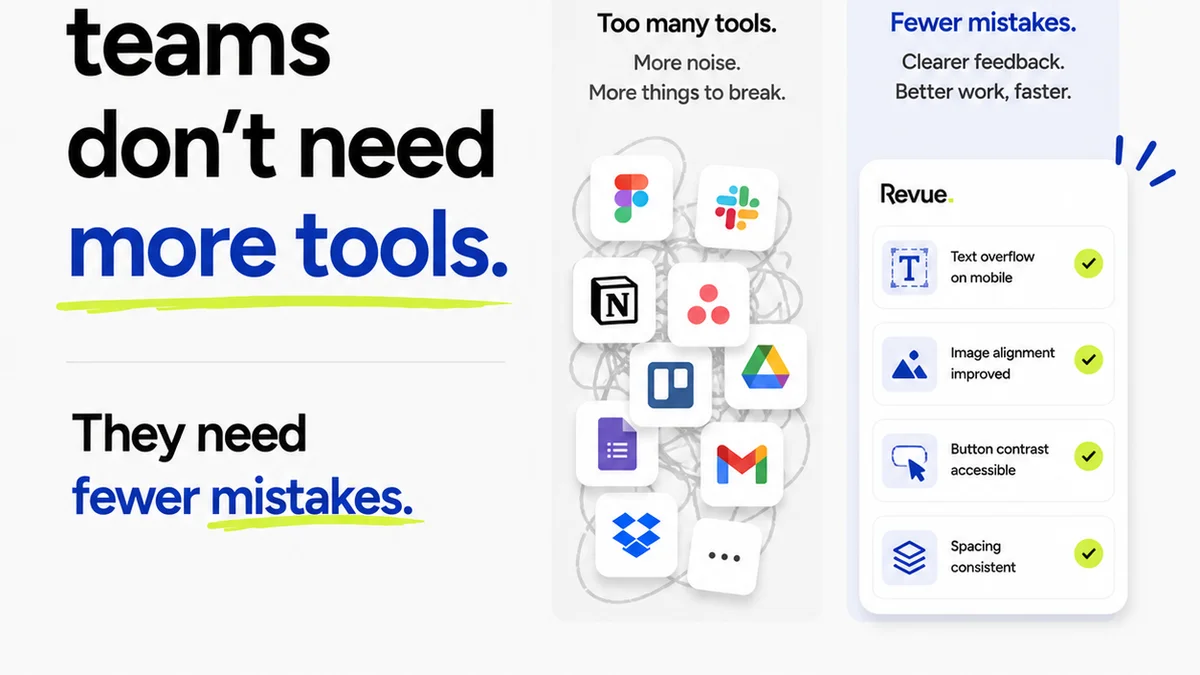
The real hard truth? Most agencies and teams are drowning in *features*, not drowning in *clarity*. They've got tools that promise the moon but deliver only more notifications, more confusion, and more time wasted trying to figure out what actually needs to change.
What you need isn't just a list of features. It's a checklist that forces you to think about your workflow, your team, and your clients. It's about selecting tools that solve specific problems, not just adding more complexity. This is the operational checklist for design review tools that actually work.
1. Centralized Feedback Hub
The biggest killer of creative momentum isn't bad design; it's scattered feedback. Emails, Slack messages, hallway conversations, random annotation tools – they all fragment the conversation. The core function of any review tool must be to bring all feedback into one place.
The Assumption: Any tool that lets people add comments is enough.
This is where most teams get it wrong. Simply having a comment box isn't centralized feedback. It's just a different place to leave comments.
The Hard Truth: Feedback needs context and structure.
This means the tool must:
- Allow feedback tied directly to specific design elements (e.g., a specific layer, a pixel-perfect annotation).
- Support different types of feedback: general comments, specific action items, questions.
- Organize feedback by version or iteration, so you can see how comments evolve.
- Integrate with your existing design software to reduce manual steps.
Checklist Questions:
- Can users add comments directly on the design asset, or only in a general chat?
- Does the tool support visual annotations (shapes, arrows, callouts)?
- Can feedback be assigned to specific team members or tasks?
- Is there a clear way to see feedback history for a project or asset?
- Does it integrate with tools like Figma, Adobe Creative Cloud, or Sketch?
2. Version Control & Revision Tracking
Design is iterative. You’ll go back and forth. Without clear version control, you're reviewing the wrong version, or you're trying to compare subtle changes manually. This leads to wasted time and missed revisions.
The Assumption: Saving files with dates is sufficient.
This is a recipe for disaster. File naming conventions break. Humans make mistakes. Comparing `final_final_v3.psd` with `final_final_really_v4.psd` is not a review process.
The Hard Truth: Every iteration needs to be a distinct, reviewable snapshot.
A good tool treats each review stage as a discrete event. It should allow you to:
- Upload new versions without losing the history of older ones.
- Visually compare the current version against the previous one (a
Frequently asked questions
What is the primary goal of a design review tool?
The primary goal is to centralize all feedback and revisions related to creative assets, ensuring clarity, reducing miscommunication, and speeding up the approval process.
How can design review tools improve client communication?
By providing a single, organized platform for feedback, clients can see exactly what needs to be changed, track revisions, and approve work with confidence, reducing back-and-forth emails and calls.
What are the key features to look for in a design review tool?
Key features include centralized feedback, clear version control, visual annotation capabilities, robust approval workflows, and integration with design software.
How do design review tools help with quality assurance?
They help by providing a structured process for identifying and addressing issues, tracking all changes, and ensuring that final assets meet all requirements before delivery, reducing errors.