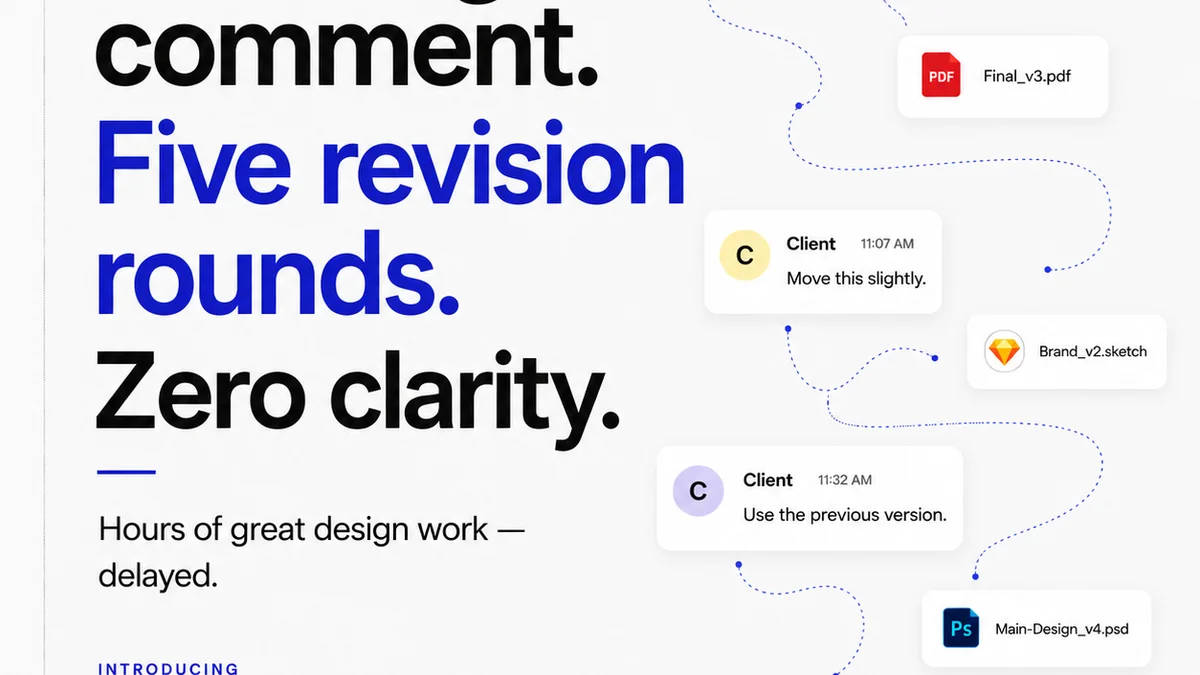
Everyone thinks design review tools software is about capturing feedback faster. You’ve probably heard it a million times: better annotation, quicker markups, fewer emails. None of that is wrong. But it’s incomplete.
The real value isn't just speed. It's about clarity, accountability, and the ability to manage the entire creative lifecycle, from initial concept to final sign-off. That’s the hard truth most tools miss.
1. Beyond Annotation: Context is King
Clicking on a screenshot and drawing a red line is basic. Any tool can do that. But does it capture *why* the change is needed? Does it link feedback to specific project goals or client briefs?
Effective design review tools software digs deeper. It provides context that prevents endless back-and-forth.
The Problem With Surface-Level Feedback
- Ambiguity: "Make this pop more." Pop how?
- Lack of Prioritization: Is this a critical bug or a minor preference?
- Misinterpretation: A sketch on a screenshot can be interpreted in multiple ways.
- Lost History: Where did this feedback come from? Who requested it?
Look for tools that allow for structured comments, linking feedback to specific versions, requirements, or even discussion threads. This moves beyond simple markups to a rich, contextual conversation.
2. Version Control: The Unsung Hero of Revision Management
How many times have you reviewed a design only to find out it’s the wrong version? Or worse, a client approves a version that’s already been superseded by three other revisions?
Robust version control is non-negotiable. It’s the backbone of efficient revision management.
What to Demand in Version Control
- Clear Version Stacking: Easily see the current version and all previous iterations.
- Side-by-Side Comparison: Visually identify changes between versions.
- Rollback Capabilities: Quickly revert to a previous stable version if needed.
- Automated Versioning: Reduce human error by automatically incrementing versions on uploads.
Without solid version control, your review process devolves into chaos. You’re managing files, not creative assets.
3. User Roles and Permissions: Control Who Sees What
Not every stakeholder needs to see every iteration or have the power to approve. Giving too much access is a recipe for confusion and scope creep.
Your design review tools software must offer granular control over who can view, comment, and approve.
Essential Permission Controls
- Viewer: Can only see the design and comments.
- Commenter: Can add feedback but not approve.
- Approver: Can give final sign-off.
- Admin: Manages projects, users, and settings.
This tiered access ensures that feedback comes from the right people at the right time, streamlining the approval process and protecting your team from irrelevant noise.
4. Integration Capabilities: Play Nicely With Others
Your design tools don't live in a vacuum. They’re part of a larger ecosystem. Your review software needs to fit seamlessly into your existing workflow.
Think about where feedback originates and where final assets end up.
Key Integration Points
- Design Software: Direct integration with tools like Adobe Creative Cloud, Figma, or Sketch.
- Project Management: Connecting feedback to tasks in Asana, Jira, or Trello.
- Cloud Storage: Syncing with Google Drive, Dropbox, or Box.
- Communication Tools: Notifications in Slack or Microsoft Teams.
Seamless integration reduces manual work, minimizes data silos, and ensures that feedback and decisions flow smoothly across your tech stack.
5. Reporting and Analytics: Understand Your Bottlenecks
If you can’t measure it, you can’t improve it. Gut feelings about your review process are often wrong.
Data reveals the true bottlenecks and inefficiencies holding your team and clients back.
What to Track
- Time to First Feedback: How long does it take for stakeholders to comment?
- Revision Cycles: How many rounds of revisions are typical for different project types?
- Approval Time: How long does it take to get final sign-off after the last revision?
- Feedback Volume: Which projects or clients generate the most feedback?
Actionable insights from reporting help you optimize workflows, manage client expectations, and demonstrate the value of efficient creative processes.
6. Where Revue Fits In
The best design review tools software doesn't just offer a place to drop comments. It provides a central hub that streamlines the entire creative feedback loop.
Revue acts as that hub. It’s built for agencies and in-house teams who need more than just a markup tool.
- Centralized Feedback: All client comments, revisions, and approvals live in one place, eliminating scattered emails and messages.
- Clear Revision History: Track every iteration with confidence, knowing exactly what was changed and when.
- Streamlined Approvals: Define clear approval workflows, reducing ambiguity and speeding up sign-offs.
- Quality Assurance: Ensure all feedback is addressed and designs meet project requirements before final delivery.
It’s about bringing order to the creative chaos, ensuring clarity for your team and your clients.
Final Thought
Are you using design review tools software just to make feedback slightly less painful? Or are you leveraging it to fundamentally improve your creative operations, reduce risk, and deliver better work, faster?
The difference isn't just about efficiency; it's about strategic advantage.
Frequently asked questions
What is the most important factor in choosing design review tools software?
Beyond basic annotation, the most crucial factors are robust version control, clear user roles and permissions, and seamless integration with your existing design and project management tools. Context and control are paramount.
How can design review tools software improve client communication?
By centralizing all feedback and revisions in one accessible platform, these tools reduce miscommunication, provide a clear audit trail, and ensure clients are always reviewing the latest, approved versions. This transparency builds trust and speeds up approvals.
Can design review tools software help manage scope creep?
Yes. By establishing clear roles and permissions, you can control who provides feedback and approvals. Linking feedback to project briefs and tracking revision cycles helps identify when requests fall outside the original scope, allowing for informed conversations about additional work.
What's the difference between simple annotation tools and comprehensive review software?
Simple annotation tools focus on marking up visuals. Comprehensive review software integrates feedback capture with version control, user management, approval workflows, reporting, and integrations, managing the entire review and approval lifecycle, not just the markups.