Everyone knows you need to manage design versions. You probably think that means disciplined file naming, maybe some cloud storage. That’s the common wisdom. It’s not wrong. But it’s incomplete.
The hard truth? Most creative teams treat version control like a digital filing cabinet. It’s about finding the *latest* file. It misses the point entirely. True design version control is about understanding the *evolution* of an idea, the *why* behind the changes, and the *impact* on the project.
1. Beyond File History: Capturing Context
Most software offers a basic file history. You can see who changed what, and when. This is table stakes. It’s helpful for rollback, sure. But it doesn't tell you *why* a change was made.
Was it a client request? A strategic pivot? A designer's creative exploration? Without context, file history is just a log. It’s not intelligence.
The Missing Piece: Decision Trails
What you really need is a way to link decisions to specific versions. This means more than just comments on a file.
- Client Feedback: Where did the feedback originate? Was it a single stakeholder or a consensus?
- Internal Reviews: What was the outcome of the creative director's review?
- Design Rationale: Why did the designer choose a specific direction? What problem were they solving?
- Scope Creep Indicators: When did requests start deviating from the original brief?
This contextual layer transforms version control from a passive archive into an active project record.
2. Collaboration: Not Just Sharing, but Synchronizing
Design is rarely a solo sport. Yet, many version control tools treat it as if it is. They focus on individual file access, not team synchronization.
Sharing files is easy. Ensuring everyone is working on the *right* version, with the latest approved direction, is hard. This is where most workflows break down.
Real-Time Awareness vs. Stale Information
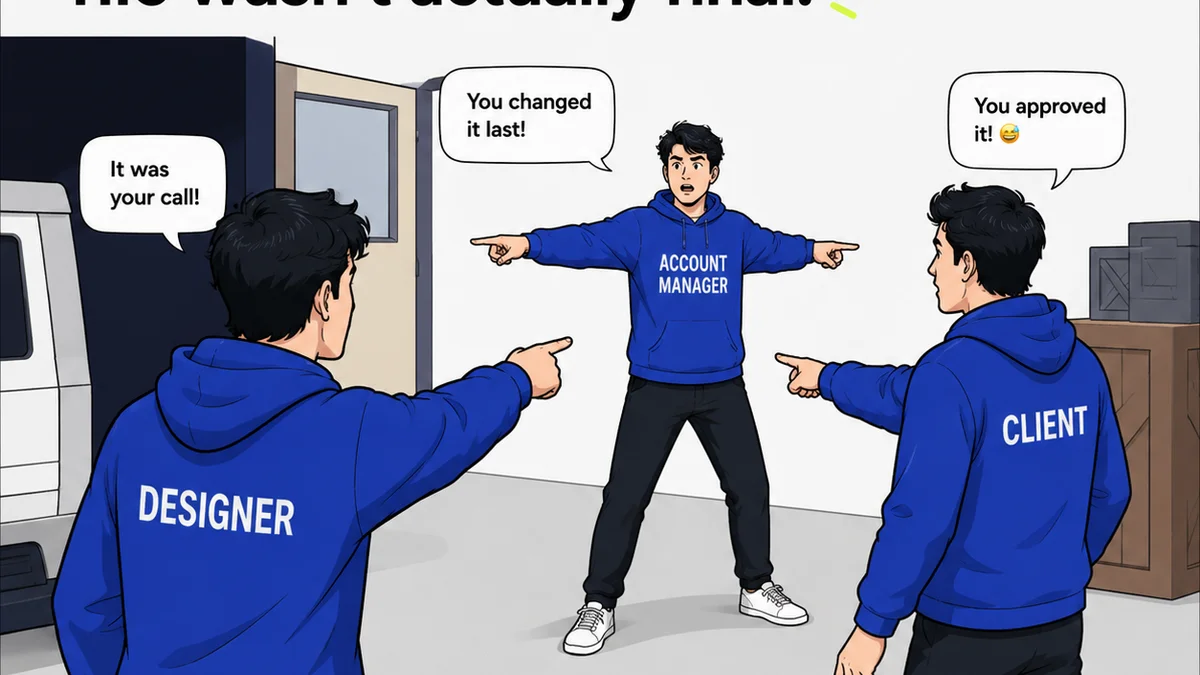
What happens when a client approves a change on Monday, but the designer is already halfway through a new direction by Tuesday? Without clear communication and a central source of truth, you get:
- Wasted design time
- Conflicting deliverables
- Frustrated stakeholders
- Endless
Frequently asked questions
What is the difference between file history and design version control?
File history tracks changes to individual files. Design version control captures the context, decisions, and rationale behind those changes, providing a richer project narrative.
Can basic cloud storage manage design versions effectively?
Basic cloud storage can store files and offer version history, but it lacks the contextual and collaborative features needed for complex design projects, leading to communication gaps and wasted effort.
How does version control impact client communication?
Effective version control provides a clear, documented trail of feedback and approvals, reducing misunderstandings and ensuring everyone is aligned on the project's direction.
Is Git suitable for design version control?
Git is powerful for code, but its text-based diffing and command-line interface are often ill-suited for visual design files. It lacks the visual comparison and contextual features that designers need.