Everyone agrees that quality assurance (QA) for creative assets is crucial. You’ve probably heard that good communication and clear feedback are the keys to a smooth QA process. None of that is wrong. But it’s incomplete.
The hard truth? Your current methods are likely costing you time, money, and client trust. Relying on scattered feedback channels and manual checks breeds errors, delays, and frustration. For US creative teams juggling multiple clients and projects, this inefficiency is a silent killer.
1. The Myth of 'Good Enough' Feedback
Many teams operate under the assumption that as long as feedback is *somewhere* – an email thread, a Slack channel, a hastily scribbled note – it’s being managed. This is a dangerous illusion.
The Scattershot Effect
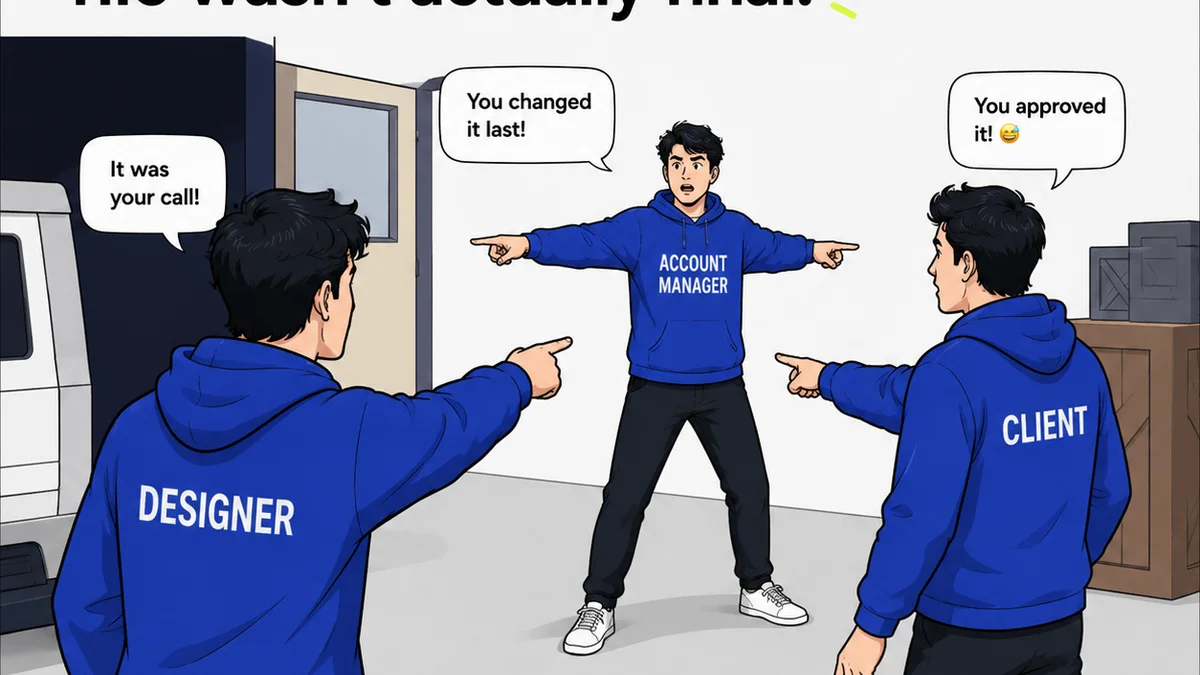
When feedback lives in disparate locations, critical details get lost. A client might approve a design via email, but later express concerns in a Slack DM. Which takes precedence? Without a central record, it’s anyone’s guess. This leads to:
- Missed revisions
- Conflicting instructions
- Endless clarification loops
Frequently asked questions
What is digital asset QA?
Digital asset QA (Quality Assurance) is the process of reviewing creative assets like images, videos, and documents before they are finalized or published. It ensures they meet project requirements, brand guidelines, and quality standards, catching errors and inconsistencies.
Why is centralized feedback important for QA?
Centralized feedback consolidates all comments and approvals in one place. This eliminates confusion from scattered emails or messages, ensures all stakeholders see the same information, and creates a clear audit trail, making the QA process more efficient and less prone to errors.
What are the key features of a good digital asset QA tool?
A good tool typically offers version control, annotation capabilities directly on assets, clear approval workflows, revision history tracking, and integration with other project management software. It should simplify communication and provide a single source of truth.
How do digital asset QA tools improve client relationships?
By providing transparency and a structured process, these tools build client confidence. Clients can easily see the status of their assets, provide clear feedback, and track revisions, leading to fewer misunderstandings and a smoother, more professional experience.