Everyone’s chasing the next big thing in enterprise creative technology software. You see the glossy demos, the endless feature lists, the promises of AI-powered magic. It’s easy to get caught up in the hype.
None of that is wrong. But it’s incomplete.
The real value of enterprise creative software isn’t in its bells and whistles. It’s in its ability to fix broken workflows, reduce friction, and give you back time. That’s the hard truth most vendors gloss over.
1. Beyond the Feature List: Focus on Workflow Integration
You’re not buying a software package; you’re buying a better way to work. The most critical factor for enterprise creative technology is how seamlessly it integrates into your existing creative process. Does it speed things up or add another layer of complexity?
Many solutions offer a dazzling array of tools. But if those tools don’t talk to each other, or if they require manual workarounds, they become bottlenecks, not accelerators.
The Integration Trap
Think about your current project lifecycle:
- Briefing and kickoff
- Asset creation and internal review
- Client feedback and revisions
- Approvals and final delivery
- Archiving and knowledge management
Every step should flow into the next. If your new software requires you to export files, upload them elsewhere, then re-import them, you’ve just added hours of unproductive work. That’s not enterprise-grade; that’s amateur hour.
Key Questions to Ask:
- How does this tool connect with our existing stack (e.g., Adobe Creative Cloud, Figma, project management tools)?
- What are the native integrations, and what requires custom API work?
- Can it handle the volume and complexity of our typical projects?
- Does it automate repetitive tasks, or does it create more manual steps?
2. Centralized Control: The Myth of Decentralized Creative
There’s a pervasive myth that creative teams thrive on absolute freedom, with tools scattered across departments and individuals. For solo freelancers, maybe. For an enterprise agency, it’s a recipe for chaos.
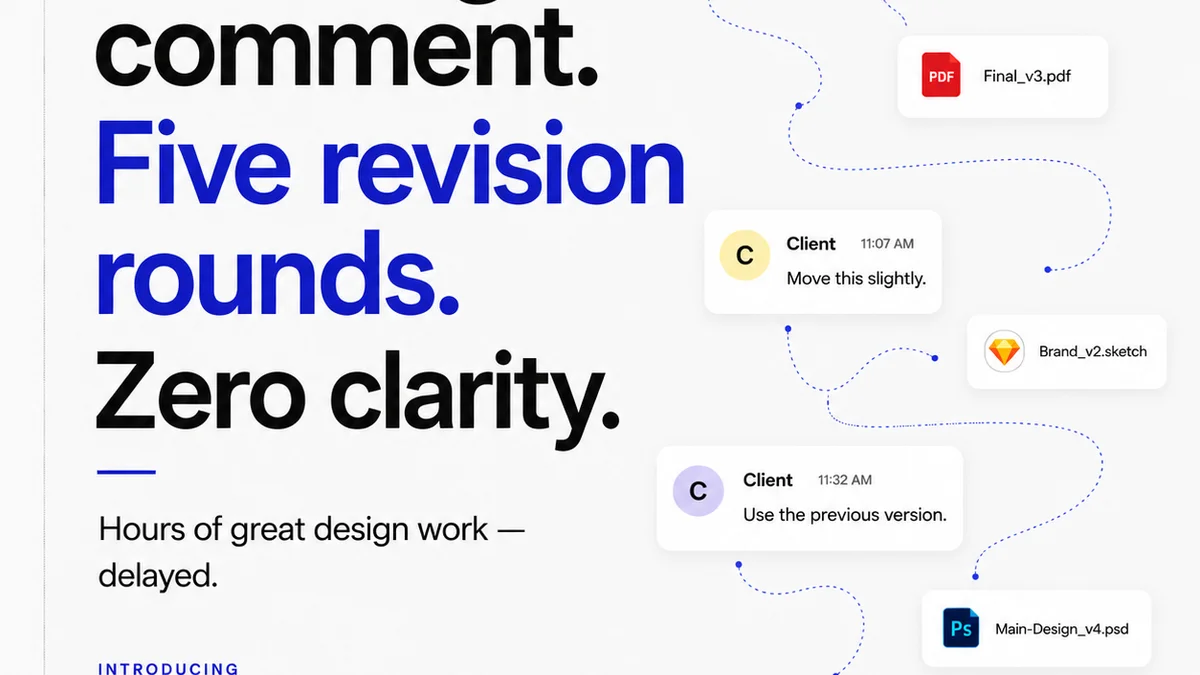
Enterprise solutions need to provide a single source of truth for projects, assets, and feedback. Without it, you’re drowning in version control nightmares and lost communication threads.
The Cost of Scattered Information
Consider the hidden costs:
- Wasted time searching for the latest file versions.
- Inconsistent branding due to outdated assets.
- Duplicate work because teams don’t know what others are doing.
- Missed feedback or approvals buried in email chains.
- Compliance risks from using unapproved materials.
A robust enterprise platform brings everything into one accessible, auditable space. This isn’t about stifling creativity; it’s about creating an efficient environment where creativity can flourish without getting bogged down by operational friction.
What Centralization Looks Like
- A single repository for all project assets.
- Clear version history and audit trails.
- Unified communication channels tied to specific projects or assets.
- Role-based access and permissions to ensure security and compliance.
3. Scalability and Performance: Built for Growth, Not Stagnation
What works for a 10-person team might crumble under the weight of a 100-person agency with multiple global offices. Enterprise creative technology must be built to scale.
This means robust infrastructure, efficient data management, and the ability to handle increasing user loads and project complexity without performance degradation.
When Scale Becomes a Problem
- Slow load times for large files or complex projects.
- System crashes during peak usage periods.
- Inability to onboard new users or teams quickly.
- High costs associated with scaling up infrastructure manually.
- Limited capacity for concurrent users or projects.
Your technology stack should support your growth ambitions, not act as a brake. Look for solutions designed for enterprise-level demands, with proven performance under pressure.
Scalability Indicators
- Cloud-native architecture for elastic scaling.
- Efficient handling of large media files and complex project structures.
- Performance benchmarks and case studies from similarly sized organizations.
- Clear pricing models that accommodate growth without punitive surprises.
4. Security and Compliance: Non-Negotiable Foundations
For enterprise clients, security isn’t an afterthought; it’s a prerequisite. Protecting client data, intellectual property, and brand integrity is paramount.
Your chosen creative technology must meet stringent security standards and compliance regulations. A breach can be catastrophic, leading to financial loss, reputational damage, and legal liabilities.
Common Security Pitfalls
- Weak access controls and permission management.
- Lack of data encryption (in transit and at rest).
- Insufficient audit trails for tracking user activity.
- Vulnerability to common cyber threats.
- Non-compliance with industry-specific regulations (e.g., GDPR, HIPAA if applicable).
Enterprise software should offer robust security features out-of-the-box. This includes things like single sign-on (SSO), multi-factor authentication (MFA), granular permissions, and regular security audits.
Security & Compliance Checklist
- SSO and MFA capabilities.
- Data encryption standards.
- Comprehensive audit logs.
- Compliance certifications (e.g., SOC 2, ISO 27001).
- Regular vulnerability assessments and penetration testing.
5. User Experience (UX) and Adoption: If They Don’t Use It, It Fails
You can have the most powerful, secure, and scalable software in the world, but if your team finds it cumbersome or confusing, adoption will fail. This is where many enterprise solutions stumble.
The user experience must be intuitive and efficient. This directly impacts productivity and reduces the need for extensive, costly training.
The Adoption Barrier
- Complex interfaces that require extensive training.
- Poorly designed workflows that frustrate users.
- Lack of mobile accessibility or responsive design.
- Inconsistent UI/UX across different modules.
- Resistance to change from teams accustomed to older methods.
Think about the tools your team uses daily. They are likely intuitive, require minimal instruction, and integrate seamlessly into their tasks. Your enterprise creative tools should aim for the same level of effortless usability.
What Good UX Looks Like
- Clean, uncluttered interface.
- Logical navigation and information architecture.
- Contextual help and onboarding guidance.
- Customizable dashboards and workflows.
- Fast, responsive performance.
Where Revue Fits In
Enterprise creative technology software aims to streamline the entire creative lifecycle. This means managing feedback, revisions, and approvals efficiently and transparently.
Tools like Revue are built to address these core operational needs head-on. They provide a centralized platform specifically designed for creative workflows.
- Centralized Feedback: Instead of endless email threads or scattered Slack messages, all client feedback lives in one place, directly on the creative asset. This eliminates confusion and ensures everyone is working from the same notes.
- Revision & Approval Visibility: Track every version, every revision request, and every approval status. This provides a clear audit trail and prevents scope creep or disputes over what was agreed upon.
- Quality Assurance: By standardizing the feedback and approval process, you inherently improve the quality of the final output. Fewer last-minute surprises mean more polished, client-approved work.
The goal is to remove the friction from collaboration and approval, allowing creative teams to focus on what they do best: creating great work.
Final Thought
The most effective enterprise creative technology isn’t about the fanciest features. It’s about building a system that supports your team, respects their time, and protects your business.
Are you investing in technology that truly solves workflow problems, or are you just buying into the latest software trend?
Frequently asked questions
What is the primary benefit of enterprise creative technology software?
The primary benefit is not just having more features, but streamlining and integrating complex creative workflows. This leads to increased efficiency, reduced friction, better collaboration, and improved quality control across an organization.
How important is workflow integration in enterprise software?
Workflow integration is critical. Enterprise software should seamlessly connect with your existing tools and processes, automating tasks and eliminating manual workarounds. Poor integration creates bottlenecks and hinders productivity.
Why is security a major concern for enterprise creative software?
Agencies handle sensitive client data and intellectual property. Enterprise software must offer robust security features like SSO, MFA, data encryption, and audit trails to protect against breaches, maintain client trust, and ensure compliance with regulations.
What makes user adoption challenging for enterprise software?
Adoption challenges often stem from poor user experience (UX), complex interfaces, and a lack of intuitive design. If the software is difficult to use or doesn't clearly improve daily tasks, teams will resist using it, negating its potential benefits.