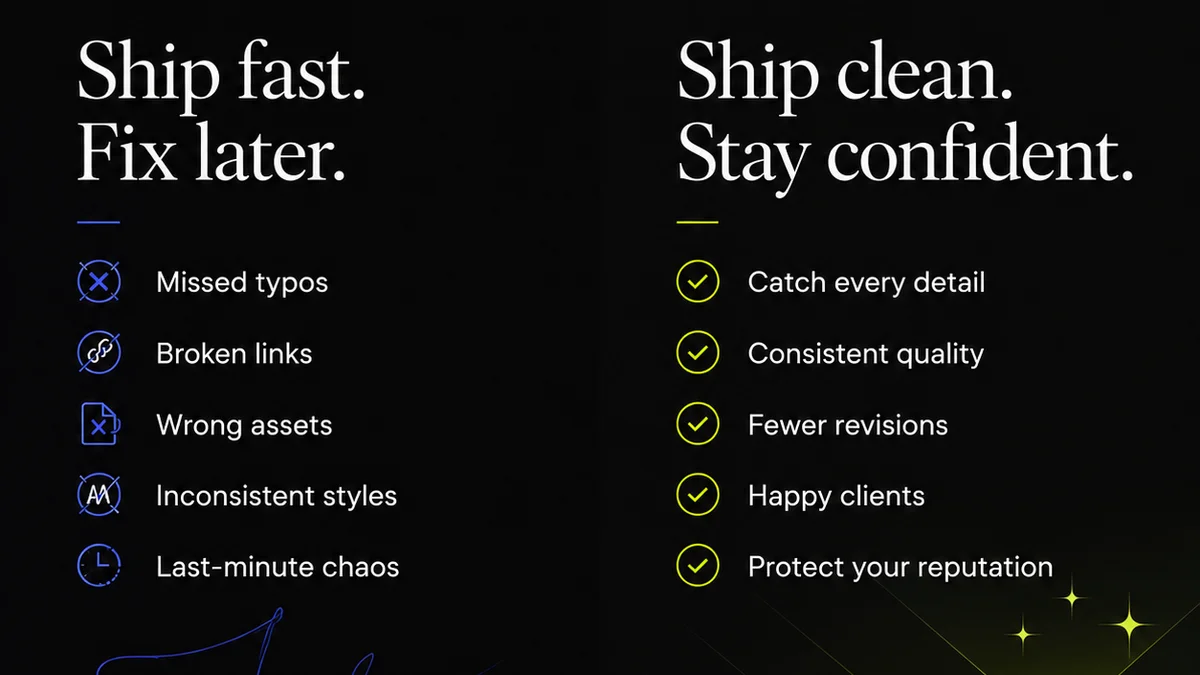
Everyone agrees design quality assurance (QA) is important. You probably have a checklist. Maybe a dedicated QA team. You’re catching obvious bugs, right?
None of that is wrong. But it’s incomplete.
The hard truth for enterprise teams is that a simple checklist doesn’t account for the complexity, scale, and interdependencies inherent in large organizations. True design QA is an integrated process, not an afterthought.
1. The Illusion of Comprehensive Checklists
Checklists are a starting point. They’re great for standardizing basic checks: Is the logo present? Are the correct fonts used? Is the color contrast sufficient for accessibility?
But they fail to capture:
- Contextual usability issues
- Brand consistency across disparate teams
- Technical debt impacting user experience
- Alignment with evolving business objectives
- The impact of design decisions on downstream teams (dev, marketing, support)
A checklist is a tool, not a strategy. It’s a safety net, but it won’t help you build a faster car.
2. Understanding the Real Cost of Design Errors
When we talk about design QA, we often focus on the immediate fix: change a button color, correct a typo. That’s tactical.
The real cost of design errors in an enterprise is strategic and operational:
- Brand Erosion: Inconsistent experiences damage trust. Users don't care if it was a different team's fault; they see a broken brand.
- Wasted Development Resources: Rework is expensive. Catching a UI bug after it’s coded costs exponentially more than catching it in design.
- Reduced User Adoption: Confusing or broken interfaces lead to frustration and abandonment. This impacts conversion rates, customer satisfaction, and ultimately, revenue.
- Compliance Risks: For regulated industries, design flaws can lead to significant legal and financial penalties (think accessibility violations).
- Internal Friction: Constantly fixing design issues creates tension between design, development, marketing, and product teams.
These aren't just bugs; they're business impediments.
3. Building a Proactive Design QA Framework
Moving beyond checklists requires a shift from reactive bug-fixing to proactive quality building. This involves embedding QA principles throughout the entire design lifecycle.
a. Define Clear Standards and Guidelines
Before you can QA, you need to know what
Frequently asked questions
What is the difference between design QA and UAT?
User Acceptance Testing (UAT) focuses on whether the product meets business requirements and user needs from an end-user perspective. Design QA is more granular, focusing on the visual, functional, and interactive quality of the design itself, ensuring it aligns with brand standards, usability principles, and technical specifications before it even reaches UAT.
How can smaller teams implement enterprise-level design QA?
Smaller teams can adopt the principles by clearly defining their design system, establishing a review process (even if it's peer review), using automated checks for accessibility and consistency where possible, and documenting decisions. The key is intentionality and process, not necessarily a large team.
What tools are essential for design QA?
Essential tools include design software with built-in review features (like Figma or Sketch), accessibility checkers (browser plugins or built-in tools), prototyping tools for interaction testing, and a centralized feedback and version control platform like Revue to manage the entire process.
How do you measure the success of a design QA process?
Success can be measured by a reduction in post-launch bugs, faster revision cycles, improved brand consistency scores, higher user satisfaction ratings related to the interface, and decreased rework requests from development or marketing teams.