Everyone agrees that solid design quality assurance (QA) is crucial for enterprise creative teams. You’ve probably heard it all: use checklists, get client sign-off, and double-check pixel alignment.
None of that is wrong. But it’s incomplete.
The hard truth is that relying on scattered communication, manual checks, and siloed feedback loops actively sabotages your team’s efficiency and the quality of your output. For US enterprise teams juggling complex projects and multiple stakeholders, a more robust approach to design QA is not optional—it’s essential for survival.
1. Centralized Feedback and Annotation: The Foundation of Design QA
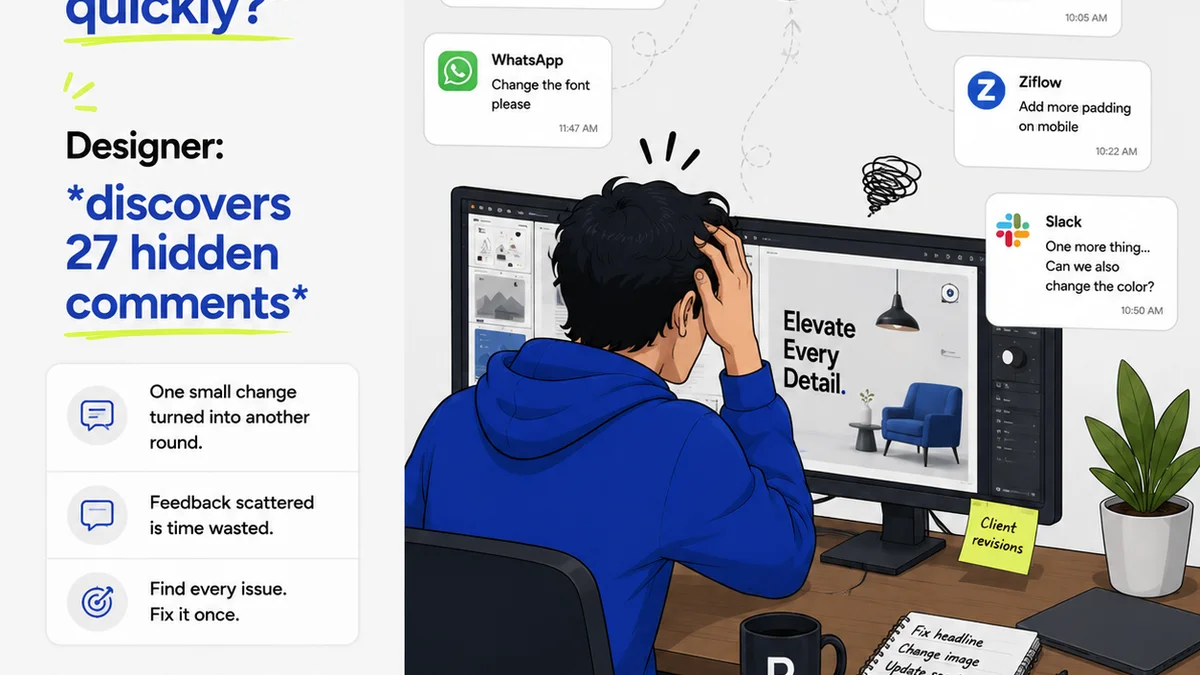
The biggest bottleneck in design QA is fractured communication. Emails get lost, Slack messages disappear into the ether, and multiple versions of a design float around, each with different feedback.
This chaos leads to:
- Endless revision cycles because feedback was missed or misinterpreted.
- Disputes over what was agreed upon.
- Wasted time hunting down the latest feedback.
- A general feeling of frustration on all sides.
Enterprise-level design QA demands a single source of truth for all creative assets and their associated feedback. This means moving beyond general-purpose communication tools and adopting platforms built for visual feedback.
Contextual Annotations
The ideal tool allows stakeholders to leave feedback directly on the design itself. Think pinning a comment to a specific element, drawing an arrow to a problematic area, or highlighting text that needs adjustment.
This eliminates ambiguity. When feedback is tied to the visual, there’s no room for interpretation. Everyone sees exactly what needs to be addressed.
Version Control for Feedback
As designs evolve, so does the feedback. A critical feature for enterprise teams is the ability to track feedback across different design versions. This ensures that old feedback doesn’t get addressed on a new version, and new feedback isn’t lost when a new iteration is uploaded.
Stakeholder Management
Enterprise projects often involve many stakeholders with varying levels of technical understanding and input. Tools that allow you to manage these stakeholders, assign specific feedback tasks, and control who sees what are invaluable. This prevents feedback overload and ensures the right people are reviewing the right assets.
2. Revision and Approval Tracking: Closing the Loop on Design QA
Once feedback is captured, the next critical phase is managing the revisions and securing formal approvals. This is where many design QA processes break down, turning into a game of “did they get that?”
Without clear tracking, you risk:
- Revisiting feedback that was already addressed.
- Approving designs that haven’t incorporated all critical changes.
- Delays caused by back-and-forth clarification.
- A lack of accountability for revisions.
Effective enterprise design QA requires visibility into the entire revision and approval workflow.
Status Updates and Notifications
Automated notifications and clear status indicators are non-negotiable. When a revision is made, stakeholders should be alerted. When a design is ready for review, the right people should be prompted.
This keeps the process moving and minimizes the need for manual follow-ups. It creates a proactive, rather than reactive, QA environment.
Clear Approval Workflows
Define and enforce approval stages. Whether it’s a single approver or a multi-stage sign-off, the tool should support this. Visual cues indicating whether a design is ‘In Review,’ ‘Approved,’ or ‘Changes Required’ are essential.
For enterprise teams, this often means integrating with existing project management systems or CRM platforms to ensure design approvals align with broader project timelines and milestones.
Audit Trails
A complete audit trail is crucial for enterprise accountability and risk management. This includes who reviewed what, when they reviewed it, what feedback was given, and when approvals were granted.
This data is invaluable for post-project analysis, dispute resolution, and ensuring compliance with internal or external standards.
3. Quality Control Beyond Visuals: Compliance and Accessibility
Design QA isn't just about how a design looks; it's also about how it functions and whether it meets broader organizational and regulatory requirements. For enterprise teams, this often includes accessibility, brand compliance, and technical specifications.
Ignoring these aspects leads to:
- Designs that are unusable for a segment of the audience.
- Brand inconsistencies across different touchpoints.
- Technical issues that require costly rework.
- Legal and reputational risks.
Enterprise design QA tools need to extend beyond simple visual review to incorporate these critical checks.
Accessibility Checks
Ensuring designs meet accessibility standards (like WCAG 2.1 AA) is paramount. This includes checking color contrast, focus states, keyboard navigation considerations, and semantic structure.
While some tools offer basic contrast checkers, more advanced solutions integrate accessibility testing directly into the review process. This makes it easier for designers and reviewers to identify and fix issues early.
For instance, tools that can simulate color blindness or provide keyboard navigation outlines can be incredibly helpful.
Brand Compliance
Maintaining brand consistency across all creative output is a major concern for enterprises. Design QA should include checks against brand guidelines, ensuring correct logo usage, typography, color palettes, and messaging.
Some advanced platforms can flag elements that deviate from approved brand assets or style guides, acting as an automated brand guardian.
Technical Specifications and Integrations
For digital products, design QA must also consider technical implementation. This involves ensuring designs adhere to development constraints, are built with the correct specifications for various platforms (web, mobile, etc.), and integrate smoothly with underlying systems.
Tools that allow for the annotation of technical requirements or integrate with development workflows can bridge the gap between design and engineering, improving overall product quality.
4. Streamlining Collaboration with External Partners
Many US enterprise teams work with external agencies, freelancers, or offshore teams. Managing design QA with these partners adds another layer of complexity.
Challenges include:
- Different time zones and working hours.
- Varying levels of familiarity with your brand and processes.
- Communication barriers.
- Ensuring consistent quality across internal and external teams.
A centralized design QA platform becomes the common ground, a neutral space where all parties can collaborate effectively.
Onboarding External Teams
A well-structured QA tool simplifies the onboarding process for external partners. They can quickly access project briefs, review brand guidelines, and understand the feedback and approval process without extensive training.
Real-time Collaboration
While true real-time collaboration can be challenging across different organizations, a system that provides immediate access to the latest design versions and feedback fosters a sense of connected work. Automated notifications ensure everyone is kept in the loop, regardless of their location or working hours.
Consistent Quality Standards
By enforcing the same review and approval workflows for both internal and external teams, you ensure a consistent standard of quality. This prevents situations where external work is delivered at a lower quality than internal projects.
Where Revue Fits In
Managing the deluge of feedback, tracking revisions meticulously, and ensuring every design element passes quality checks can feel like a full-time job in itself. This is precisely where a platform like Revue excels.
Revue is designed to centralize your creative workflow. It provides a single hub for all client feedback, making it easy to see what needs addressing and what’s already been done. No more digging through emails or Slack threads to find that one crucial comment.
Our platform streamlines the revision and approval process, offering clear visibility into the status of each asset. You can manage feedback across versions, ensuring that no change is missed and every approval is documented.
For enterprise teams, this means a significant reduction in miscommunication, fewer revision cycles, and a more efficient path to final delivery. It’s about bringing order to the creative chaos, so your team can focus on what they do best: creating exceptional work.
Final Thought
The best enterprise design QA tools aren’t just about finding mistakes; they’re about building a more efficient, collaborative, and reliable creative process. They transform QA from a dreaded bottleneck into a strategic advantage.
Are you still treating design QA as an afterthought, or is it a fundamental part of your strategic workflow?
Frequently asked questions
What is the primary benefit of using specialized enterprise design QA tools?
The primary benefit is centralizing feedback and streamlining the revision and approval process. This reduces miscommunication, minimizes revision cycles, and ensures a higher quality, more consistent output compared to using general communication tools.
How do design QA tools help with accessibility?
Many advanced design QA tools offer features that help check for accessibility standards, such as color contrast ratios and focus states. They integrate these checks into the review process, making it easier for teams to identify and fix accessibility issues early.
Can these tools help manage feedback from external agencies?
Yes, specialized tools provide a common platform for both internal teams and external partners. This simplifies onboarding, allows for consistent application of review and approval workflows, and ensures clear communication across different organizations and time zones.
What is the role of audit trails in enterprise design QA?
Audit trails provide a comprehensive record of all review and approval activities, including who reviewed what, when, and what feedback was given. This is crucial for accountability, dispute resolution, and post-project analysis in enterprise environments.