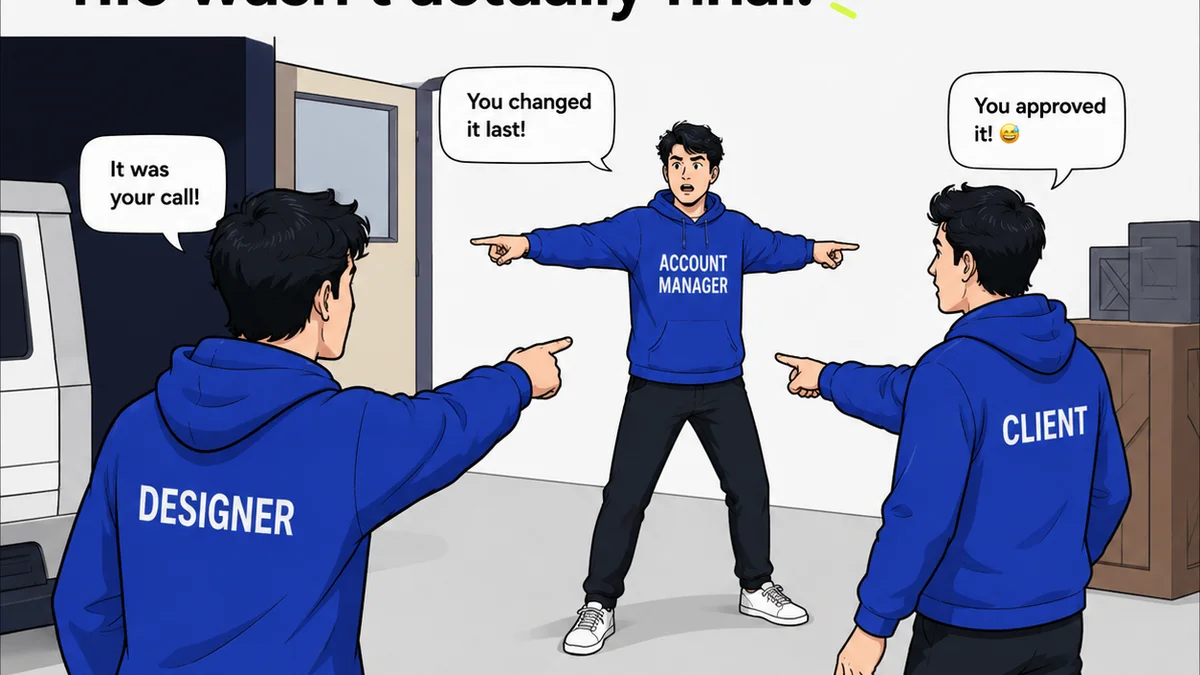
Everyone talks about getting client feedback. It’s the lifeblood of agency work, right? You send a draft, you get comments, you iterate. Simple.
None of that is wrong. But it’s incomplete.
The hard truth is that most agencies don’t have a system for feedback. They have a process, sure. But a system? That’s different.
A system means you’re not just reacting to feedback; you’re actively managing it. You know where every piece of feedback lives, who gave it, what changed because of it, and if it’s been approved. Without that, you’re leaving money and sanity on the table.
1. The Illusion of 'Done'
What does 'done' even mean in a creative project? It’s not just when the client says 'yes'. It’s when you’re certain all feedback has been addressed, accounted for, and signed off. Most teams skip the 'accounted for' part.
This leads to:
- Endless revision cycles.
- Scope creep disguised as 'minor tweaks'.
- Frustrated clients who feel ignored.
- Burned-out creative teams.
- Projects that bleed money.
This isn’t about bad clients or difficult creatives. It’s about a lack of structured feedback tracking.
The Vague Comment Black Hole
Ever get feedback like “Make it pop more” or “I don’t love this”? Of course. But how do you track that? How do you ensure your team knows exactly what 'pop' means in this context, and that it’s been implemented and reviewed?
Without a clear process, these vague comments become black holes. They get addressed vaguely, or worse, ignored because no one knows how to quantify them. Then they resurface later.
The Email Ping-Pong
Feedback lives in emails, Slack messages, Google Docs comments, and maybe even sticky notes. Trying to consolidate this is a nightmare. You’re constantly switching contexts, searching for that *one* comment.
This fragmented approach is a breeding ground for missed feedback. A single overlooked comment can derail an entire deliverable.
2. Building Your Feedback Tracking Checklist
A robust feedback tracking system isn't complex. It’s disciplined. It’s about creating clear touchpoints and documentation at every stage. Think of it as a safety net for your projects.
Pre-Feedback Alignment
Before the client even sees the work, get aligned internally. What are the key objectives? What are the 'must-haves' vs. 'nice-to-haves'?
Internal Checklist Items:
- Have we clearly defined project goals and KPIs?
- Are all internal stakeholders (design, copy, strategy) aligned on the brief?
- Have we anticipated potential client concerns or questions?
- Is the deliverable ready for client review against the brief?
The Initial Brief & Kick-off
This is where it all starts. Document everything. Use your feedback tracking to capture the initial brief, client expectations, and any constraints.
Checklist Items:
- Formalized creative brief signed off by the client.
- Clear definition of deliverables and scope.
- Agreed-upon review rounds and timelines.
- Identification of key client stakeholders and their roles.
- Defined communication channels for feedback.
The Review Stage: Capturing Every Nuance
This is the critical juncture. Every piece of feedback, no matter how small, needs to be captured systematically. This means moving beyond email.
Checklist Items:
- Designated platform for all client feedback (e.g., a review tool).
- Each feedback item logged with:
- Who provided the feedback?
- When was it provided?
- What is the specific feedback (ideally with annotations)?
- What is the requested action?
- Is this feedback within scope?
- Status of each feedback item: New, In Progress, Resolved, Deferred, Out of Scope.
- Regular internal syncs to discuss and prioritize feedback.
The Revision & Iteration Loop
This is where the magic (or the chaos) happens. Tracking ensures you’re not just making changes, but making the *right* changes, efficiently.
Checklist Items:
- Clear assignment of feedback items to team members.
- Timestamped revisions linked to original feedback.
- Visual comparison of versions (before/after).
- Confirmation that the *specific* feedback has been addressed.
- Internal quality check before resubmitting to the client.
The Approval Gate
This is the final hurdle. Ensure formal sign-off exists for all stages and iterations.
Checklist Items:
- Formal client approval logged for each major deliverable or milestone.
- Confirmation that all 'Resolved' feedback items have been acknowledged by the client.
- Documentation of any 'Deferred' feedback for future phases.
- Final sign-off on the completed project.
3. The 'Why' Behind the Checklist
Why go through all this effort? Because it directly impacts your bottom line and your team’s well-being.
Minimize Scope Creep
When feedback is tracked, it’s easier to identify when requests fall outside the original scope. This allows for a professional conversation about additional time and budget, rather than absorbing it silently.
Improve Client Relationships
Clients appreciate clarity. When they see their feedback is being meticulously managed and addressed, they feel heard and valued. This builds trust and leads to repeat business.
Boost Team Efficiency
A structured system reduces wasted time. Creatives spend less time hunting for feedback or redoing work because of misunderstandings. They can focus on doing great creative work.
Reduce Project Risk
Missed feedback or unclear approvals are major project risks. A good feedback tracking process mitigates these risks, ensuring projects stay on track and meet objectives.
Data for Improvement
Over time, your feedback logs become a valuable dataset. You can identify common client sticking points, recurring types of feedback, or areas where your initial creative process might need refinement.
4. Where Revue Fits In
Managing feedback effectively requires the right tools. Trying to piece it together with emails, spreadsheets, and disparate chat apps is a recipe for disaster. This is where a centralized platform makes all the difference.
Revue provides a single source of truth for all creative assets and client feedback. Instead of digging through endless email threads or chat logs, all feedback is logged directly against the version it pertains to.
This means:
- Centralized Feedback: All comments, annotations, and discussions live in one place, linked to the specific creative asset. No more hunting.
- Revision Visibility: Easily see the history of changes, compare versions, and understand how feedback was implemented. This clarifies the revision process for both your team and the client.
- Clear Approval Workflows: Formalize the approval process. Know exactly what has been approved and by whom, reducing ambiguity and preventing future disputes.
- Quality Assurance: With all feedback and revisions documented, running final quality checks becomes more straightforward. You can quickly verify that all agreed-upon points have been addressed.
Revue helps transform chaotic feedback loops into structured, manageable workflows, ensuring that creative projects move forward efficiently and with clarity.
5. Final Thought
Is your team truly managing feedback, or just collecting it? The difference lies in systemization. It’s the difference between reactive firefighting and proactive project control.
By implementing a rigorous feedback tracking checklist and leveraging the right tools, you move from simply responding to feedback to strategically guiding creative projects to successful completion. What’s one step you can take today to improve your feedback tracking?
Frequently asked questions
What is the most important part of feedback tracking?
The most important part is consistency. Every piece of feedback, no matter how small, needs to be captured, documented, and assigned a status. This prevents things from falling through the cracks.
How can I prevent scope creep with feedback?
By meticulously tracking feedback against the original project brief. When a request clearly falls outside the agreed scope, you can flag it and initiate a conversation about additional time and budget, rather than just absorbing the extra work.
What tools are best for feedback tracking?
While spreadsheets and emails can be used, dedicated creative workflow and review tools like Revue offer a more integrated solution. They allow for direct annotation, version comparison, and centralized communication, making tracking much more efficient.
How do I handle vague feedback like 'make it better'?
Push for clarification. Document the vague request, but then follow up internally and with the client to define specific, actionable goals. For example, 'better' could mean 'increase contrast by 15%' or 'use a bolder font for the headline'. Document these clarifications.