Everyone talks about Figma. They rave about its collaborative features, its cloud-based nature, its design system capabilities. And they’re not wrong. Figma has fundamentally changed how designers work together.
But this focus on the *tool* itself misses a bigger operational truth for agencies.
Your agency’s success isn't just about picking the trendiest design software. It’s about how that software integrates into your entire client feedback and revision workflow. That’s the real differentiator.
Here’s what to look for when evaluating Figma – or any design tool – for your agency, beyond the basic feature list.
1. True Collaboration vs. Concurrent Editing
Figma’s killer feature is real-time collaboration. Multiple designers can hop into the same file and work simultaneously. This is revolutionary compared to older, file-based tools.
But for agencies,
Frequently asked questions
Is Figma the best design tool for agencies?
Figma is a leading tool for design collaboration, offering real-time co-editing and robust prototyping. However, its 'best' status depends on your agency's specific needs, particularly how well it integrates with your broader client feedback and revision management processes. Many agencies find it essential, but it's not a magic bullet for all operational challenges.
How does Figma improve agency workflows?
Figma enhances agency workflows through real-time collaboration, cloud-based accessibility, powerful design system management, and integrated prototyping. This reduces file versioning issues and speeds up iteration. However, managing client feedback and approvals effectively still requires dedicated tools or processes alongside Figma.
What are the limitations of using Figma alone for agency projects?
While excellent for design creation and collaboration, Figma alone doesn't inherently solve complex client feedback consolidation, detailed revision tracking, or formal approval workflows. Managing feedback from multiple stakeholders, ensuring all comments are addressed, and maintaining a clear audit trail can become challenging without additional systems.
How can agencies manage client feedback on Figma designs?
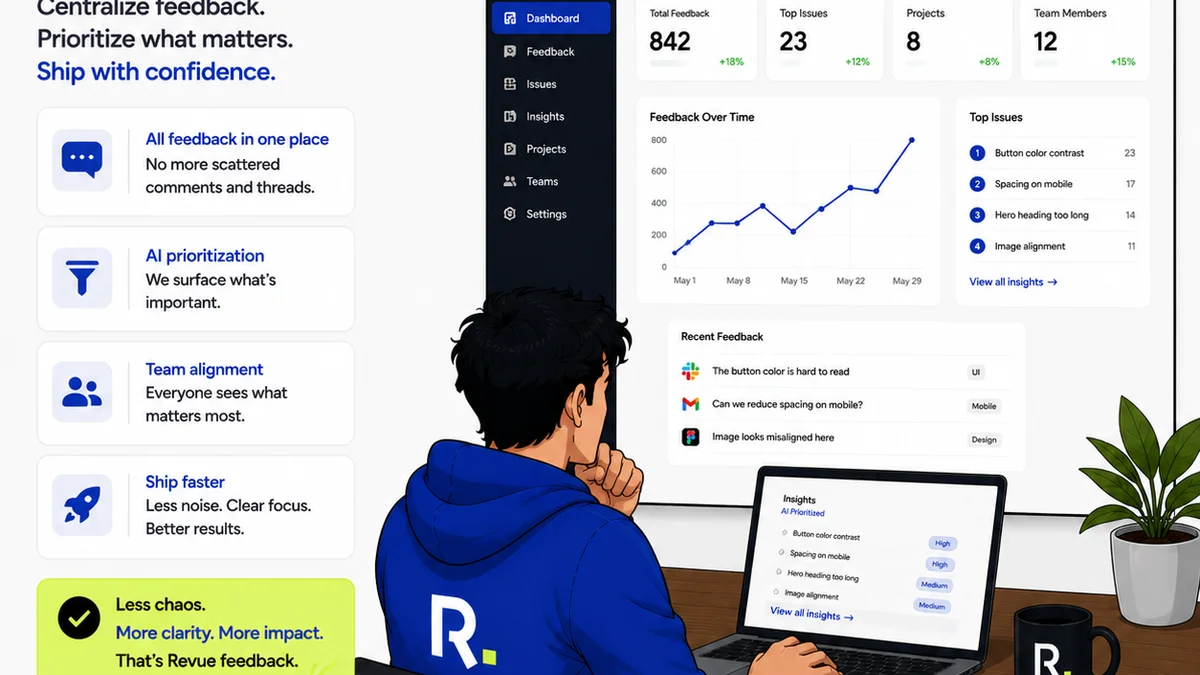
Agencies can manage client feedback on Figma designs by using Figma's commenting features, but for more structured workflows, integrating with a dedicated client feedback and approval platform is often necessary. Tools like Revue help centralize feedback, track revisions, and provide clear approval status, bridging the gap between design creation and final sign-off.