Everyone assumes better design comments just mean clearer language. More specific adjectives, fewer vague platitudes.
None of that is wrong. But it’s incomplete.
The hard truth is, the *quality* of your design comments isn't just about the words you use. It's about the entire system — or lack thereof — surrounding them.
Vague feedback isn't just annoying. It’s a symptom of deeper workflow problems. Problems that cost agencies hours in unnecessary revisions, erode client trust, and ultimately, sabotage the creative product.
Let’s break down how to move beyond 'good enough' feedback and into comments that actually drive progress.
1. The Illusion of 'Good Enough' Feedback
You’ve probably heard it a million times: “Be more specific.” “Use actionable language.” “Tell them *why*.”
And yes, these are good starting points. But they treat the symptom, not the disease.
The real problem isn't just a poorly worded comment. It's the context—or the absence of it—that makes even the best-phrased comment fall flat.
Common Pitfalls of Poor Feedback
- Comments buried in email chains.
- Feedback delivered days, or weeks, after the design was seen.
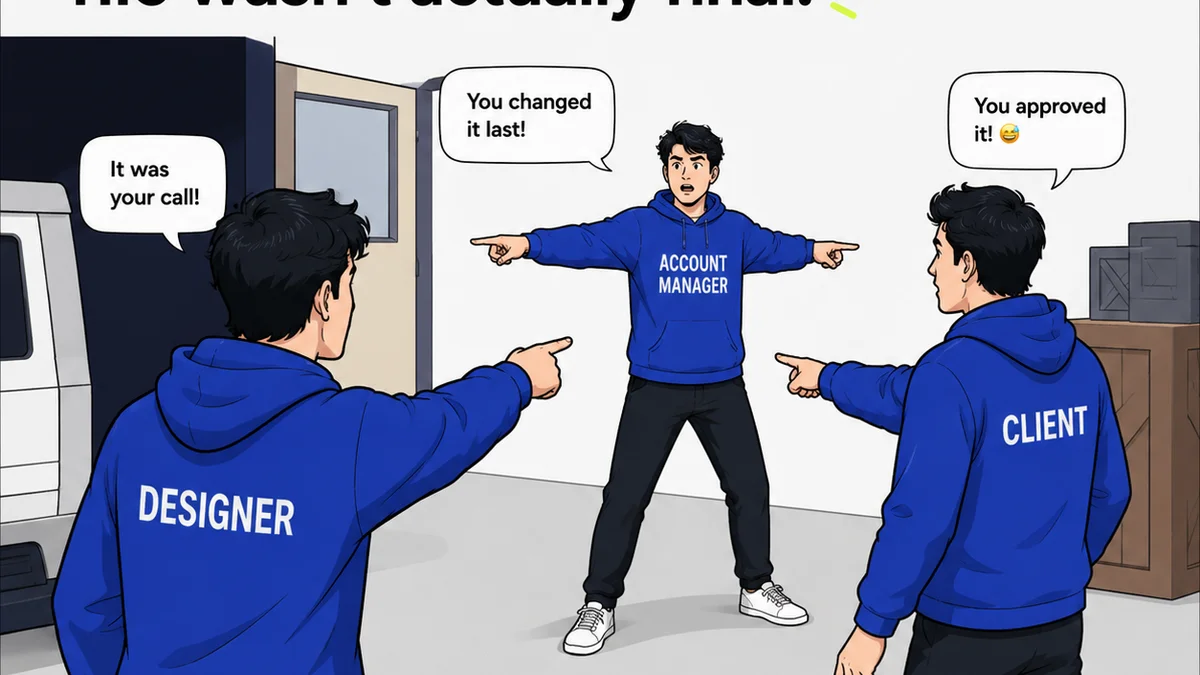
- Multiple stakeholders providing conflicting direction without coordination.
- Lack of access to the original brief or project goals when commenting.
- Designers guessing at the *intent* behind subjective feedback.
This is where the real cost comes in. Not just the time spent deciphering bad notes, but the cascading effect on the project timeline and team morale.
2. The Core Components of Actionable Design Comments
Actionable feedback requires more than just clarity. It needs context, timeliness, and a clear path to resolution.
Context is King
Every comment should implicitly or explicitly tie back to the project goals, the client brief, or established brand guidelines. Without this anchor, feedback is just opinion.
Think about it: If a client says, “Make the logo bigger,” is that because they want more prominence, or because they don't grasp the hierarchy? The context of the overall design strategy tells you which.
Timeliness Matters
Feedback is a conversation. The longer the delay between seeing the design and providing comments, the colder the conversation gets.
Designers forget the nuances. Clients forget their original intent. The opportunity for a fluid, iterative process is lost.
Clarity and Specificity (The Basics)
This is where most advice stops, but it's still crucial.
- Be specific: Instead of “Looks bad,” try “The kerning on the headline feels too tight, making it hard to read at smaller sizes.”
- Explain the 'why': Instead of “Change the color,” try “This blue clashes with the primary brand color, which is intended to evoke trust. Let’s explore warmer tones.”
- Suggest alternatives (when possible): Instead of “I don't like this,” try “This layout feels a bit static. Perhaps we could try aligning the elements to the left, or introducing a diagonal element to create more energy?”
- Focus on the objective: Frame comments around user experience, brand consistency, or conversion goals, not just personal preference.
But even perfect phrasing can be undermined by poor process.
3. Building a System for Better Feedback
The most effective way to improve design comments is to build a system that supports them. This isn't about rigid rules; it's about creating an environment where clarity and efficiency are the default.
Establish Clear Feedback Channels
Where does feedback live? Email? Slack? A project management tool? A dedicated platform?
Scattered feedback is lost feedback. Centralizing comments prevents duplication, ensures everyone sees the same information, and creates a historical record.
Define Roles and Responsations
Who is authorized to give feedback? Who has final approval?
Ambiguity here leads to conflicting directions and endless loops. Clearly defining roles streamlines the process and ensures feedback comes from the right sources.
Set Feedback Deadlines
Treat feedback like any other project deliverable. Set clear deadlines for review rounds.
This forces stakeholders to prioritize and prevents feedback bottlenecks that stall progress.
Integrate Feedback with the Design File
The closer feedback is to the actual design element being discussed, the better.
Tools that allow for in-context commenting—annotations directly on the design—are invaluable. This eliminates the “what are they talking about?” confusion.
Regularly Review the Feedback Process
Is your feedback loop working? Are you seeing fewer revision rounds? Are clients happier with the process?
Periodically assess your workflow. Solicit feedback from your team and clients on how the commenting process can be improved.
4. Where Revue Fits In
Managing client feedback and revisions effectively is the core challenge Revue solves. It’s built to bring order to the creative chaos.
Instead of sifting through endless email threads or Slack messages, Revue provides a centralized hub for all client communication related to creative assets. Stakeholders can leave precise, contextual comments directly on the design mockups.
This means feedback is tied to the specific element being discussed, reducing ambiguity. The system tracks revisions, ensuring designers and clients are always working from the latest version, with clear visibility into the approval status.
By streamlining the feedback and approval process, Revue helps agencies ensure that comments are not only clear but also timely and actionable, leading to faster turnarounds and higher quality creative output.
5. Final Thought
Are your design comments a source of friction or a catalyst for creativity?
The difference lies not just in the words chosen, but in the workflow that supports them.
Building a robust system for feedback transforms it from a necessary evil into a powerful tool for collaboration and quality assurance.
Frequently asked questions
What's the biggest mistake agencies make with design comments?
The biggest mistake is treating design comments as purely a writing exercise. The real issue is often the lack of a centralized system, clear roles, and timely delivery, which undermines even the clearest written feedback.
How can I make my design feedback more actionable?
To make feedback actionable, ensure it's specific, explains the 'why' behind the suggestion, ties back to project goals, and is delivered in a timely manner through a clear channel. Suggesting alternatives can also be very helpful.
Why is context so important for design comments?
Context is crucial because it anchors feedback to the project's objectives, brand guidelines, or user experience goals. Without context, feedback can devolve into subjective preferences that may not serve the project's overall strategy.
How does a tool like Revue help improve design comments?
Revue centralizes feedback directly on the design assets, providing immediate context. It tracks revisions and approvals, ensuring clarity and timeliness, which are essential for making comments truly actionable and efficient.