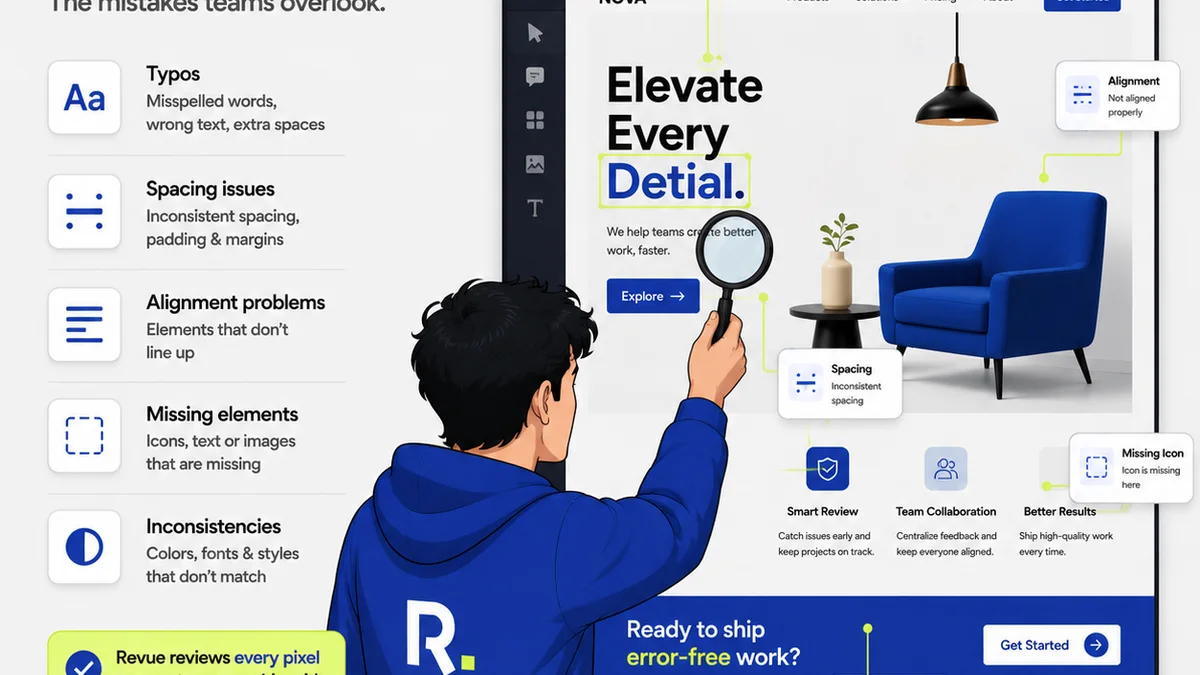
Everyone thinks client review for Photoshop files is inherently messy. That endless email chains and confusing annotation tools are just part of the job. That you’ll always be chasing down vague requests or deciphering screenshots of the wrong version.
None of that is wrong. But it’s incomplete.
The real problem isn't Photoshop. It's the broken workflow *around* Photoshop. Your client review process is the bottleneck, not the software.
Fixing this means ditching the assumptions and digging into the operational reality of how feedback actually flows—or doesn't flow—between your team and your clients.
1. The Illusion of 'Visual' Feedback
We assume clients can easily point to what they mean on a visual. They can't. Not reliably, anyway. What looks obvious to them is often ambiguous to you.
This leads to:
- Vague comments like "Make this pop more."
- Requests that contradict previous feedback.
- Endless back-and-forth on minor details.
- Clients sending screenshots of their screen, not the actual file.
This isn't about client incompetence. It's about the inherent difficulty of translating subjective aesthetic preferences into actionable design changes, especially without a structured way to do it.
The Annotation Trap
Many tools try to solve this with in-file annotation. But even these can create more problems than they solve:
- Version Chaos: Annotations are often tied to a specific file version, which gets lost when a new version is uploaded without proper linking.
- Context Collapse: Comments can become detached from their original intent as the design evolves.
- Tool Fatigue: Clients might be asked to use multiple platforms, leading to confusion and resistance.
The core issue is that visual feedback, without context and clear version control, is a breeding ground for misinterpretation. It feels direct, but it’s often indirect and prone to error.
2. Your 'Approved' Version is Probably Wrong
How do you *really* know a client has approved a Photoshop deliverable? Was it an email? A Slack message? A verbal OK?
This is where most agencies fall down. The handover point is fuzzy.
Think about it:
- Email approvals get buried.
- Slack messages are easily missed or deleted.
- Verbal approvals are impossible to prove.
What happens when the client later says, "I don't remember approving that"? You're stuck.
This lack of clear, auditable approval trails means:
- Endless Revisions: You end up redoing work that was technically signed off.
- Scope Creep: New requests slip in under the guise of
Frequently asked questions
What is the biggest mistake agencies make with Photoshop client review?
The biggest mistake is assuming the problem lies within Photoshop itself, rather than the feedback and approval workflow surrounding it. Relying on scattered emails, vague annotations, or unconfirmed verbal approvals leads to confusion, endless revisions, and scope creep.
How can I get clearer feedback on Photoshop files?
Implement a structured feedback process. Use tools that allow for contextual comments tied to specific file versions. Clearly define what constitutes 'approval' and ensure all stakeholders agree on the communication channel for final sign-offs.
Does using a dedicated review tool help with Photoshop files?
Yes. Dedicated tools centralize feedback, provide clear version history, and offer auditable approval trails. This reduces miscommunication and makes it easier to track revisions, ensuring everyone is working from the same understanding.
How do I avoid scope creep during Photoshop client reviews?
Maintain a clear record of all feedback and approvals. Any requests that fall outside the original scope should be flagged immediately and discussed for potential change orders. Centralized review platforms help enforce this discipline.