Everyone talks about the latest features. More filters. Smarter AI. Faster rendering. These are the things that get marketing buzz. And sure, they matter. But focusing only on features misses the forest for the trees.
The real way to improve tools for graphic designers isn’t about adding more buttons. It’s about making the entire creative process smoother, faster, and less frustrating.
1. Clarity Over Complexity
The assumption is that powerful tools need complex interfaces. More options mean more control, right?
Wrong.
Complexity is often a sign of poor design, not powerful features. Designers spend hours mastering software. That’s time they could spend creating.
Streamline the Interface
Think about your most-used tools. How many features do you *actually* use daily? How many are buried three menus deep?
- Reduce visual clutter.
- Prioritize frequently used functions.
- Offer customizable workspaces that adapt to user needs.
- Make search robust and intuitive.
Tools should feel like an extension of the designer’s mind, not a puzzle to be solved.
Standardize Workflows
Consistency across tools is a massive win. When a designer moves from one application to another, they shouldn't have to relearn basic interactions.
Imagine if every car had the steering wheel in a different place. Chaos.
Design tools need a baseline of familiar interaction patterns. This isn’t about stifling innovation; it’s about building on a common foundation.
2. Collaboration as a Core Feature
Design isn’t a solo sport anymore. Projects involve clients, account managers, developers, and other stakeholders. Yet, many tools still treat collaboration as an afterthought.
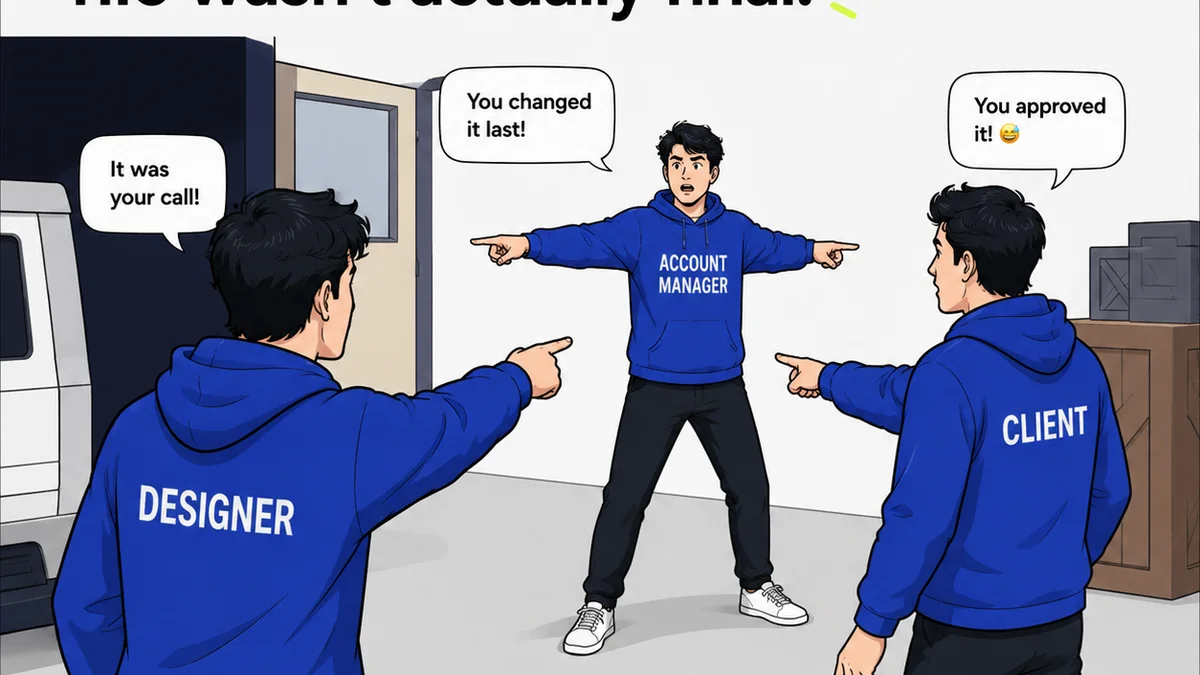
Feedback loops are broken. Revisions get lost. Version control is a nightmare.
Integrated Feedback Loops
Tools need to make it easy for anyone to provide clear, actionable feedback directly on the design. No more screenshots emailed back and forth.
Annotations should be context-aware. They should link directly to specific elements within the design.
Real-Time, Multi-User Work
While not every tool needs full real-time co-editing like Google Docs, the ability for multiple users to contribute and see changes in near real-time is crucial.
This applies to design files, but also to project management aspects tied to design assets.
Clear Revision History and Approvals
Knowing who changed what, when, and why is critical. Tools should provide a clear, auditable trail of revisions and approvals.
This transparency reduces disputes and speeds up the sign-off process.
3. Performance and Stability
A designer’s worst enemy is a crashing application or a slow-rendering file. It’s not just annoying; it’s a direct hit to productivity and morale.
We’ve all been there. Hours of work lost to a system freeze.
Optimize for Speed
Tools must be built with performance as a primary concern. This means efficient code, smart asset management, and robust handling of large files.
Even with powerful hardware, software optimization makes a tangible difference.
Reliability is Non-Negotiable
Frequent updates are good, but not if they introduce bugs. Stability is paramount. Designers need to trust their tools won’t fail them at a critical moment.
Rigorous testing and a focus on backward compatibility are essential.
4. Integration and Extensibility
No single tool does everything. The modern design stack is a complex ecosystem of specialized applications. Tools need to play well with others.
Forcing designers into a single, walled-garden ecosystem is a recipe for inefficiency.
Open APIs and Plugins
Robust APIs allow for custom integrations and third-party plugins that extend functionality. This empowers designers to build workflows tailored to their specific needs.
Think about how Figma’s plugin ecosystem has exploded. It’s a testament to the power of extensibility.
Seamless File Exchange
Moving assets between tools should be frictionless. Support for standard file formats is a given, but intelligent import/export that preserves layers, effects, and metadata is a game-changer.
This reduces manual re-work and potential errors.
5. Accessibility Considerations
This is often overlooked in tool development, but it’s crucial. Tools themselves need to be accessible to designers with disabilities.
Furthermore, designing *for* accessibility should be baked into the tool's features.
Usable Interfaces for All
Keyboard navigation, screen reader compatibility, adjustable contrast, and scalable text are not just 'nice-to-haves'; they are essential for an inclusive design environment.
Adhering to standards like those outlined by the Web Content Accessibility Guidelines (WCAG) is a baseline.
Built-in Accessibility Checks
Tools should help designers build accessible products. Features that check color contrast ratios, font readability, and ARIA compliance directly within the design environment are invaluable.
This makes accessibility a proactive part of the design process, not a reactive fix.
Where Revue Fits In
Improving tools for graphic designers isn't just about the software they use for creation. It's about the entire ecosystem surrounding the work.
Centralizing client feedback is a prime example. When feedback is scattered across emails, Slack channels, and random documents, clarity is lost. Revisions become a game of telephone.
Tools like Revue help by providing a single source of truth for feedback and approvals. This means designers spend less time chasing down comments and more time executing. It streamlines the revision process, making it visible and manageable.
This clarity extends to quality checks, ensuring that final assets meet all requirements before delivery.
Final Thought
The next time you think about improving design tools, ask yourself: does this feature genuinely make the designer’s life easier, or does it just add another layer of complexity?
Are we building tools that empower creativity, or just more intricate digital paint-by-numbers kits?
Frequently asked questions
What's the biggest mistake companies make when developing design tools?
They often focus too much on adding new, flashy features without considering how those features impact the overall user workflow and clarity. The result is often more complexity, not more efficiency.
How can design tools improve collaboration?
By integrating clear feedback mechanisms directly into the design interface, enabling real-time multi-user capabilities, and providing robust revision history and approval tracking. This makes communication seamless and reduces misunderstandings.
Why is performance crucial for graphic design software?
Slow or unstable software leads to lost productivity, frustration, and potential data loss. Designers need reliable tools that can handle complex projects without crashing or lagging, allowing them to focus on creative output.
What does 'integration and extensibility' mean for design tools?
It means design tools should work well with other software in a designer's toolkit. This is achieved through open APIs, plugin support, and seamless file exchange, allowing designers to build custom workflows and avoid being locked into a single ecosystem.