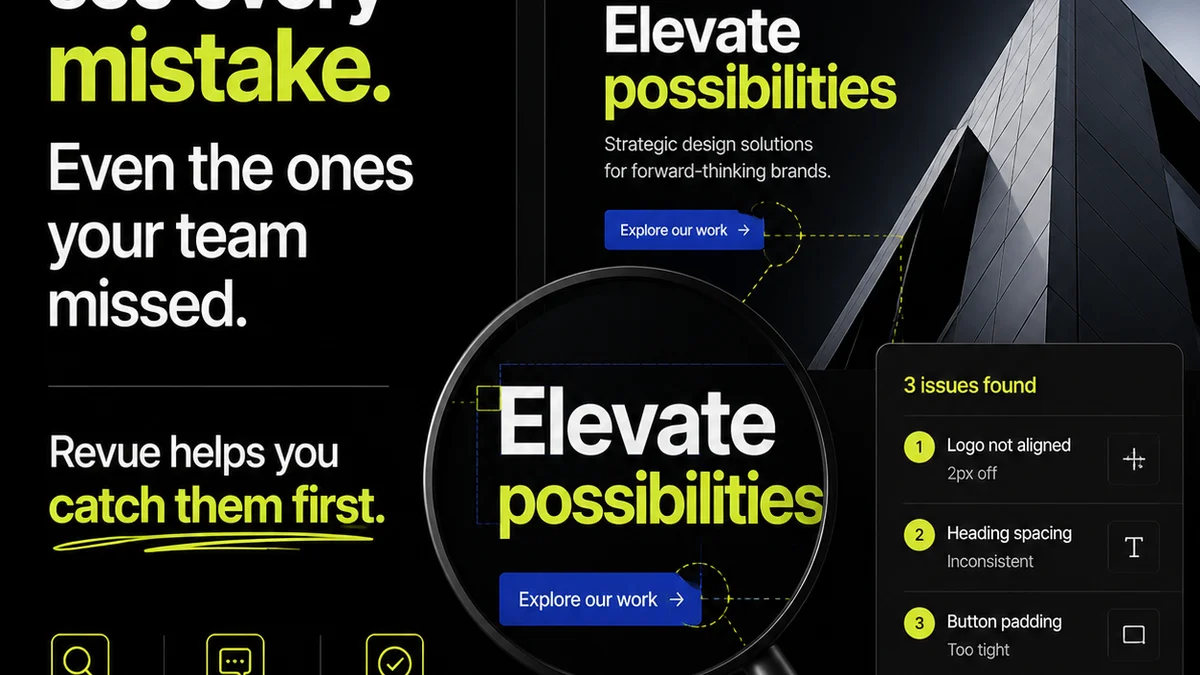
Everyone thinks layout Quality Assurance is about catching stray pixels. About ensuring everything looks pretty. None of that is wrong. But it’s incomplete.
The hard truth? Layout QA is an operational bottleneck waiting to happen if you’re not careful. It’s not just about aesthetics; it’s about the entire feedback and revision loop. And most teams get it fundamentally wrong.
1. Treating QA as a Final Act, Not a Continuous Process
The biggest mistake agencies make is baking QA into the very end of the project lifecycle. Like a final polish before delivery.
This creates a massive bottleneck. It’s where projects go to die, or at least, to fester.
Instead, QA should be woven into the fabric of the entire workflow. From initial wireframes to final comps.
Early Detection is Key
Catching issues early saves immense time and money. A structural problem identified in a wireframe is trivial to fix. The same problem in a final, pixel-perfect mockup? That’s a nightmare.
- Layout grids misaligned early on.
- Content hierarchy unclear in initial sketches.
- Interaction patterns undefined before visual design.
- Accessibility considerations missed in wireframing stages.
These are the real layout QA concerns that matter. Not whether a shadow is 2px too soft.
2. Unclear Feedback Channels Lead to Ambiguity
Ambiguous feedback is the enemy of efficient QA. If comments are vague, subjective, or buried in endless email threads, you’re setting yourself up for failure.
This isn't just about
Frequently asked questions
What is the primary goal of layout QA?
Beyond visual perfection, the primary goal of layout QA is to ensure the design functions as intended, meets project requirements, is accessible, and can be implemented efficiently. It's about validating the design's integrity and usability across different contexts.
How can I make my layout QA process more efficient?
Make QA a continuous process, not an end-of-project step. Establish clear feedback channels, use version control, create checklists, and leverage tools that centralize feedback and track revisions. Empower your team to conduct self-QA before handing off.
What are the most common layout QA mistakes?
Common mistakes include treating QA as a final step, providing ambiguous feedback, neglecting accessibility, inconsistent application of design systems, and failing to test across devices and browsers. The most significant is often a lack of a structured, continuous QA process.
How does accessibility fit into layout QA?
Accessibility is a critical component of layout QA. It involves checking for sufficient color contrast, keyboard navigability, proper heading structures, ARIA roles, and alt text for images. Designs must be usable by everyone, including those with disabilities.