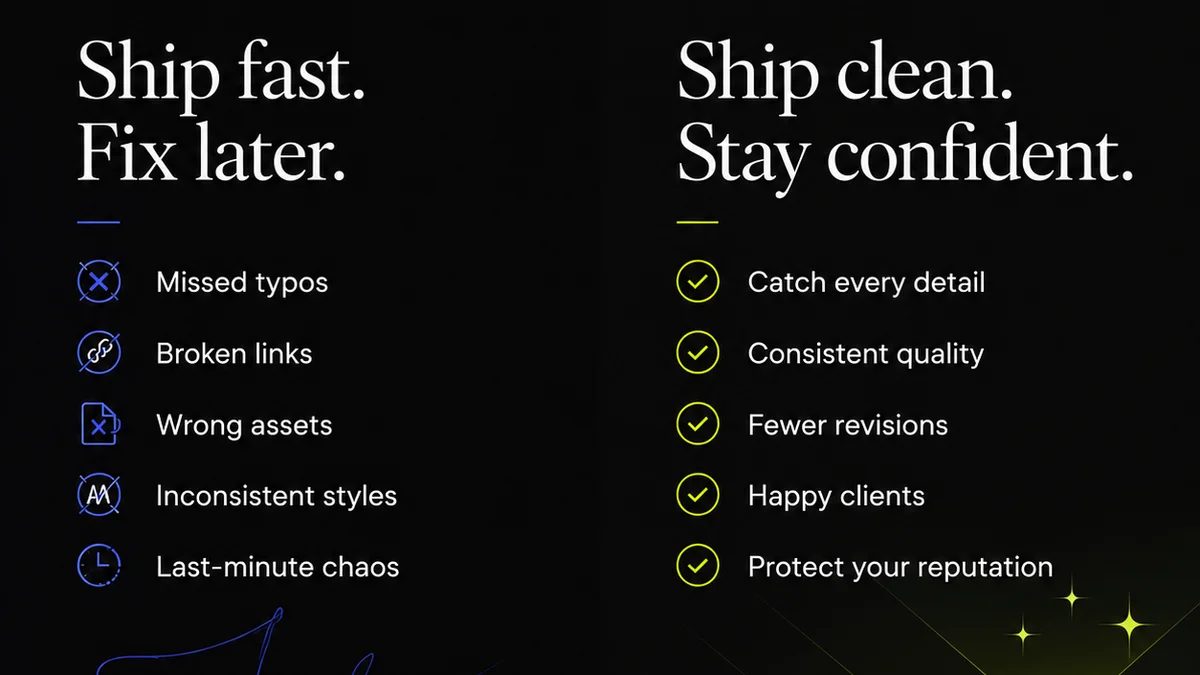
Everyone assumes layout QA software is just about catching typos and rogue pixels. That’s the surface level. The real value lies much deeper, in how it streamlines your entire creative workflow and protects your client relationships.
The hard truth? Most agencies struggle with feedback loops, version control, and clear sign-offs. This isn't a software problem; it's an operational one. The right layout QA tool isn't just a checklist; it's a command center.
1. Centralized Feedback and Annotation
Scattered feedback is a death sentence for projects. Emails, Slack messages, random Word docs – they all create confusion and missed revisions.
Your layout QA software needs to be the single source of truth for all client comments and internal reviews. This means robust annotation tools.
Key Annotation Features:
- Pixel-perfect placement for comments.
- Ability to draw shapes (boxes, arrows) to highlight specific areas.
- User-specific annotations (client vs. internal team).
- Comment threading for organized discussions.
- Status indicators for comments (open, resolved, awaiting client).
This eliminates the
Frequently asked questions
What is the primary benefit of using layout QA software?
The primary benefit is streamlining the feedback and approval process. It centralizes all comments, ensures clarity on revisions, and provides a clear audit trail, reducing miscommunication and speeding up project delivery.
Can layout QA software help with version control?
Yes, good layout QA software integrates version control. It allows you to track multiple revisions of a design, compare them side-by-side, and ensure everyone is working on and approving the correct version, preventing costly errors.
How does layout QA software improve client communication?
By providing a single, clear platform for feedback, it removes the ambiguity of scattered emails or messages. Clients can see exactly what needs to be addressed, and you can track their feedback and approvals, leading to more transparent and efficient communication.
Is layout QA software only for visual design, or can it be used for other types of content?
While often associated with visual design (web, print, video), layout QA software can be adapted for any content where visual review and annotation are critical. This includes documents, presentations, and even code snippets where visual representation matters.